
What lists Didit screens against
Over 1,300 databases covering sanctions, PEPs and their associates, adverse media across 50,000+ sources, law enforcement, regulatory enforcement, and country risk.
Over 1,300 databases. Sanctions regimes including OFAC SDN, UN, EU and HM Treasury; PEPs with relatives and close associates; adverse media across 50,000+ news sources tagged into 415+ risk categories; law-enforcement and regulatory enforcement lists; and country-risk signals.
#The categories
1. Sanctions and watchlists. Global sanctions regimes - OFAC SDN, UN, EU, HM Treasury and others - kept current, plus travel bans and related restrictive measures.
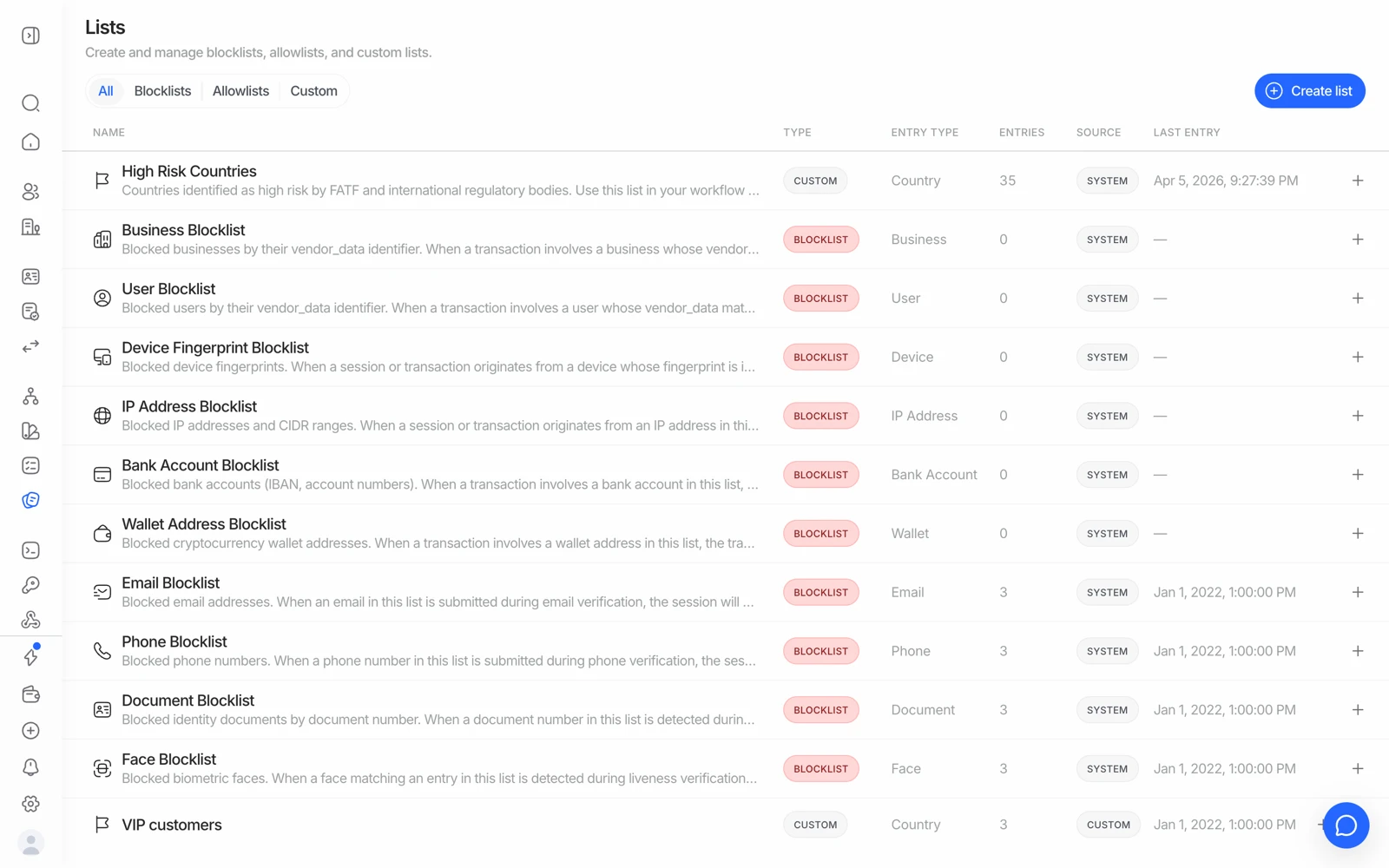
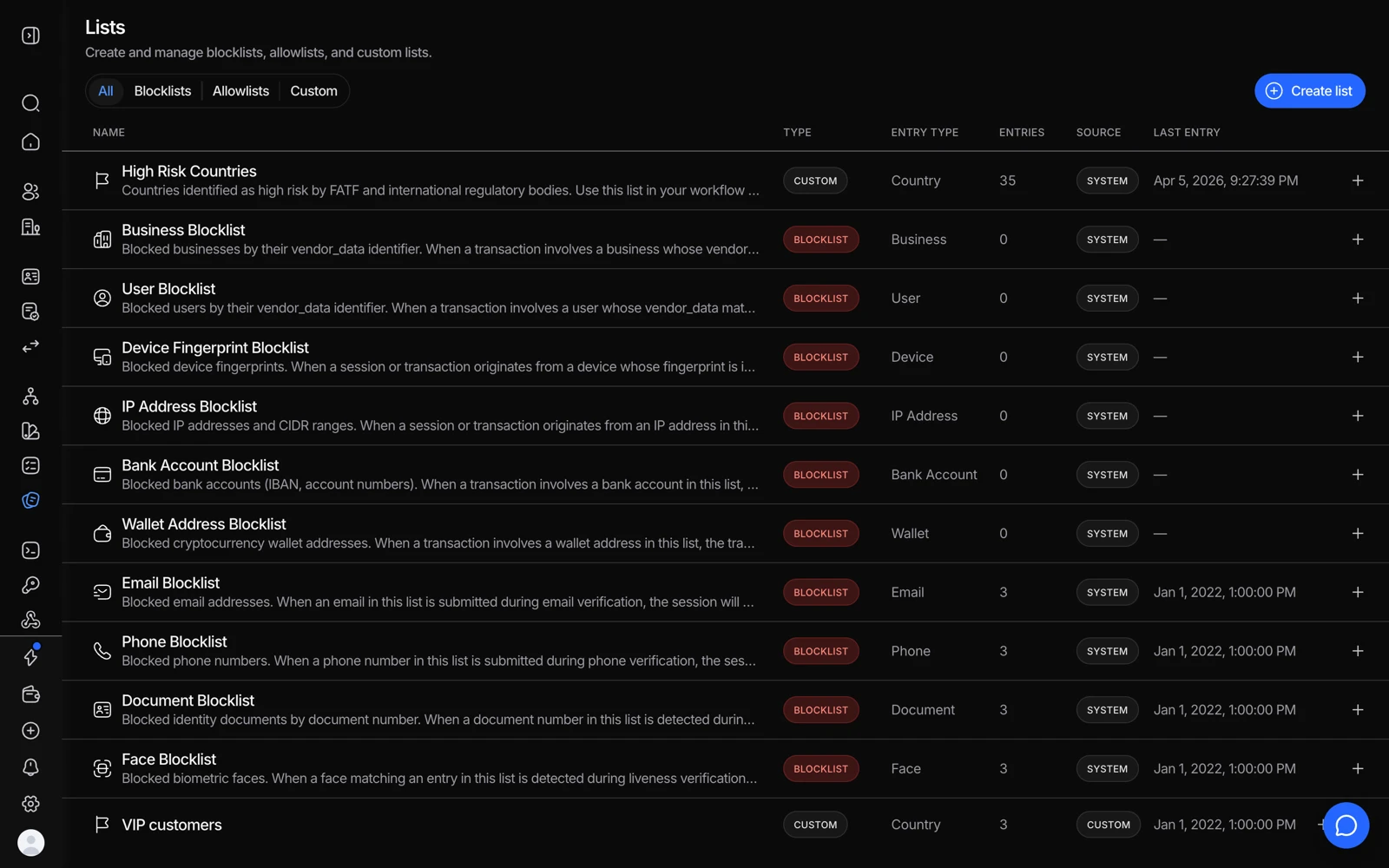
- Blocklists stop a match outright.
- Allowlists keep a known customer from being flagged again.
- Create list adds your own, on top of the sanctions and PEP coverage.
2. Government enforcement and law enforcement. Wanted lists including FBI and Interpol, plus exclusion and debarment lists.
3. Politically exposed persons. PEPs across tiers, from heads of state down to officials, plus relatives and close associates (RCAs), and entities with political ties such as state-owned or state-invested businesses.
4. Adverse media and negative news. Global news analysis across more than 50,000 sources, with records tagged into 415+ risk categories - allegations, investigations, convictions, and reputational issues - so a hit tells you what kind of coverage it is rather than only that coverage exists.
5. Financial crime categories. Fraud, misappropriation, corruption, tax evasion, drug trafficking and narcotics offences, bribery and anti-corruption.
6. Terrorism and insurgency. Terrorist activity including support networks, financiers, and operational personnel - profiled both before and after official designation.
7. Geopolitical and country risk. Exposure to high-risk countries, including FATF grey- and black-listed and embargoed jurisdictions, and entities such as shell banks and sanctioned state financial institutions.
8. Regulatory and judicial risk. Persons and entities subject to court rulings - convicted, indicted - and regulatory actions such as fines and debarments.
#Confirming a specific list
If your compliance obligation names a specific list, the honest answer is to confirm it rather than infer it from a category above. OFAC SDN, UN, EU and HM Treasury are explicitly covered. For anything more specific - a national financial-intelligence register such as Russia's Rosfinmonitoring, Mexico's SAT or UIF lists, a sectoral debarment list, a market-specific watchlist - check the full source list in the technical docs, or ask your Didit contact and get the confirmation in writing. Coverage claims are exactly the kind of thing an auditor will ask you to evidence. The same goes for the reverse question - excluding a source your policy doesn't want screened - which is also one to raise with your Didit contact.
#What screening coverage does not decide for you
Broad coverage increases the chance a real hit is found. It does not decide:
- Whether a hit applies to your customer. That's the match score, and a common name will collide with a large list. See understanding AML screening results.
- Whether a hit should block onboarding. A PEP is not a criminal; PEP status normally means enhanced due diligence, not refusal. Your policy decides.
- Whether your obligations are met. Coverage is a capability. The obligation is yours, and it depends on your regulator, your sector, and your risk assessment.
#Screening frequency matters as much as coverage
A screen tells you what the lists said on the day it ran. Lists change constantly - designations are added, and adverse media accumulates. If your obligation includes keeping customer due diligence current, a one-time screen at onboarding does not do that. See ongoing AML monitoring, at $0.07 per year.
#Crypto wallets are screened separately
Screening a person against watchlists and screening a blockchain address for exposure are different problems, using different data. Wallet screening and transaction-level AML are part of transaction monitoring. See wallet screening.
#Record-keeping
Screening results are part of the session, so they're in the session PDF alongside everything else, and every API call is in your audit log for 365 days. If your obligation is to retain screening evidence for a longer period than you retain the session, export the report at the point of decision and keep it in your own system. See downloading a verification report.
If you believe you have a statutory record-keeping period that conflicts with your configured retention window, that's a compliance decision for your team rather than a platform setting to guess at. Decide the period first, then configure retention and your own archiving to match.