
Ongoing AML monitoring
Monitoring re-screens approved customers daily against updated lists and moves the session when something new crosses your threshold - $0.07 per year, no extra integration.
Monitoring re-screens every previously approved session daily against updated
lists. A new hit above your review threshold moves the session to In Review;
above your decline threshold it moves to Declined. Either way you get a
status.updated webhook. $0.07 per year, and it needs no extra integration.
#Why a one-time screen isn't enough
Screening at onboarding tells you what the lists said that day. Designations get added, adverse media accumulates, and someone who was clean in March can be sanctioned in August. If your obligation includes keeping customer due diligence current - and for most regulated businesses it does - a single screen doesn't meet it.
#How it works
Monitoring is automatically available for sessions where an AML check ran, with no additional integration work:
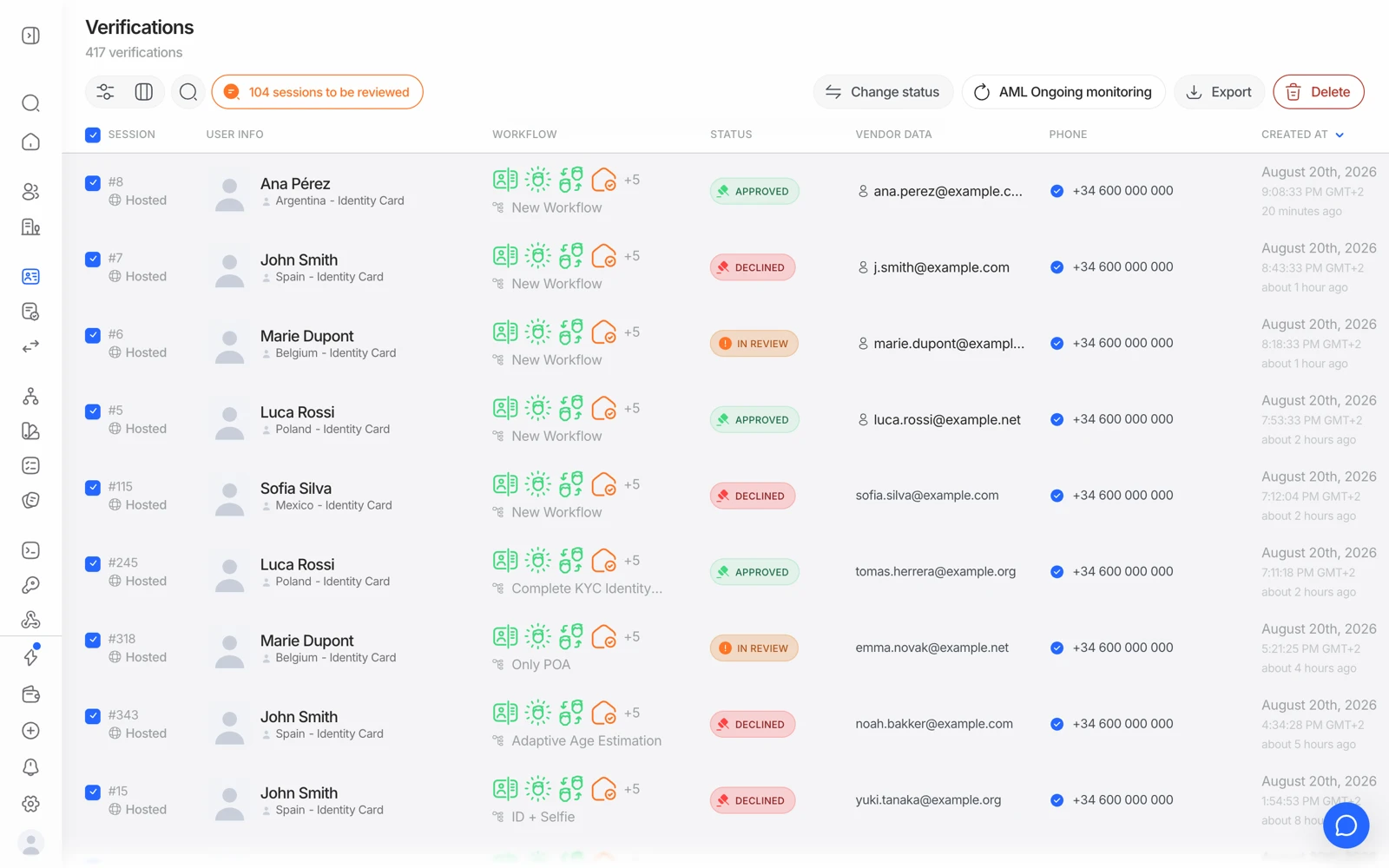
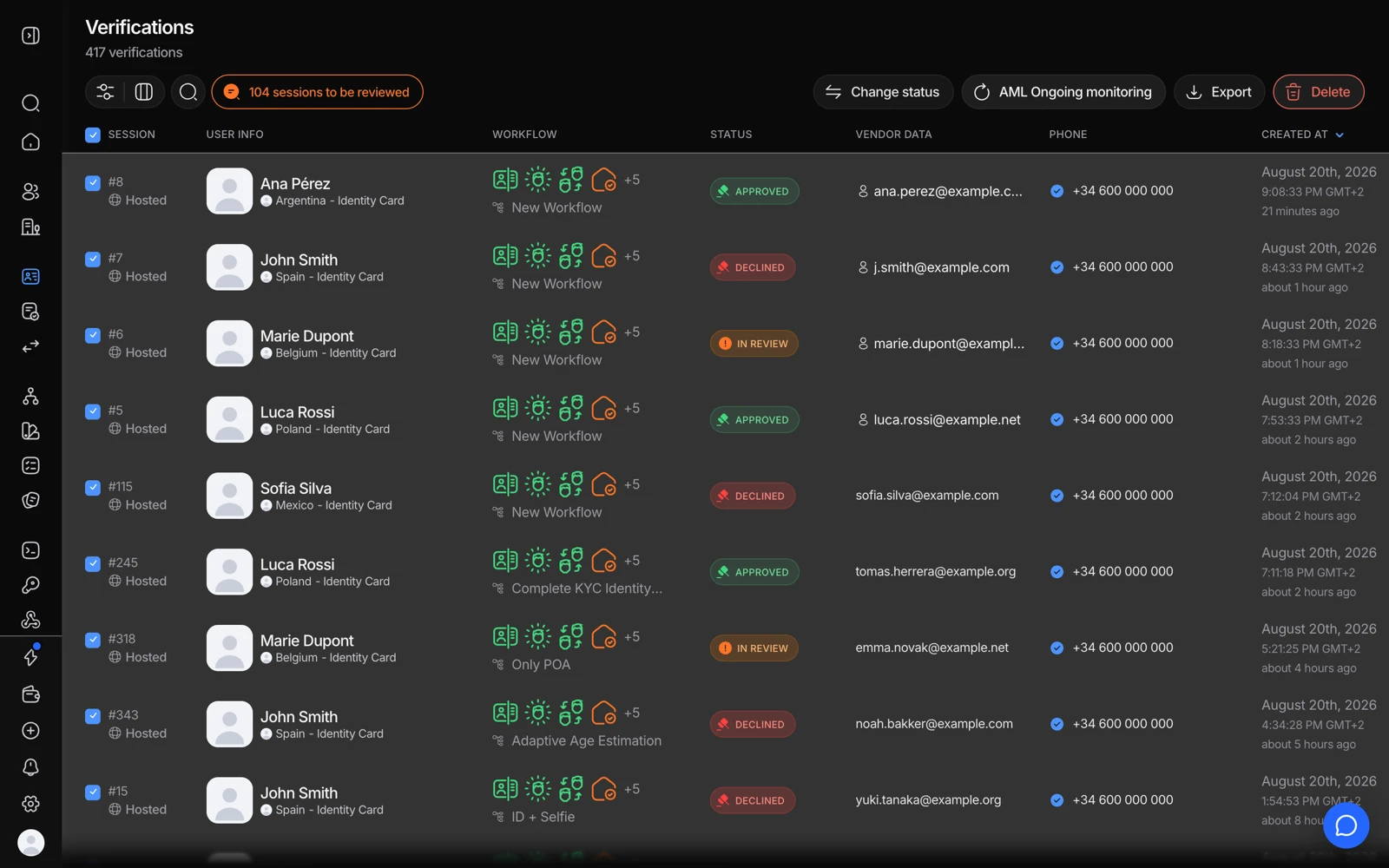
- Select the people to keep screening, then switch monitoring on.
- Tick the people to keep screening - monitoring is per person, not per organization.
- A new match reopens the session, so it shows up here rather than in an inbox.
- Daily automated checks. Every previously approved session is re-screened against the full watchlist and sanctions database.
- Threshold comparison. New findings are compared against the same review and decline thresholds you configured in your workflow.
- Status change. A new hit above your review threshold moves the session to In Review. Above your decline threshold, it moves to Declined.
- Webhook. Your application receives a
status.updatedwebhook with the updated status and the details of the new hits, in the same format as any other webhook. - Console. The change appears on the session with the new hits ready to resolve.
#The thing to build for
An approved session can change status later. If your integration treats Approved as final and stops listening, you'll miss exactly the events monitoring exists to deliver.
Concretely:
- Keep handling
status.updatedfor sessions you've already marked verified. - Don't ignore a webhook because the session is one you closed weeks ago.
- Make your own user state able to move back out of "verified" - which is usually the harder change, because it's a product decision, not just a handler.
Webhooks fire only when the status actually changes. No new hit above threshold means no event - so silence is the normal case and is not evidence that monitoring isn't running. If you need positive confirmation, check the session in the console rather than waiting for a webhook that correctly never comes.
#What it costs
$0.07 per year per monitored person. It is not part of the free tier.
Priced annually rather than per screen, so the daily cadence doesn't multiply the cost - which is what makes continuous monitoring affordable at volume rather than something you ration.
#Turning it on and off
Monitoring is configured per workflow, alongside the AML step. Because it applies to sessions going forward from when it's enabled, switching it on doesn't retroactively begin monitoring your existing approved population - plan a backfill if you need historical customers covered.
#Staffing the consequence
The part teams underestimate isn't the integration - it's that monitoring generates a recurring queue. A new hit needs the same resolution work as an onboarding hit: is it your customer, does it matter, record the reasoning. See working through AML hits.
If nobody owns that queue, monitoring produces alerts that sit unread, which is worse than not monitoring - you now have evidence you were told and did nothing.
#Monitoring is not transaction monitoring
Two different things with similar names:
- AML monitoring re-screens the person against lists over time. This article.
- Transaction monitoring evaluates transactions against rules as they happen. See how transaction monitoring works.
You may well need both, and they're billed separately.