
How transaction monitoring works
Submit transactions, rules evaluate them in real time, and risky ones raise alerts and cases - $0.02 per screened transaction.
You submit each transaction, Didit evaluates it against your rules in real time, and returns a status and score. Risky transactions raise alerts, which group into cases for an analyst. $0.02 per screened transaction; AML counterparty and wallet screening is priced separately.
#Where it sits
Identity verification answers "who is this?" at onboarding. Transaction monitoring answers "is this activity normal?" afterwards. They're separate products on the same platform, and a regulated business usually needs both - onboarding checks alone tell you nothing about what a customer does once they're in.
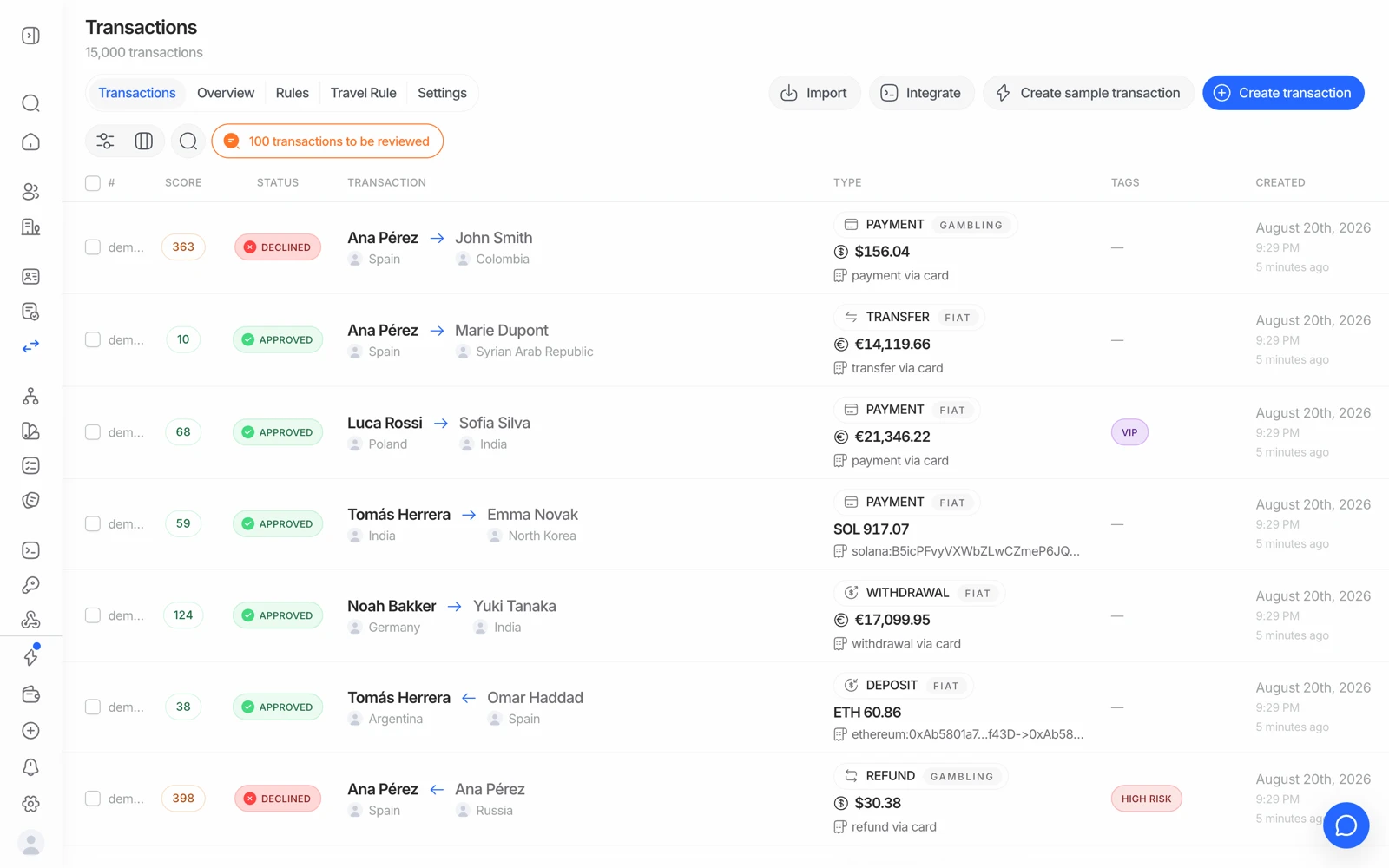
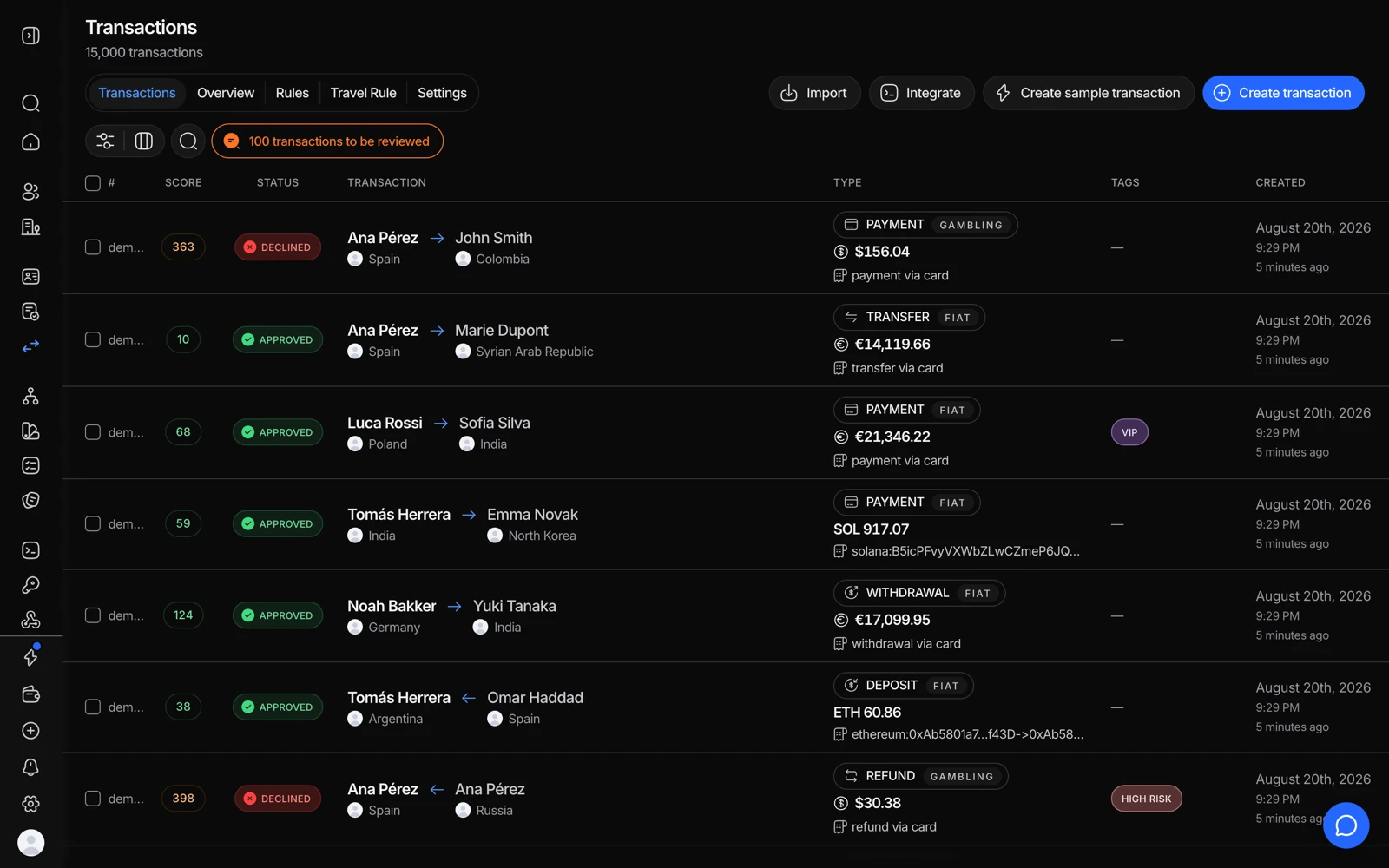
- Overview lists transactions with the decision each one got.
- Rules is where the logic lives - what to flag, and what to do about it.
- Create sample transaction lets you watch a rule fire without wiring anything up.
#The flow
- Submit the transaction
Your backend sends the transaction as it happens, with your own identifier (
txn_id), the amount, currency, direction, and the parties involved. - Rules evaluate it
Your configured rules run in real time - thresholds, velocity checks, counterparty checks, and any custom logic. The transaction comes back with a status, a score, and a severity.
- Alerts and cases
Transactions that trip a rule raise alerts. Alerts group into cases so an analyst works a customer's pattern rather than isolated events.
- Webhooks keep you in sync
transaction.createdfires with the initial verdict;transaction.status.updatedfires whenever it changes afterwards - analyst action, remediation, a blocklist match, or a provider update.
#Rules are the product
Everything useful about transaction monitoring is in the rules, and they're yours to configure. Broadly they cover:
- Amount thresholds - single transactions above a limit.
- Velocity - many transactions in a window, or a total crossing a limit.
- Structuring patterns - repeated amounts just under a reporting threshold.
- Counterparty risk - who is on the other side.
- Direction - inbound and outbound treated differently, which they usually should be.
- Geography - jurisdictions in your risk assessment.
Didit ships a rules library as a starting point. Treat it as a starting point: a rule set that isn't tuned to your product's normal behaviour will either alert on everything or nothing. See the rules library.
#Fiat and crypto
Rules cover both fiat and crypto flows. If you're configuring crypto monitoring and the rule inputs read as fiat-oriented, that's worth raising with your Didit contact rather than working around - the shape of what you need to express matters more than forcing it into a field that nearly fits.
Crypto brings a second dimension: the address on the other side has its own on-chain risk profile. That's wallet screening. See wallet screening and crypto.
#Linking transactions to verified identities
The value of monitoring multiplies when a transaction is attributable to a verified person. Use consistent identifiers - vendor_data for the user, vendor_business_data for a business - so a transaction, its alerts, and the identity behind it resolve to the same entity. Without that, you're monitoring anonymous flows.
#Statuses and your own state
Transaction statuses are their own set, separate from verification session statuses. Don't reuse your KYC mapping for them. See transaction statuses.
#What it costs
| Price | |
|---|---|
| Transaction screening (rules, scoring, velocity, cases, alerts) | $0.02 per transaction |
| Wallet verification & screening (counterparty sanctions, crypto wallet risk) | from $0.15, or $0.02 with your own provider key |
| Travel Rule | $0.02 per outbound transfer |
None of these is in the free tier. A Travel Rule transfer is billed on its own $0.02 line instead of the standard screening fee, never both. See Travel Rule.
#If wallet screening or a feature looks unavailable
Some monitoring capabilities are enabled per organization. If the console shows a feature as unavailable or coming soon and you need it, ask support to confirm what's enabled on your account rather than assuming it's a configuration you've missed.
#Regulatory reporting
If your obligation includes filing suspicious activity reports, Didit's case management can produce regulatory reports from a case. Which report formats and which regulators are supported is a factual question for your Didit contact - don't design a filing process around an assumption. See regulatory reports.