
Deleting sessions and personal data
How to delete a verification session and everything it produced - and exactly what deletion does and doesn't affect. Deletion is immediate and irreversible.
Delete a session from the console or the API and it is gone - the decision, the extracted data, every feature record, and all the media. It is immediate and irreversible, so export anything you need first.
You can delete a verification session and everything it produced at any time, from the Business Console or the API. Deletion is immediate and cannot be undone.
#Delete a session from the console
- Open Verifications
Go to Dashboard > Verifications in the Business Console.
- Find the session
Search or filter for the session you want to remove.
- Delete
Click Delete and confirm.
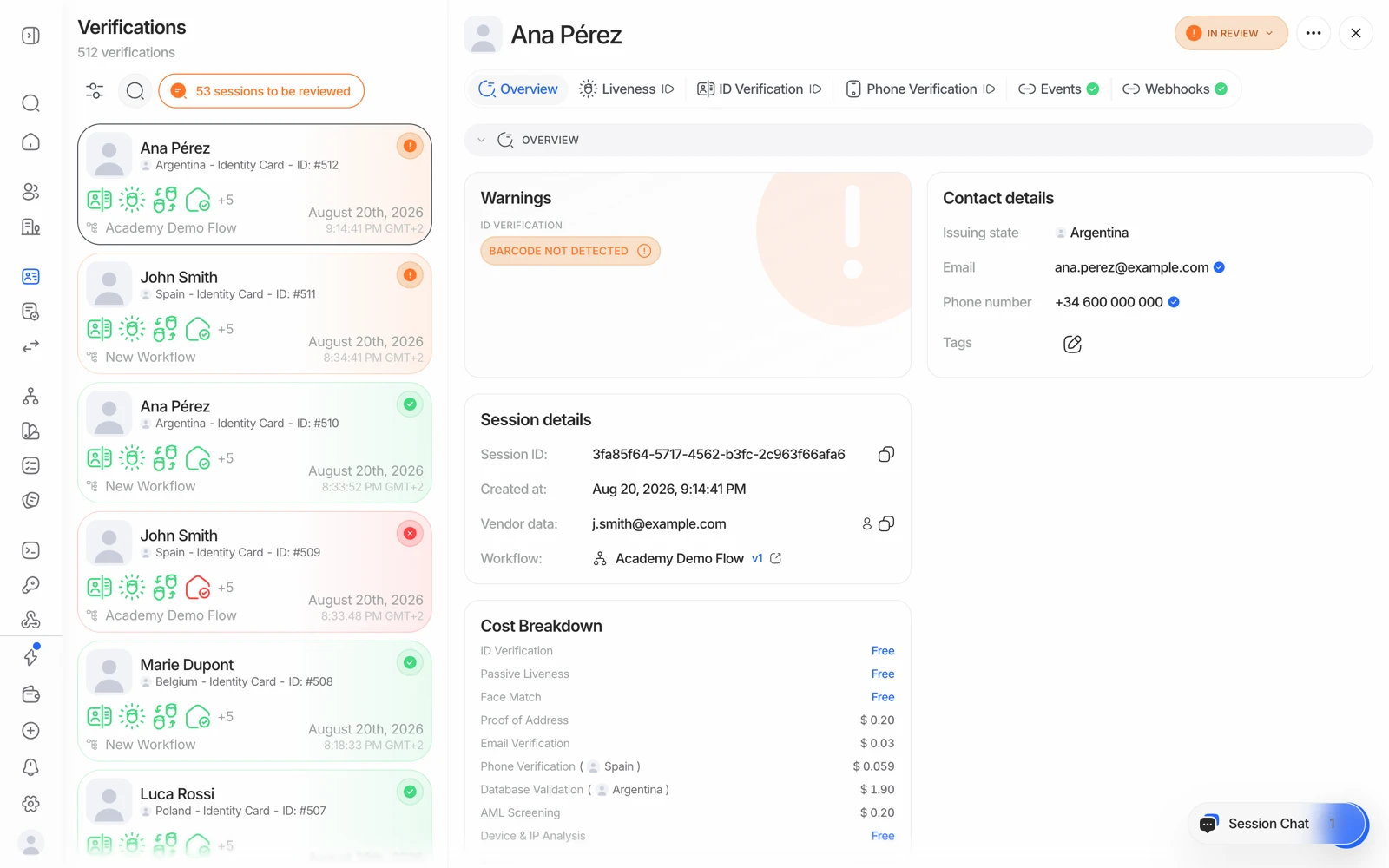
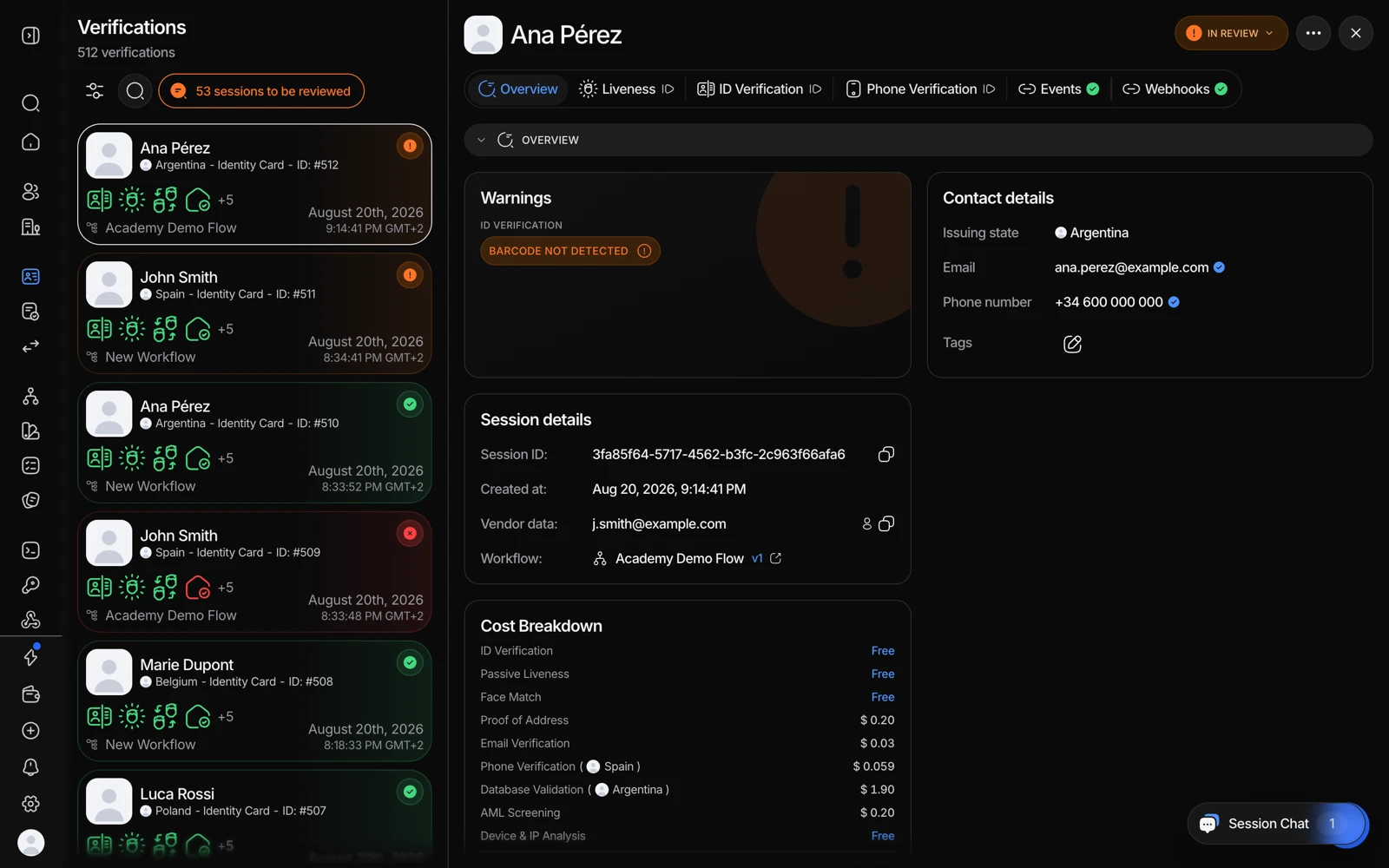
- More options carries the delete action for that session.
- Check you have the right session first - deletion is irreversible.
#Delete a session via the API
Call the delete endpoint with the session ID:
curl -X DELETE https://verification.didit.me/v3/session/SESSION_ID/delete/ \
  -H "x-api-key: YOUR_API_KEY"
A successful call returns 204 No Content. A 404 means the session is already deleted or the ID is unknown. This works for both individual (KYC) and business (KYB) verification sessions.
#What gets deleted
Deleting a session removes the session itself, along with:
- Its decision and all extracted data.
- Every associated feature record - ID verification, registry checks, documents, AML results, and more.
- All stored media - document images, videos, portraits, selfies, and any other uploads tied to the session.
The session disappears immediately from your session lists and decision lookups, and any media URLs issued before the deletion stop resolving.
There is no way to restore a deleted session. Export anything you need - a decision PDF, a CSV row - before you delete. See downloading a verification report.
#What deletion does not affect
A few things are handled separately and are not removed when you delete a session:
- Blocklist entries created from the session stay in place. Remove them from the blocklist directly if needed.
- Hosted-flow links already issued for the session are not revoked.
- Webhook deliveries already queued still arrive. No webhook is sent for the deletion itself.
- Credits already spent on the verification are not refunded.
- The user or business the session belonged to is not deleted - deleting a session only removes that one verification.
- Audit log entries recording the API activity are activity records, kept on their own 365-day schedule. See using audit logs.
#Deletion affects future duplicate detection
Duplicate detection works by comparing a new face against the data you still hold. Once a session is deleted, the face it contained is no longer there to compare against - so if the same person verifies again later, that attempt will not be recognised as a duplicate of the deleted one.
That's the real tradeoff between data minimisation and fraud detection, and it's better decided deliberately than discovered later. See duplicate accounts and face search.
#Deleting many sessions at once
To remove multiple sessions in one call instead of one at a time, use the bulk delete endpoint. See the Delete Session API for the request format.
If you need to clear a large historical set - a test period, a decommissioned application - and the bulk endpoint isn't practical at that scale, ask support rather than looping a script against the API at high concurrency, which will hit rate limits.
#Retention windows do it automatically
Rather than deleting session by session, set a retention window and let it apply. Configure it in Business Console → App Settings → Data retention: anywhere from 1 month to 10 years, or unlimited. The policy is per application, so different products can carry different windows, and it applies to future and existing sessions alike.
#Process-and-purge
For maximum data minimisation, don't keep the data at all:
- Create the session
Your backend calls the create-session API as usual.
- Let the checks run
Identity, liveness, AML, and anything else your workflow configures.
- Receive the webhook
You get the status, session ID, your
vendor_data, and the full verification data. - Keep only what you need
Store the minimum your own records require - often just the status and your own reference, plus the PDF if you need the evidence.
- Delete the session
Call the delete endpoint for that session ID.
This is the strongest posture available and it's worth considering if your obligation is to hold the evidence yourself rather than rely on a provider holding it.
#Privacy requests that aren't a deletion
Some requests are about how data is used rather than whether it's stored. One of them is self-serve: opting your organization out of model training is a switch you flip yourself under Settings → Account → Privacy and data use, described in opting out of model training. It changes how data may be used, and deletes nothing.
The rest - an opt-out from another data use described in the privacy policy or your DPA, a controller-versus-processor question, or a data-subject request you need help routing - go to privacy@didit.me, the team that confirms and processes them - support can't action them from a chat.
#If your own obligation requires you to keep records
Some regulated businesses have a statutory record-keeping period that outlives what they want a processor to hold. The way to satisfy both is to export the evidence at the point of decision and keep it in your own systems under your own controls, then let a short retention window handle the copy here.
Deciding what your obligation actually is, and for how long, is a legal and compliance decision for your team. Don't infer it from a help page - decide it, then configure retention and your own archiving to match.