
Testing in sandbox without spending credits
Sandbox is a per-application mode where every provider is mocked, nothing is billed, and you can force any verification outcome you need - approved, declined, or in review.
Sandbox is a mode on an application, not a switch inside your live one. Create a second application in sandbox mode, use its API key, and every check is mocked, nothing is billed, and you can force any outcome you want. If you only see a production application, you need to create the sandbox one - the mode is chosen per application.
Didit's sandbox is the equivalent of a payment provider's test cards: it lets you reproduce any verification outcome on demand, without calling real providers, handling real personal data, or touching your balance.
#Sandbox is a mode on an application
This is the part that trips most people up. Live and sandbox are separate applications inside the same organization, so test traffic and production data never mix. Each application has a mode of either live or sandbox.
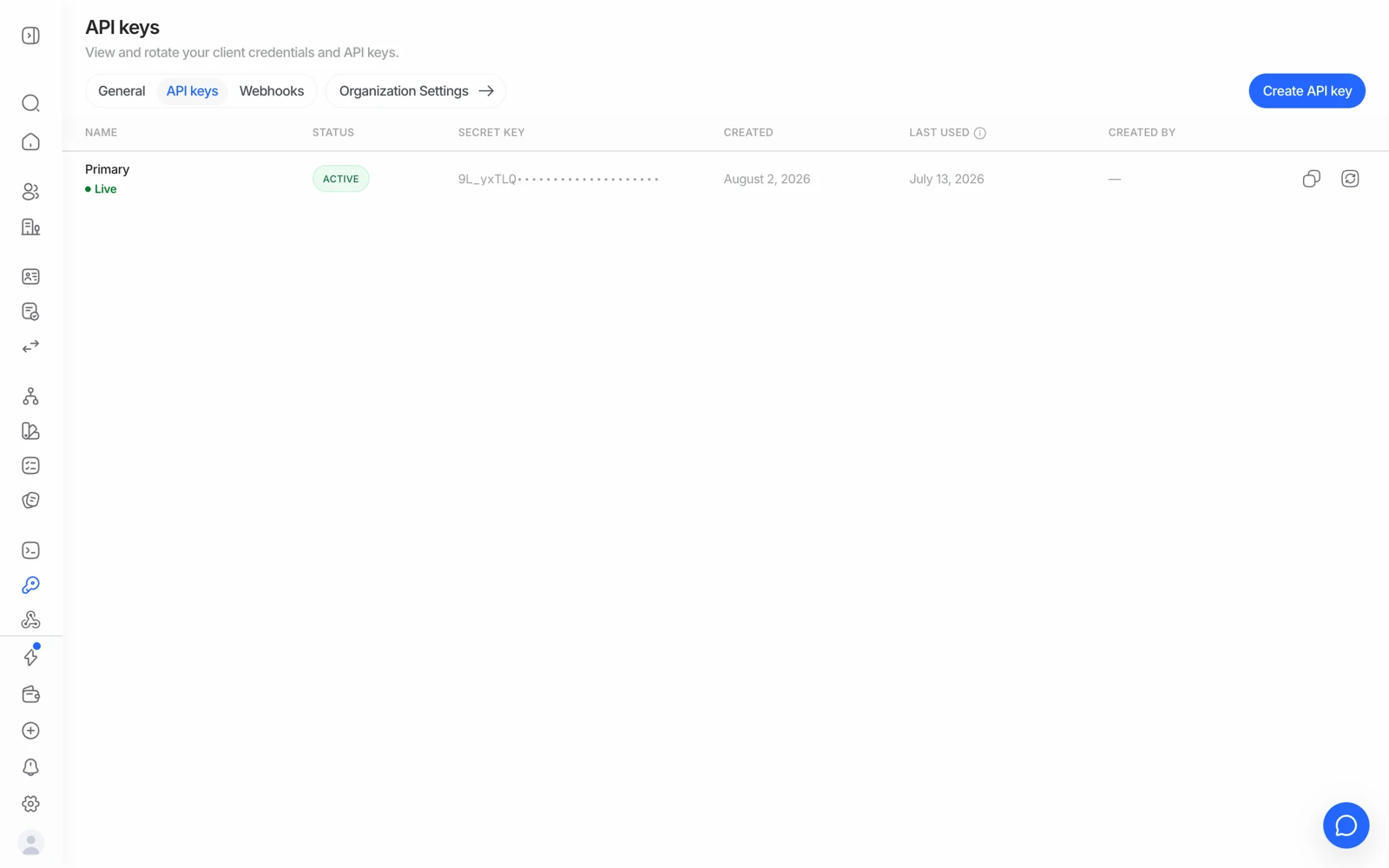
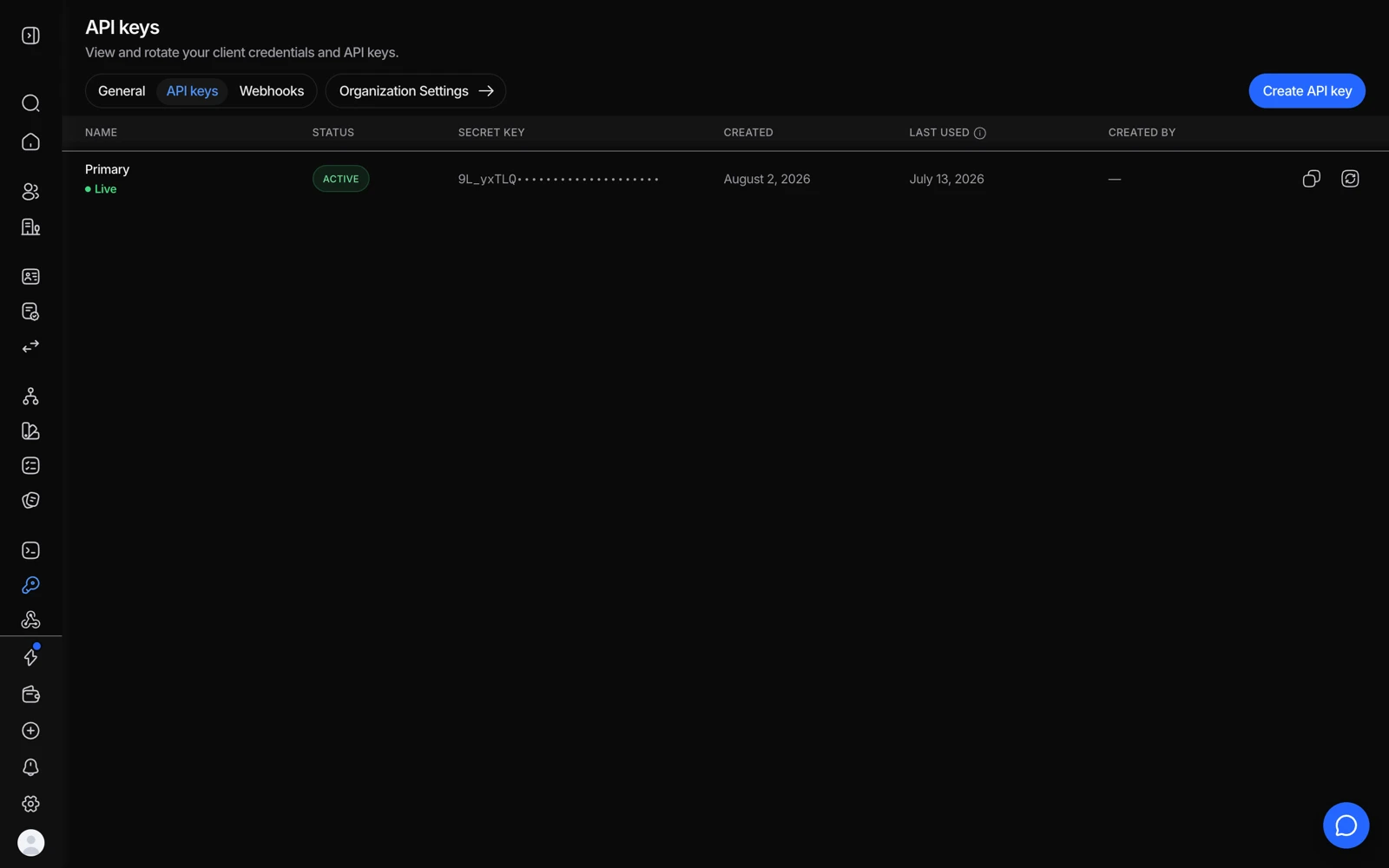
- A key belongs to one application - the sandbox app's key cannot touch live sessions.
- Create a separate key for testing rather than reusing the live one.
- Create a second application
In the console, open the application switcher at the top and create a new application. Choose sandbox as its mode.
- Use that application's API key
Grab the API key from API & Webhooks while the sandbox application is selected. There is no separate "test key" on a live application - the key is the environment.
- Build a workflow in it
Sandbox applications have their own workflows. Rebuild (or copy) the flow you want to test.
- Create sessions as normal
Same endpoint, same code path. The only difference is which key you send.
If your console only shows a production application and no way to add a sandbox one, ask support to enable sandbox application creation for your organization - that's an account-level setting, not something you've configured wrongly.
#What sandbox changes, and what it doesn't
| Sandbox | Live | |
|---|---|---|
| External providers | All mocked - no third party is ever called | Real |
| Billing | Never billed; the balance check is skipped | Billed per completed feature |
| Session create limit | 500 per 24 hours, per application | Your balance |
| Webhook payload | "environment": "sandbox" | "environment": "live" |
| Extracted data and status | Simulated by the scenario you choose | Derived from the real capture |
| Captured media | Stored for real, exactly like a live session | Stored |
Sandbox stores the media it captures - documents, selfie, liveness video, proof-of-address files - exactly as a live session would. The outcome is simulated, but the upload is real, so use the sample documents and test data the flow offers rather than a real identity document or real personal information.
Because outcomes never depend on the pixels, a deliberately bad photo won't produce a decline in sandbox. The scenario decides.
The same applies to the extracted fields: sandbox always returns sample identity data - name, date of birth, document number - no matter which document you scan. Seeing your real passport image in the console next to somebody else's details is expected sandbox behavior, not an OCR bug, and any document type "scans" successfully regardless of what you selected. It also means chip flows that re-derive keys from the printed data (NFC BAC) can't be exercised against a real document in sandbox - the mocked OCR fields won't match your chip.
#Choosing the outcome
Pass a scenario slug as sandbox_scenario when you create the session, or let the tester pick one: sandbox sessions in the hosted flow show an in-card scenario picker before capture starts, plus a strip of sample documents under the upload component and a persistent "test data only" banner.
The scenarios cover the outcomes you actually need to build against:
| Want to test | Scenario |
|---|---|
| Everything approves | approve |
| Expired document | decline_document_expired |
| Unreadable document | decline_could_not_recognize_document |
| MRZ checksum failure | decline_mrz_validation |
| Under the minimum age | decline_minimum_age |
| Face match too low | decline_face_match_low_similarity |
| Presentation attack on liveness | decline_liveness_attack |
| AML sanctions / PEP hit | decline_aml_hit |
| Blocked IP address | decline_ip_blocklist |
| Address mismatch on proof of address | decline_poa_address_mismatch |
| NFC chip failed integrity | decline_nfc_chip_not_verified |
| Database validation found nothing | decline_database_no_match |
| Needs manual review (AML) | review_aml_possible_match |
| Needs manual review (borderline face match) | review_face_match_borderline |
| Needs manual review (partial address) | review_poa_partial_match |
| KYB registry mismatch | decline_kyb_registry_mismatch |
The review_* scenarios exist so you can exercise the whole manual-review path - the console review queue, the In Review webhook, a reviewer approving or requesting resubmission - without needing a decline-grade input.
The live catalogue of scenarios and magic values is served by the API itself at
GET /v1/sandbox/scenarios/. If a slug here ever looks stale, trust the endpoint.
Full reference: sandbox testing.
#Telling the two apart in your own code
Every webhook carries an environment field - "sandbox" or "live". Branch on that rather than trying to infer the environment from the key, and you'll never mistake a test session for a real customer.
#What sandbox will not do
- It won't return real registry data for a real company. Sandbox KYB uses mocked registry responses.
- It won't send a real SMS or email. Phone and email verification are mocked, so you can't use sandbox to preview real message deliverability.
- It won't consume your free monthly allowances - which also means a sandbox run tells you nothing about your remaining free checks.
#If you need real test verifications
Some things genuinely require a live call - checking that a specific country's database service is provisioned for you, or confirming SMS delivery to a particular carrier. That needs a small top-up on a live application rather than sandbox. Ask support before spending on it, so they can confirm the service is actually enabled on your account first.