
When a webhook never arrives
Work through it in order - the delivery log, the event name, the firewall, the signature. The Deliveries tab tells you whether Didit sent it, which splits the problem in half immediately.
Start at the destination's Deliveries tab. If Didit never attempted the delivery, it's a subscription or destination problem. If it attempted and failed, the response code tells you which: 404 means your route wasn't reachable at that URL, a signature mismatch means you hashed the wrong bytes.
#Step 1: did Didit try to send it?
Open the destination in API & Webhooks and look at the Deliveries tab. Every attempt is logged individually, with the response.
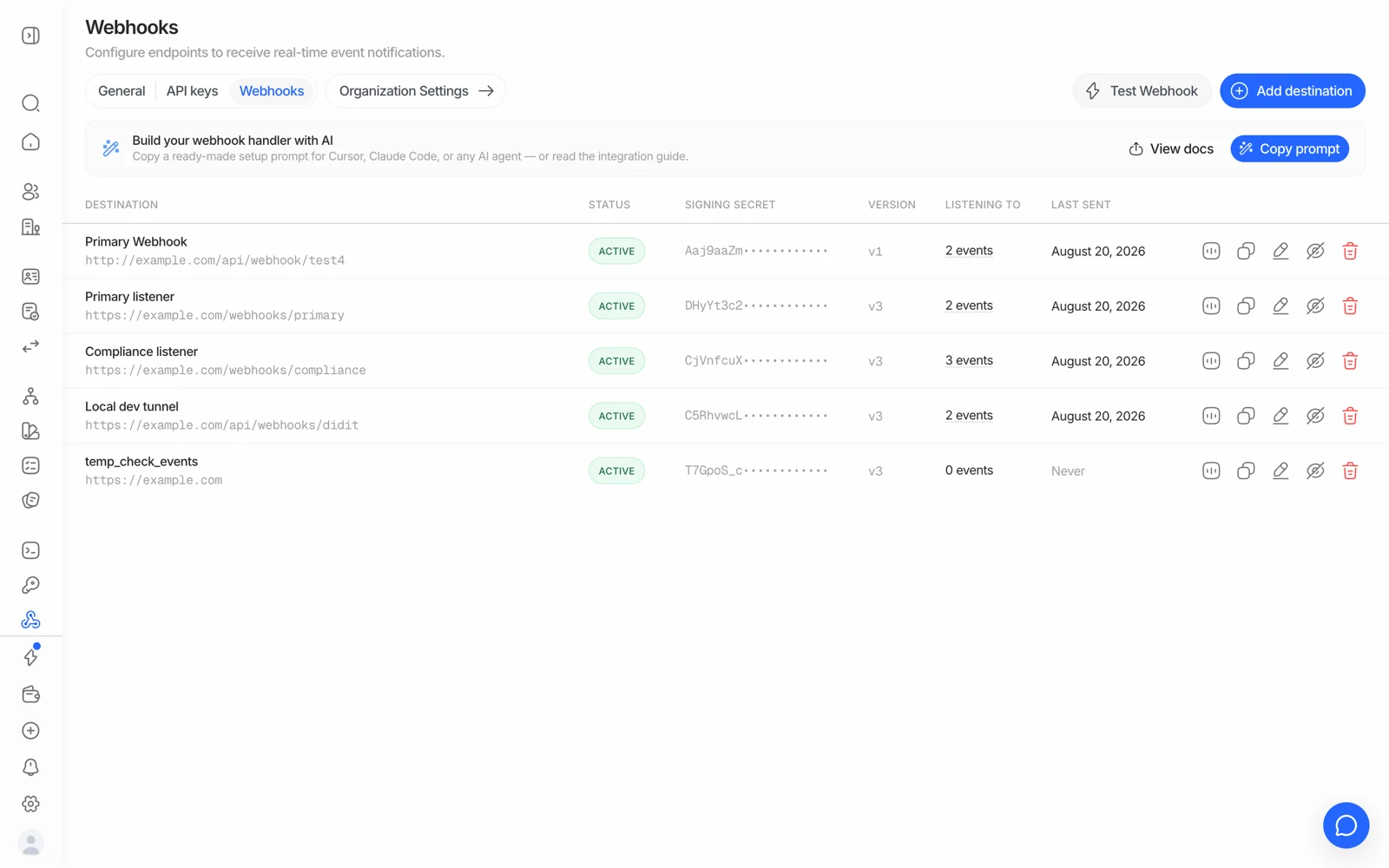
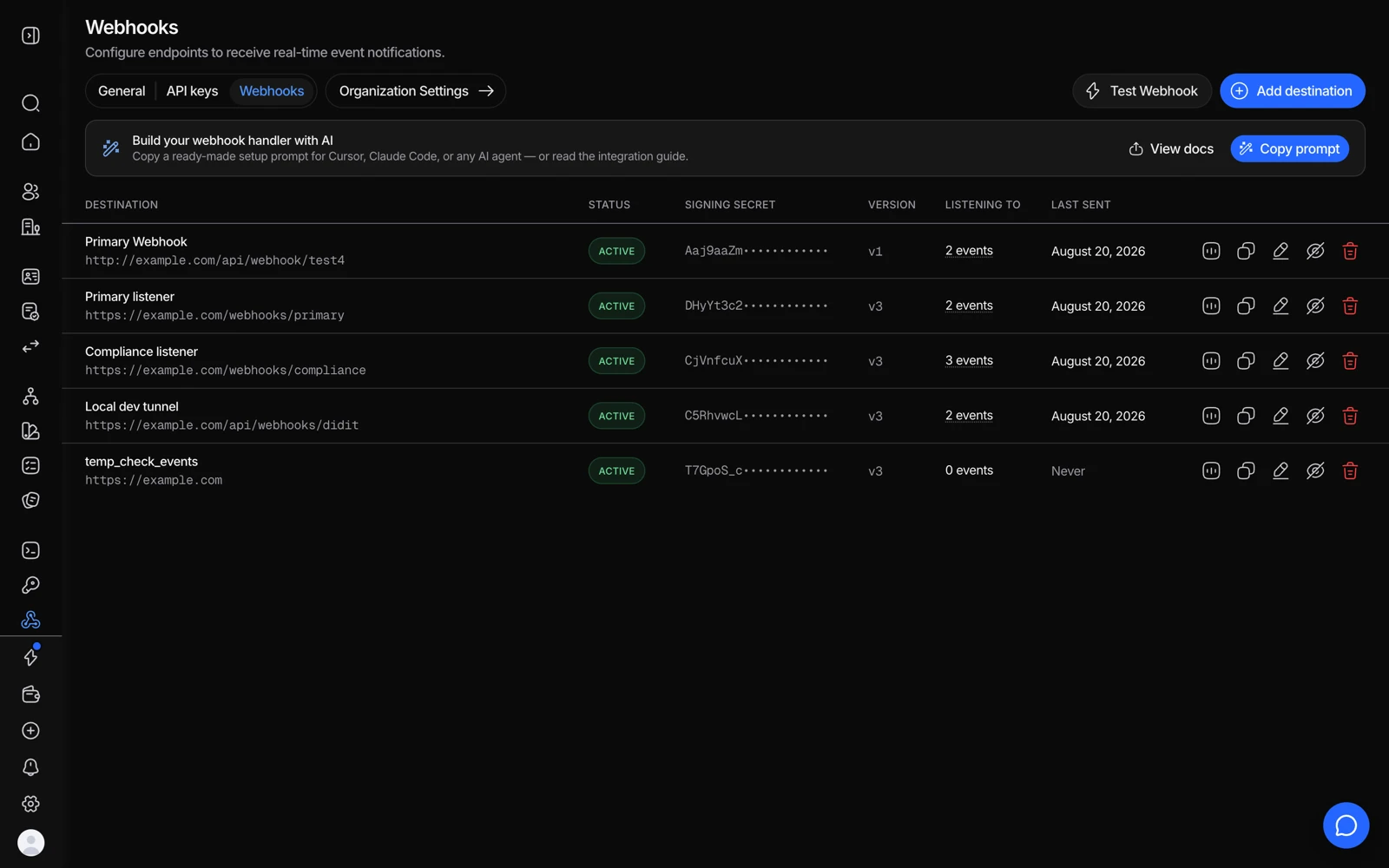
- Last sent tells you whether Didit tried at all.
- View stats shows the attempts and failures for that destination.
- A test delivery separates your endpoint from the event itself.
- A destination that keeps failing can be disabled while you fix it.
That single check splits the problem in half:
- No attempt logged → the event was never generated for that destination. Go to step 2.
- Attempt logged, failed → Didit sent it and your side rejected or didn't receive it. Go to step 3.
- Attempt logged, 2xx → it was delivered successfully. The problem is inside your handler, not in delivery.
#Step 2: no attempt was logged
In order of likelihood:
- The event isn't subscribed. There's no wildcard - every event family has to be listed explicitly. And a name that doesn't exist (
session.status.updated,kyc.completed) silently receives nothing. Check against the event list. - Wrong application. Destinations belong to an application. If your sessions run under a different application than the destination, no event will ever reach it. This is the most common cause when everything looks correctly configured.
- Nothing actually changed. Webhooks fire on change. A session that hasn't moved, or an AML monitoring re-screen that found nothing above threshold, correctly produces no event.
- The status you're waiting for hasn't happened. A session at In Progress isn't finished. See when a session never finishes.
#Step 3: the delivery was attempted and failed
A 404 means the request reached something that didn't have your route. Check:
- The exact path, including a trailing slash. A framework that redirects
/hookto/hook/can turn a working endpoint into a 404 or a lost body. - Whether the URL is public. A local or staging host that isn't reachable from the internet fails this way.
- Whether a proxy, load balancer, or path-based router in front of your app is sending that path somewhere else.
A 5xx means your handler threw. Log the raw body before parsing so you can see what it actually received.
A timeout means you didn't respond fast enough. Return 2xx first, process afterwards.
Nothing at all / connection refused means your edge blocked it. Didit delivers from the static IP 18.203.201.92 with a DiditWebhook/2.0 user agent. If you're behind Cloudflare or a WAF with a default-deny posture, allow that IP for the receiving hostname.
#The classic: automatic delivery 404s but Resend works
This one comes up often enough to name. The automated delivery fails with a 404, then clicking Resend on the same event succeeds.
That combination means the payload and your endpoint are both fine - so the difference is timing or path, not content. Check:
- A deploy or restart at the moment of the original delivery. Resend succeeds later because the app is up again.
- A cold start that exceeded your platform's timeout - common on serverless with a slow first invocation.
- Path-based routing that changed between the two attempts, or a rule that only matches some requests.
- Rate limiting or bot protection at your edge that let the manual resend through because it arrived alone rather than in a burst.
The Deliveries tab has both attempts with their timestamps - compare them against your own deploy and error logs for that minute.
#Signature verification failing
Almost always one of three things:
- You hashed re-serialised JSON. HMAC the raw request body bytes exactly as received. Parsing and re-stringifying changes whitespace and key order, and the signature won't match. Most frameworks need explicit configuration to give you the raw body.
- Wrong secret. The signing secret is per destination, and it is not your API key. Two destinations have two different secrets.
- Wrong encoding assumption. If you're unsure whether the secret is used as a literal string or decoded first, don't guess - follow the signature verification reference exactly, and log the raw body while debugging so you can compare.
Never "fix" a signature mismatch by skipping verification. An unverified webhook endpoint will accept a forged approval from anyone who finds the URL, which turns a debugging shortcut into an account-takeover path.
#Two retries is not a queue
On a 5xx, 404, timeout, or connection failure Didit retries twice - roughly 1 minute and then 4 minutes later - and then drops the delivery. If your endpoint was down for longer than that, those events are gone for good.
Build a reconciliation path: on start-up, poll the decision endpoint for any session you don't hold a terminal status for. Treat webhooks as the fast path and polling as the backstop.
#Testing without running verifications
Try Webhook on the destination page sends a fully-formed event of whichever kind you pick - approved, declined, in review, KYB, entity, transaction. Use it to prove your endpoint, signature check, and handler work before a real session depends on them.
Sandbox is the other half of this: a sandbox session emits real webhooks with "environment": "sandbox", so you can exercise the whole path end to end for free. See testing in sandbox.