
API errors and what they mean
What each HTTP status from the Didit API usually means in practice - 401 and 403 on keys and permissions, 402-style balance problems, 429 rate limits, and how to read the error body.
Read the response body. Didit's errors carry a message and often a detail code that names the actual problem - the status alone rarely does. 401 is the key, 403 is permissions or environment, 429 is rate limiting, and a balance error is credits rather than code.
#Read the body first
The HTTP status tells you the category. The body tells you what happened. Almost every avoidable debugging hour on an API integration is spent guessing at a status code while the answer was in a response that got discarded.
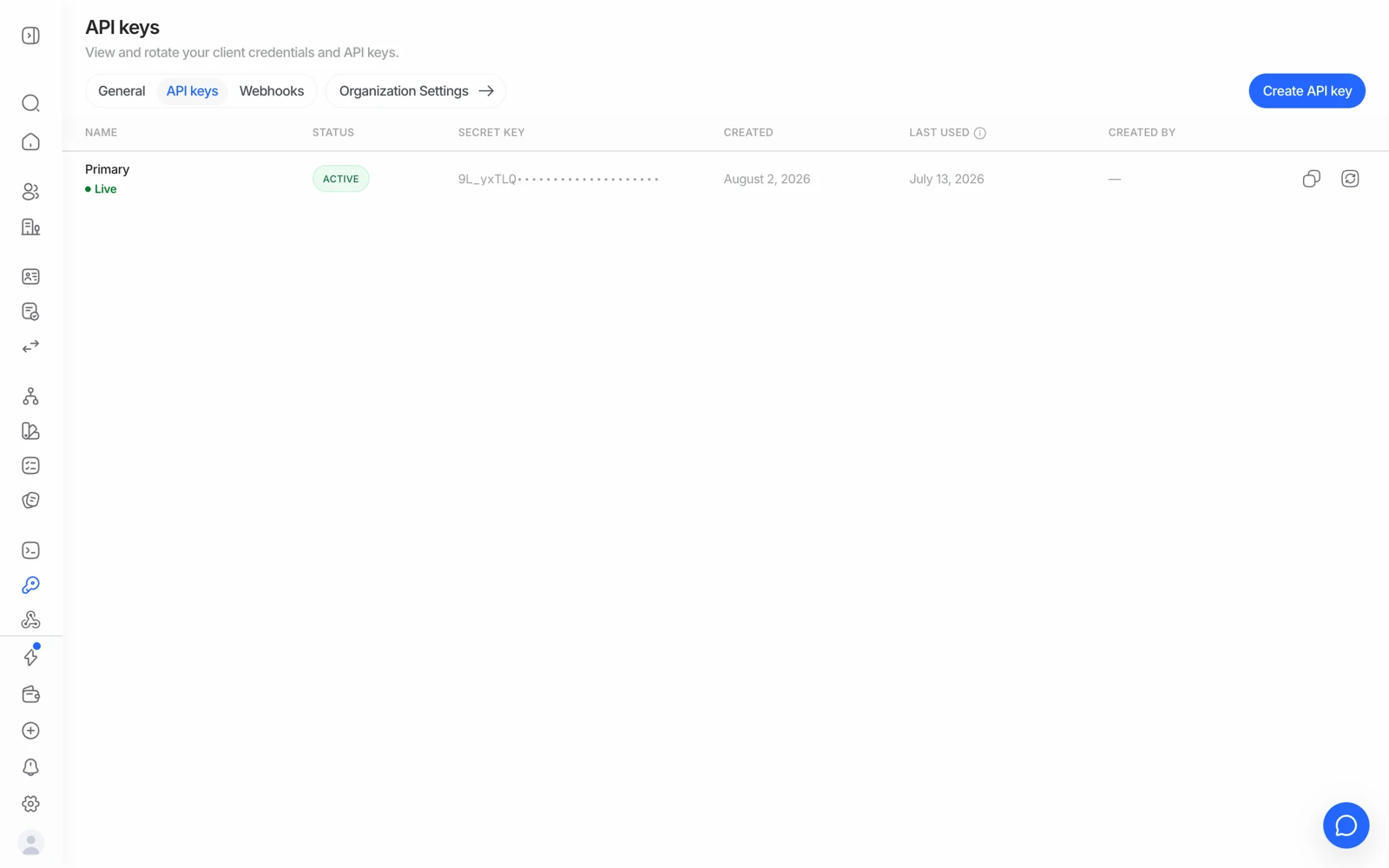
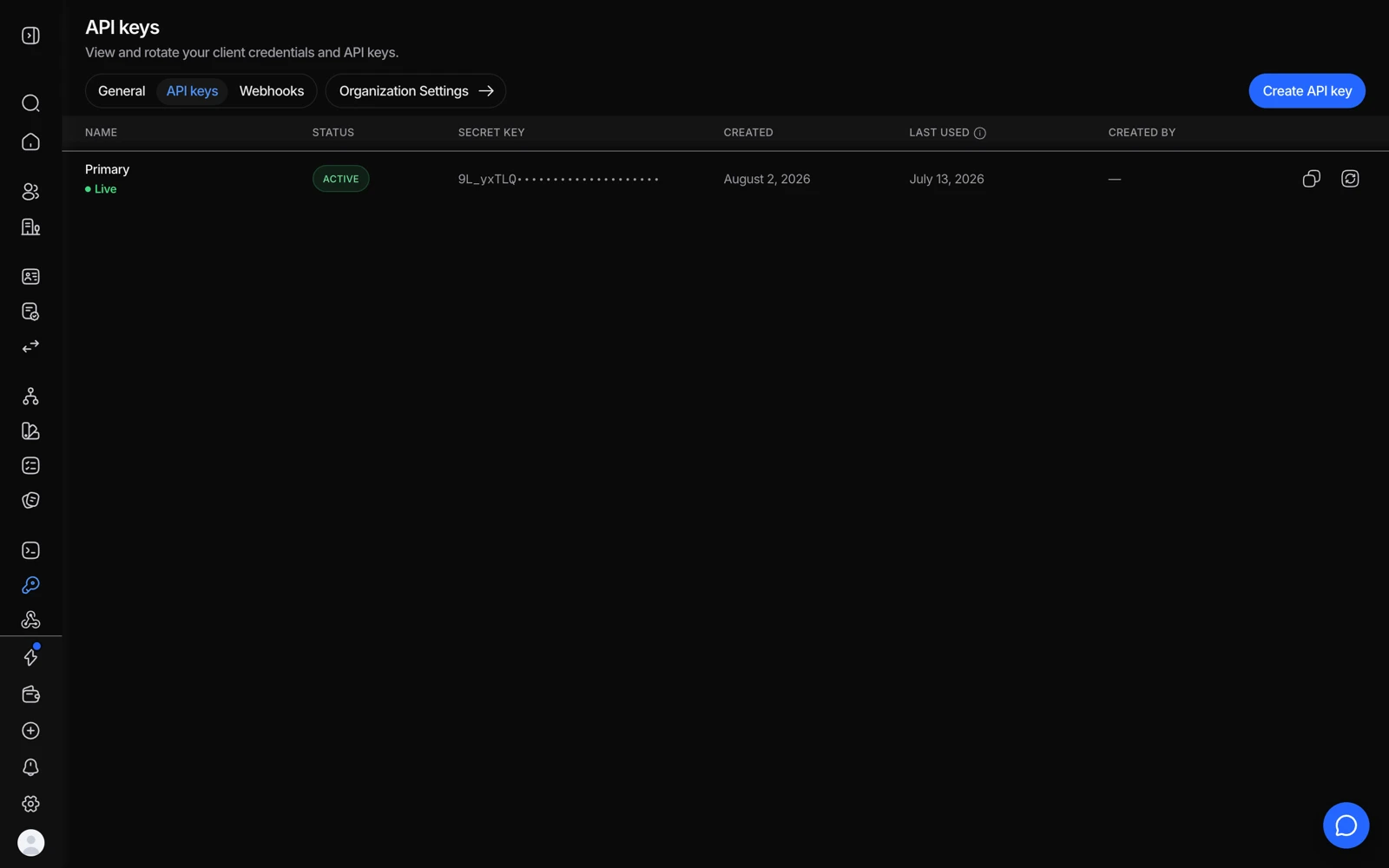
- A disabled or wrong-application key is the usual cause of a 401.
- Last used confirms whether the key you think you are sending is the one arriving.
- Rotate the secret if a key may have leaked - a 401 is better than a breach.
Log the full error body - status, headers, and payload - on every failed call, in every environment. You will need it, and it is much harder to reconstruct later.
#What each status usually means
| Status | Usual cause |
|---|---|
| 400 | A malformed request - a missing required field, a bad enum value, a wrongly-shaped nested object |
| 401 | Authentication failed. The x-api-key header is missing, malformed, or not a valid key |
| 403 | Authenticated but not allowed. Wrong environment, a permission your key doesn't have, or a feature not enabled on your account |
| 404 | The resource doesn't exist - or exists under a different application than the key you used |
| 409 | A conflict with existing state, such as an action that's already been taken |
| 422 | The request was well-formed but the values aren't acceptable - a validation failure rather than a syntax one |
| 429 | Rate limited. See below |
| 5xx | A problem on Didit's side. Retry with backoff, and check status.didit.me |
#401 vs 403 - the distinction that saves time
401 means the key wasn't accepted at all. Check that you're sending x-api-key, that the value has no stray whitespace or quotes, and that you haven't pasted a webhook signing secret instead of the API key - they're different things and the mistake is common.
403 means the key is valid but this call isn't allowed. Three causes, in order:
- Environment mismatch. Sandbox-only fields (like
sandbox_scenario) are rejected on a live application, and vice versa. Live and sandbox are separate applications with separate keys. - Missing permission. Some operations need permissions your key or role doesn't hold. If you need session create-and-manage rights that you don't have, that's a request to support rather than a code fix.
- Feature not enabled. Some capabilities are provisioned per organization. A 403 on a feature you believe you should have is worth asking about before you rewrite the call.
There's no built-in way to tell a sandbox key from a live key by looking at it, so store them under clearly distinct names in your secret manager and never let a single environment variable hold "whichever key is current". A live key in a test environment spends real credits.
#404 that should exist
If a session or workflow 404s and you're sure it exists, the usual answer is that it exists under a different application than the key you authenticated with. Resources are scoped to their application; a key from application A cannot see application B's sessions.
#Balance and credit errors
A call that fails because there aren't enough credits is not a code problem. The workflow contains a paid feature and your balance won't cover it. This is by far the most common "the API broke" report, and the cause is nearly always white label, AML, or NFC in a workflow that was expected to be free. See fixing a "not enough credits" error.
#429 rate limiting
Limits are applied per identifier - your x-api-key, or your client IP if no key is sent - with an independent counter per scope on a 60-second sliding window.
Global defaults:
| Scope | Methods | Limit |
|---|---|---|
| Generic reads | GET | 600 / min |
| Generic writes | POST, PATCH, DELETE | 300 / min |
Some high-impact endpoints have stricter limits in addition to the global one, and the first scope to exceed its counter is the one that returns 429. Full table: rate limiting.
Handle 429 with exponential backoff and jitter. A tight retry loop against a rate limit makes the problem worse and can keep you limited indefinitely.
Batch jobs are the usual source of a 429 - a nightly import that fires several hundred creates in a few seconds. Spread the work rather than raising the concurrency until it stops erroring.
#Feature-level detail codes
Beyond HTTP statuses, individual checks return their own detail codes for provider-level problems - for example a registry integration that doesn't have access to a particular product in a particular country. When you get one, the code names the situation precisely, so quote it when you ask about it.
If a response omits a detail code you'd expect from the catalogue, that's worth reporting rather than working around - a missing code is a real gap, and it makes the same problem harder for the next person.
#Empty responses are not success
A provider-backed check that returns an empty body is not the same as a clean result. Treat "no data" as its own case in your code rather than mapping it to a pass - particularly for database validation and wallet screening, where an unprovisioned service and a genuine no-match can look similar from the outside.
#Testing error paths
Sandbox forces specific failures deterministically, which is the only sane way to test your error handling. See testing in sandbox.