
Fixing a "not enough credits" error
Almost always caused by a paid feature in a workflow you expected to be free - white label, AML, NFC or active liveness. Here's how to find which one, and how to stop it recurring.
Nine times out of ten this is not a free allowance running out. It's a paid feature in the workflow - most often white label ($0.20), AML ($0.20), NFC ($0.15), or active liveness ($0.15). Open the workflow and look at what's enabled before topping up.
If a verification request fails with "You don't have enough credits to perform this request", or the API answers with the error code insufficient_credits when you create a session, your organization's balance can't cover a feature the workflow is trying to run. The same cause can also surface as an "out of credits" error (sometimes a 502) while your usage shows 0 of 500 free checks used - the free allowance is fine, but the workflow includes something the allowance doesn't cover.
#Check the workflow before you check the balance
The instinct is to look at your usage. Look at your workflow first, because the free tier covers only these four features, each with its own 500 free checks a month:
- ID verification
- Passive liveness
- Face match 1:1
- Device and IP analysis
Every other module is billed from the first check, at any volume. The usual culprits, in the order they actually turn up:
| Feature | Price | Why it surprises people |
|---|---|---|
| White label / custom branding | $0.20 per verification | It's a look-and-feel setting, so it doesn't feel like a "check" |
| AML screening | $0.20 | Often added to a "free KYC" template without noticing |
| NFC | $0.15 | Billed separately from ID verification |
| Active liveness | $0.15 | Switching from passive to active leaves the free tier. In the workflow the active methods are 3D Flash and 3D Action & Flash; only Passive Liveness is free |
| Age estimation | $0.10 | Free-tier ID verification doesn't cover it |
| Questionnaire | $0.10 | Feels like a form, not a check |
| Phone verification | from $0.03 + carrier fee | Carrier fee varies by destination |
| Email verification | $0.03 | |
| Proof of address | $0.20 | |
| Database validation | Varies by country | Also needs a first top-up before it runs at all - the $10 welcome credit does not count. See database validation |
| Business verification (KYB) | $2.00 |
White label is the single most common cause. A workflow with custom branding enabled costs $0.20 per completed verification on top of the per-module prices - so a flow you set up as free KYC becomes a paid flow the moment you brand it. See customizing branding.
#Fixing it
- Open the workflow the failing session uses
Not any workflow - the one whose ID the session was created with. In Workflows, check every enabled feature against the table above.
- Look for the hidden custom-style switch
White label is a per-workflow setting called Include custom style, and it is not in the step list, which is why auditing the steps never finds it. In the workflow editor it is the small switch next to the colour-swatch icon in the header, and it only appears once you hover that icon, so a workflow can be branded without anyone remembering they did it. The same setting is also in the workflow's Settings sidebar, where it is always visible.
- Check your balance
Settings → Billing shows your current balance. If it's negative, all billable work stops - including your free-tier checks - until it's back above zero.
- Either remove the paid feature or top up
If you don't need the paid feature, turn it off and republish. If you do, add funds - the minimum top-up is $50. See top-ups, invoices and payment methods.
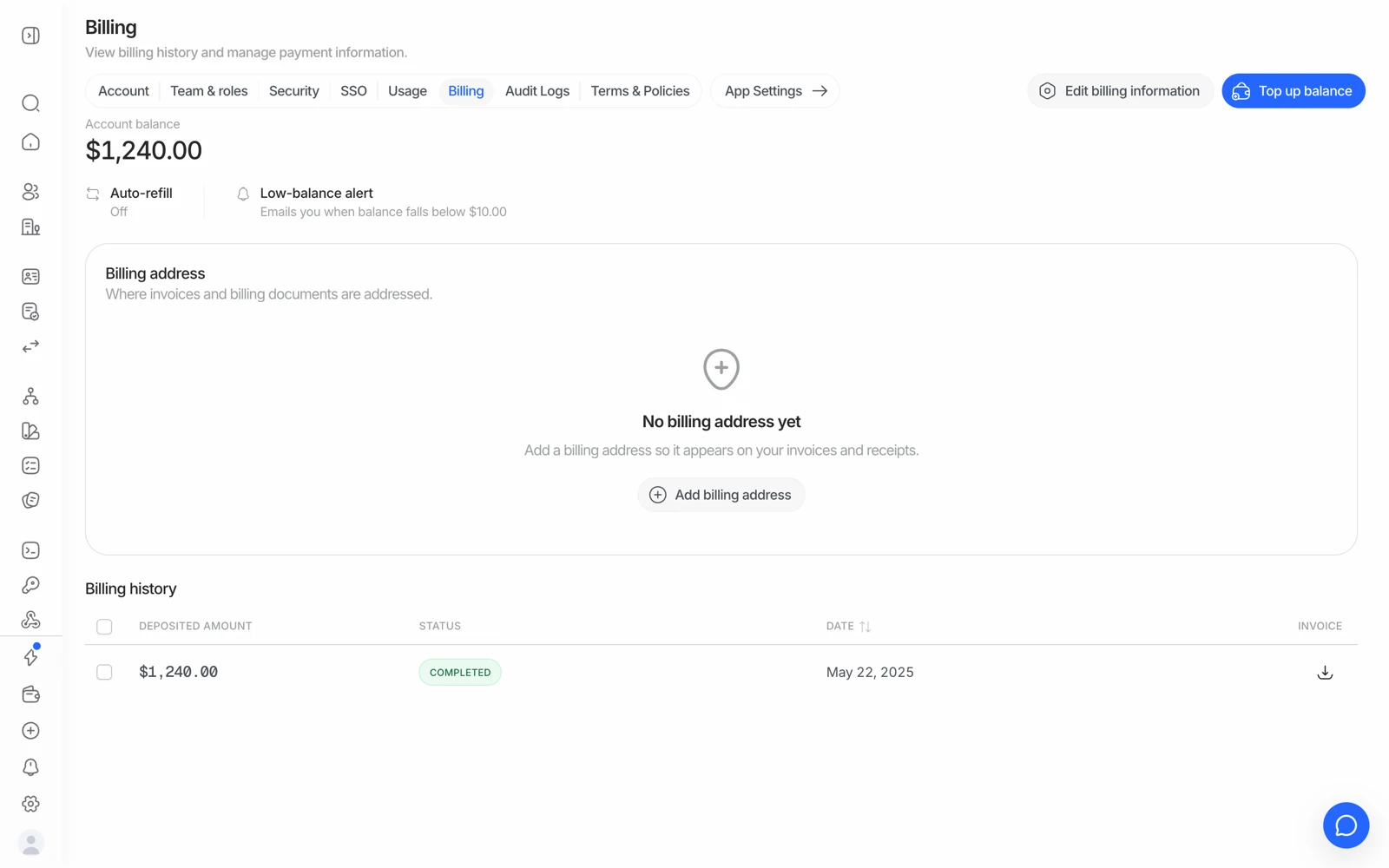
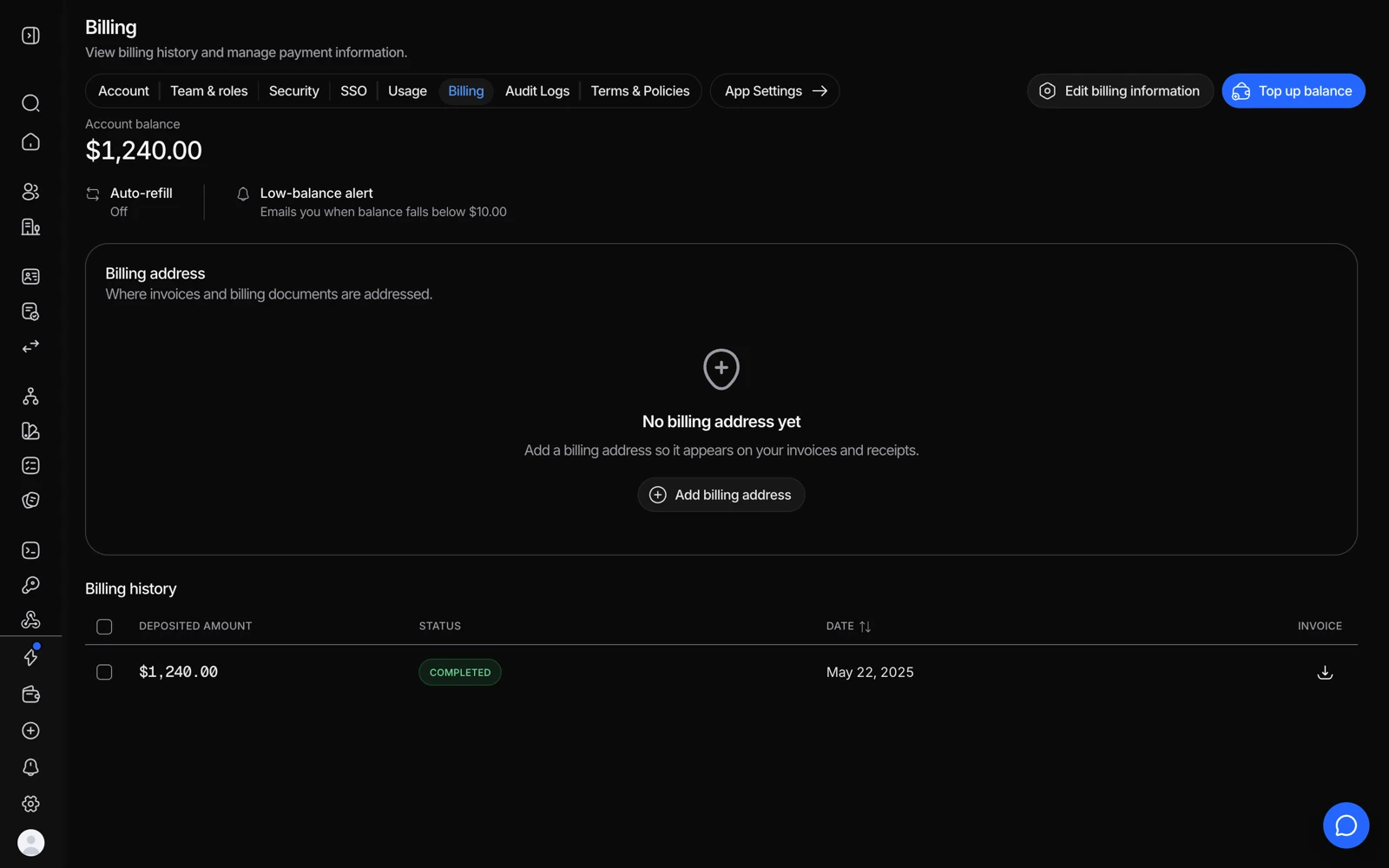
- Adding credit clears the error immediately.
- Confirm a top-up actually landed before assuming the balance is wrong.
#Other causes worth ruling out
- A negative balance. Once the balance goes below zero, the free-tier checks stop too. This is the case where the error genuinely isn't about a paid feature.
- The wrong application's key. Balance is per organization, but if you're calling with a key for an application whose workflow differs from the one you audited, you're looking at the wrong configuration. See organizations, applications and environments.
- A standalone API call rather than a workflow session. Standalone calls are billed per call with no free allowance, even for features that are free inside a workflow.
- Phone verification or database validation before any top-up. Both stay inactive until your organization has made a first real top-up; welcome credits don't unlock them. See top-ups, invoices and payment methods.
- A sandbox that worked and a live application that doesn't. Sandbox never charges anything, so it can't reveal a paid feature. The first live session is where the workflow's real price shows up.
- You genuinely used a feature's 500. Check Analytics for the month's volume per feature before assuming this one - and remember each of the four has its own allowance, so it is the least likely explanation at low volume.
#Stopping it happening again
- Turn on auto-refill in Settings → Billing so the balance tops up automatically below a threshold you choose.
- Test in sandbox, where nothing is billed and the balance check is bypassed entirely. See testing in sandbox.
- Separate your test and live applications, so an experiment can't drain the balance your production traffic depends on.
#Capping your spend
If you want a hard ceiling so an account can't go negative during testing, that's an account-level control rather than a workflow setting - ask support what's available for your organization. Meanwhile the practical version is: keep testing in a sandbox application, where there is nothing to spend.
#If top-ups aren't self-serve
Organizations on an annual plan can't buy credits through the self-serve top-up flow - contact your account manager instead. A self-serve attempt will tell you so rather than failing silently.
#If your balance looks wrong
If your balance, invoices, or verification history suddenly appear missing or incorrect, this is almost always a temporary platform issue rather than lost data. Contact support rather than trying to fix it yourself, and include your organization ID.