
Why a verification was declined
A session is declined when one or more checks fail - here's how to find the specific reason and decide whether to decline, resubmit, or approve manually.
Open the session and read the warnings on the individual check that failed. The overall "Declined" never says why; the warning always does. Most declines are fixable with a resubmission rather than a final no.
A session is marked Declined when one or more of its checks fail. The specific reason is always recorded on the session - you don't have to guess.
#Find the exact reason
Open the session in Verifications in the Business Console. Each check on the session (document, liveness, face match, and so on) shows its own result plus any warnings it raised - these warnings are the actual reason for the decline, not just the overall status.
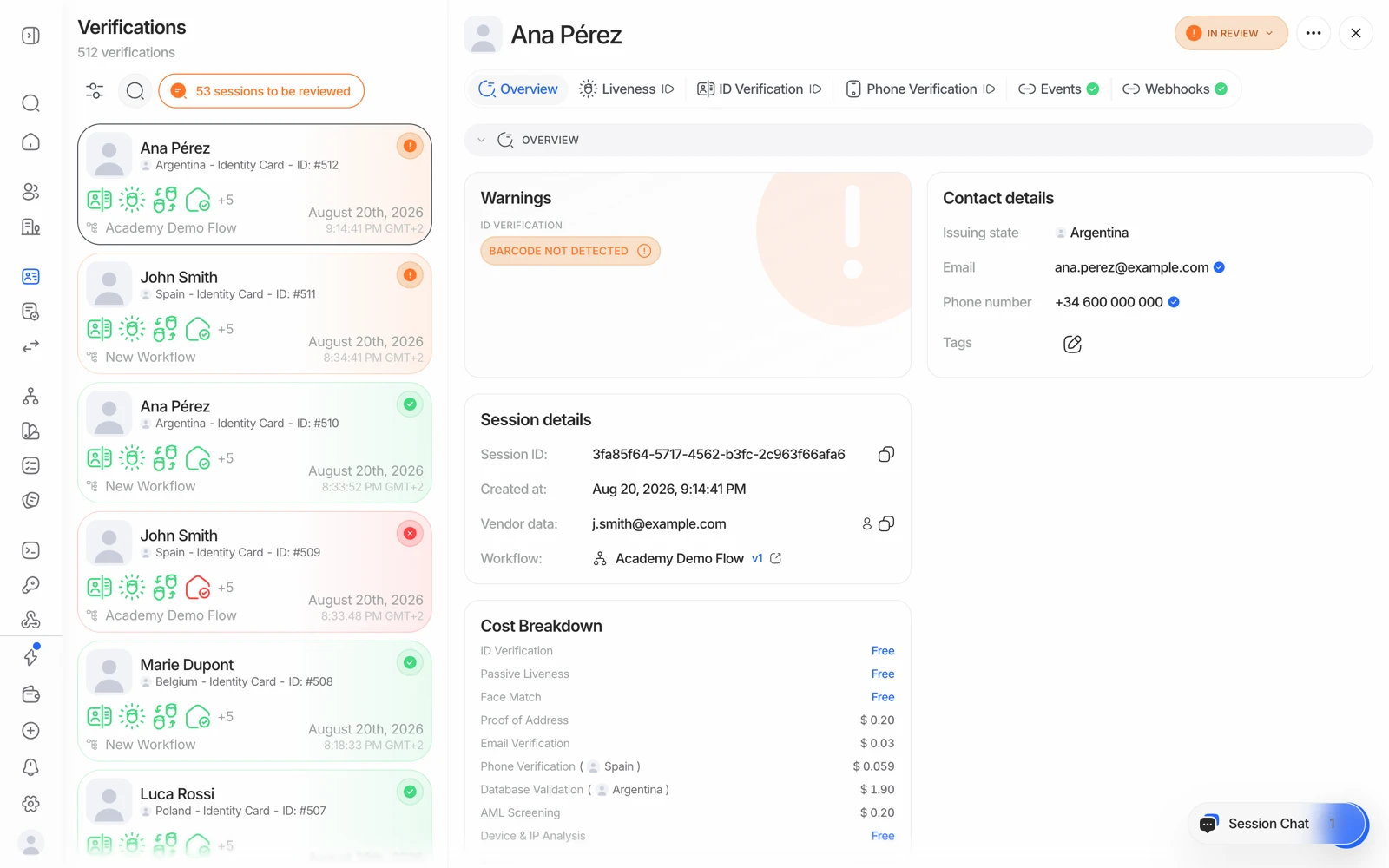
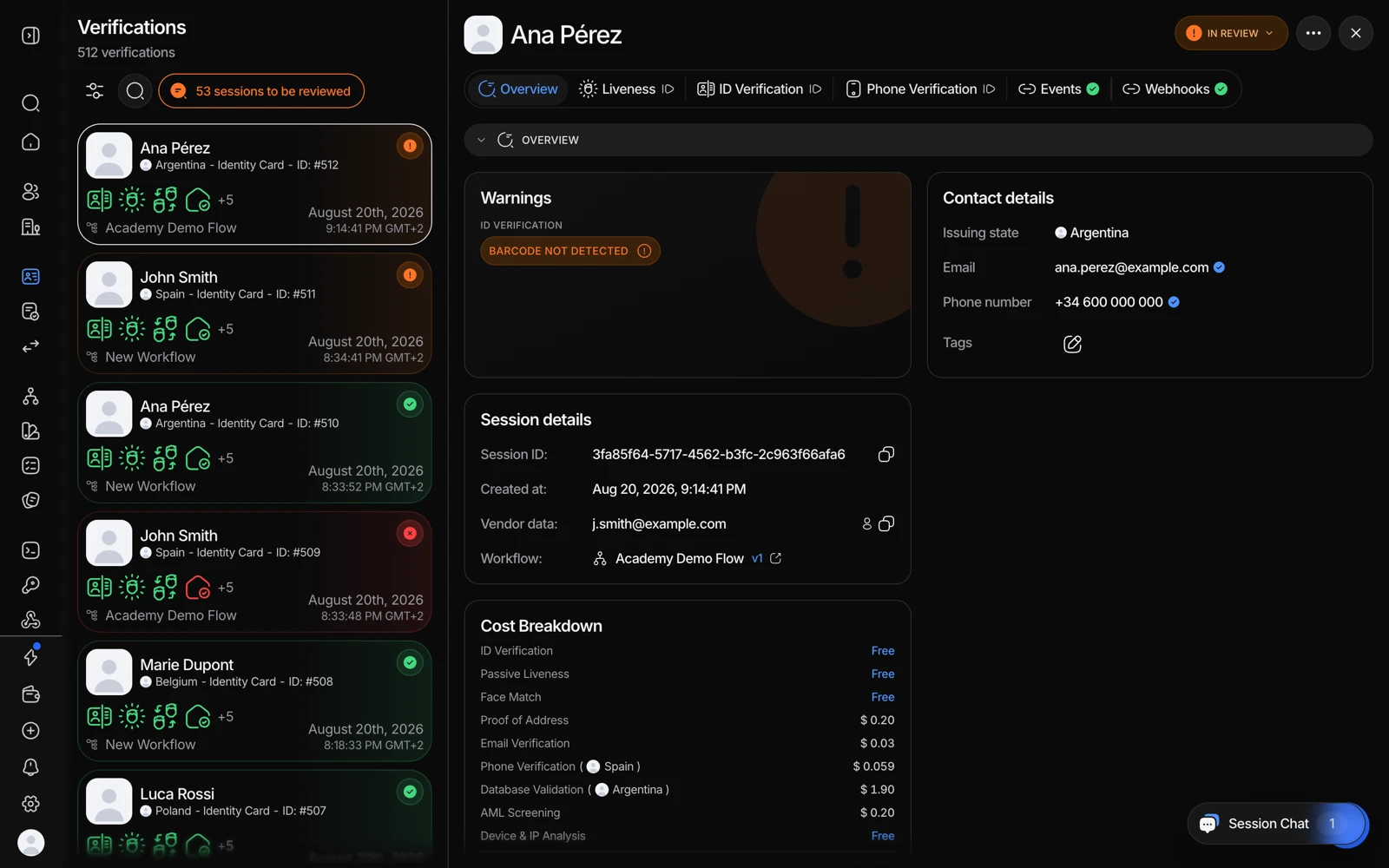
- The decline reason is on Overview - read it before anything else.
- A document problem shows up here: expired, unreadable, or a failed authenticity check.
- Events shows whether a rule or a person made the decision.
#Common reasons a check fails
Document issues
- The ID has expired (
DOCUMENT_EXPIRED). - The document type isn't one your workflow accepts - a very common cause, and it's a configuration issue rather than a problem with the person. See why a document type was rejected.
- A required field couldn't be read (
COULD_NOT_RECOGNIZE_DOCUMENT). - The MRZ checksum failed (
MRZ_VALIDATION_FAILED) - the printed machine-readable zone doesn't hold together, which is a genuine tamper signal. - The person is under (or over) the age your workflow requires (
MINIMUM_AGE_NOT_MET). - The document matches an entry on your blocklist.
Liveness issues
- No face was detected during capture.
- A presentation attack was flagged (
LIVENESS_FACE_ATTACK) - a photo, screen, or mask held up to the camera instead of a live person.
Face match issues
- The selfie and the document photo scored below your configured similarity threshold (
LOW_FACE_MATCH_SIMILARITY). See fixing liveness and face match problems.
Risk and screening issues
- An AML hit exceeded your decline threshold.
- The connection came from a blocked IP address or a country you don't serve.
- The face matched an already-verified user or a blocklisted face. See duplicate detection.
Which of these actually trigger a decline (versus a resubmission request or a pass) depends on how each check is configured in your workflow - some warnings auto-decline, others route to manual review instead. See decision rules and thresholds.
#A declined step can stop the rest of the workflow
If a step is configured to decline on a given warning, the workflow stops there and the later steps never run. That has two consequences worth knowing:
- The session result will be missing checks you expected to see. They didn't fail - they never executed.
- You aren't billed for the steps that never ran, since billing happens per completed feature.
If you want a cheap check to gate an expensive one, put it early in the workflow deliberately.
#Declined isn't always final
If the underlying issue is fixable - a blurry photo, the wrong document side, a technical failure mid-capture - a reviewer can request the person redo just that step instead of leaving the session declined. See letting someone try a verification again.
The message the person sees on a declined verification is the same for every workflow today - it isn't currently possible to customize what's shown to them.
#If a reviewer thinks a decline was wrong
A compliance reviewer can override an automated decline from the console - open the session and change its status to Approved with a note explaining why. Every override is recorded, so the audit trail shows who decided what. See manual review for the full review process.
#Reducing avoidable declines
If your decline rate is higher than you'd like, the usual causes are configuration rather than fraud:
- Too narrow a document allowlist. Check which document types and subtypes your workflow accepts against what your users actually hold.
- Face match thresholds set too tight. See face match scores and thresholds.
- Active liveness on low-end devices. Passive liveness is far more forgiving on old phones and bad lighting.
- AML decline threshold set at a match score that produces false positives. Route those to review instead. See resolving AML hits.
#If you're the person who was declined, not the business
If you received a verification link from a company and it was declined, Didit processes your verification on that company's behalf but has no authority to make, change, or explain the decision - only the company you're verifying with can do that, so contact their support about your result. See I was asked to verify my identity with Didit, and how Didit protects your users' data for how data access is controlled.