
When a session never finishes
Abandoned, Expired and stuck In Progress sessions all mean the person never completed the flow - here's how to tell which, and the usual causes worth fixing.
Expired = they never opened the link. Abandoned = they opened it and walked away. In Progress = they're still in it. None of these has a verification decision, and none of them is billed for steps that never ran.
A session that never reaches a decision ends in one of three states, and they mean different things.
| Status | What happened | What to do |
|---|---|---|
| Expired | The link timed out before it was ever opened | Create a new session with a fresh link |
| Abandoned | They started but didn't finish in time | Remind them, or create a new session |
| In Progress | They're partway through right now | Nothing - it isn't stuck |
Expired and Abandoned are both terminal: they won't become Approved later.
#In Progress is not stuck
A session sitting at In Progress for a long time almost always means exactly what it says - the person opened the link and hasn't finished. There's no queue behind it and nothing to release. It will move on its own when they complete the remaining steps, or become Abandoned if they don't.
Two things follow that people ask about every week:
- You can't manually review an In Progress session. There is no decision to make yet, because the checks haven't all run. The way to move it is to contact the person and ask them to reopen the same link and finish the remaining steps; the link keeps working until the session's time window ends.
- You can't cancel it either. There is no "close" action for a Not Started or In Progress session. It ends on its own when the window expires, or you delete it - and deletion is permanent, so only do that when you genuinely want the record gone.
#How long the window is
Each workflow sets how long an unfinished session stays open: from 1 hour to 4 weeks, and 7 days unless you changed it (session_expiration_time in the workflow settings, in seconds). When the window closes, a session that was never opened becomes Expired and one that was opened but not finished becomes Abandoned. Those are final: the person needs a new session, and creating one for the same user never reuses an Expired or Abandoned session.
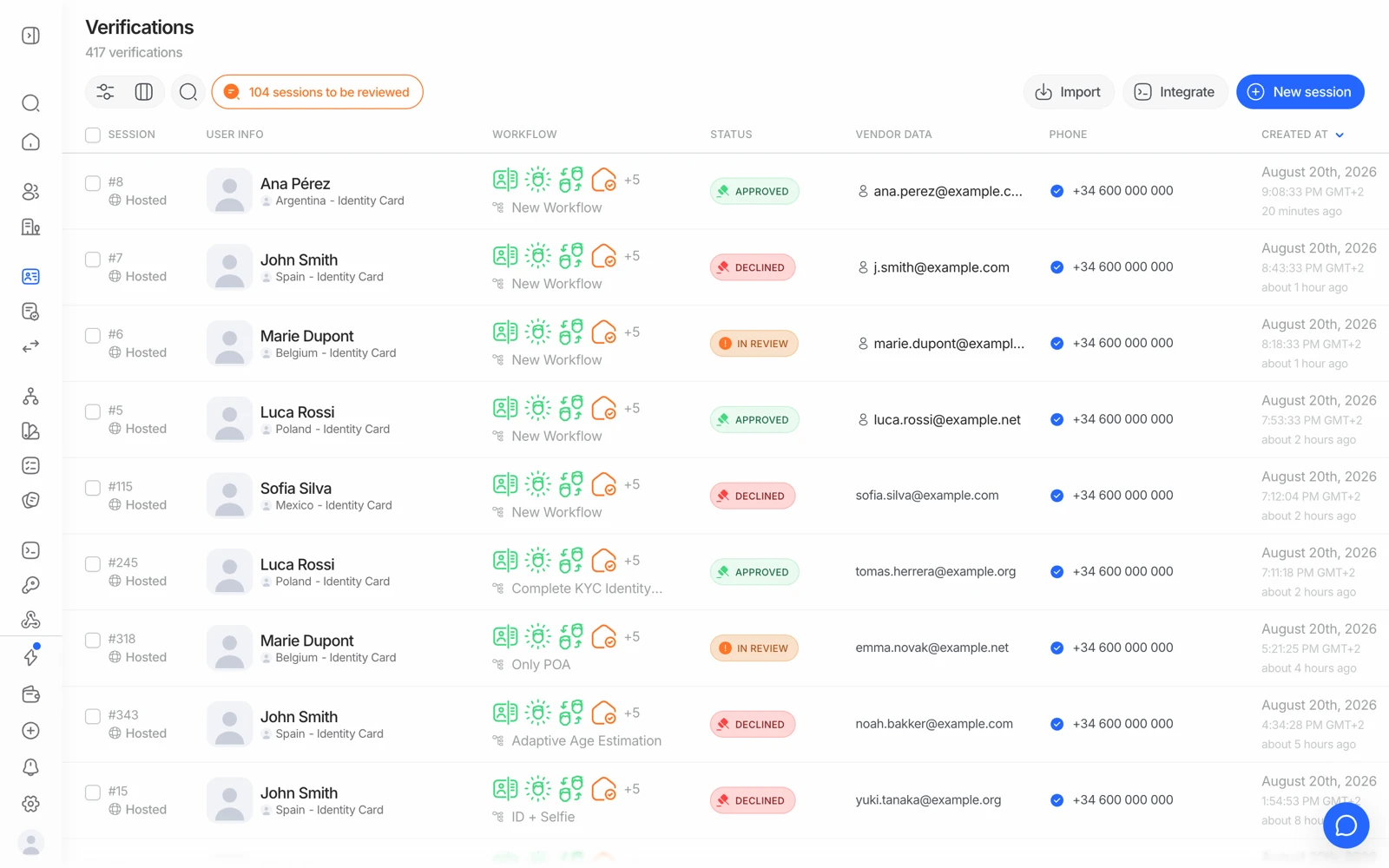
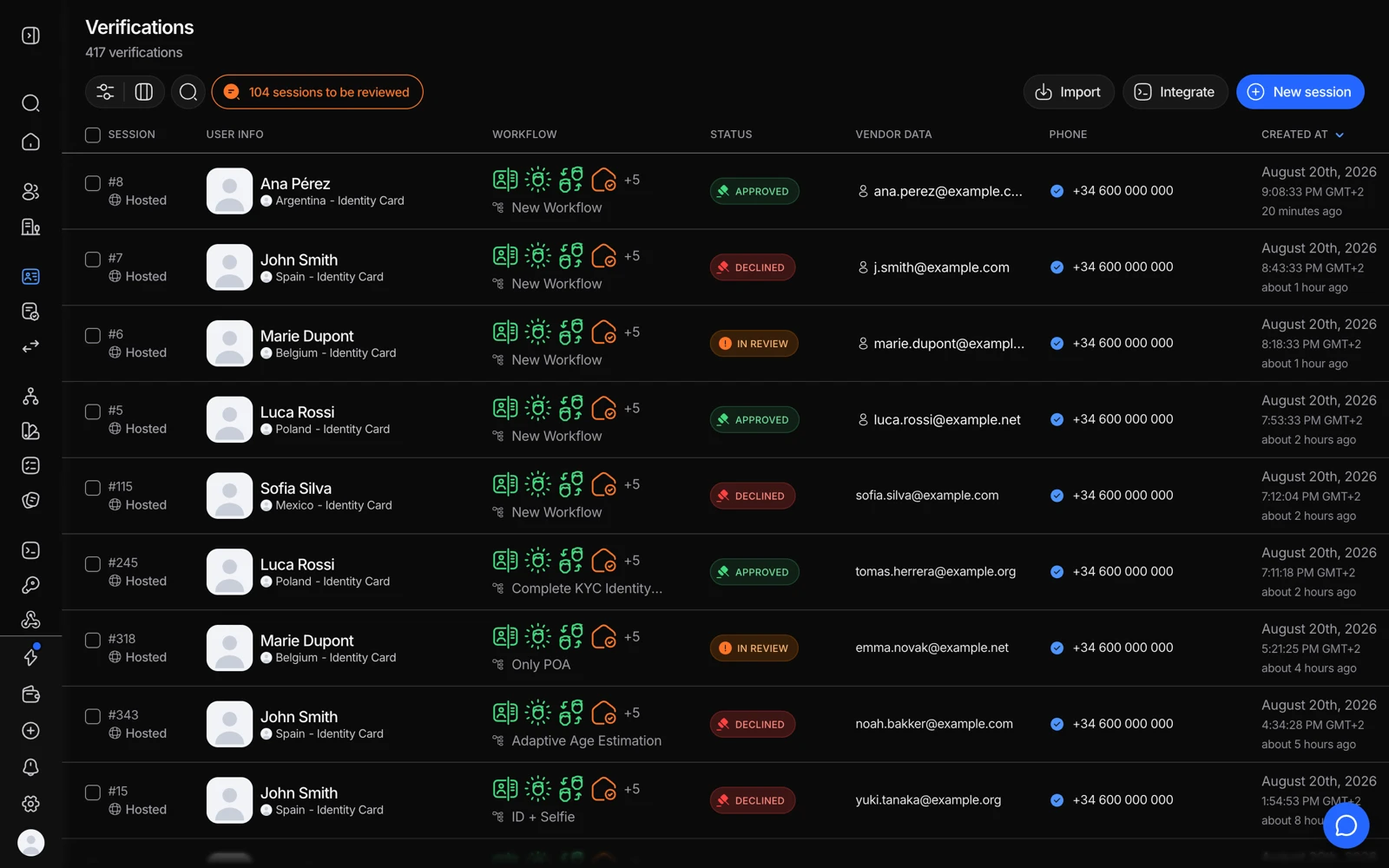
- Filter by status to separate In Progress from Abandoned and Expired.
- Status tells you whether the person is still going or has already given up.
- Add the columns that show where they stopped.
#Why people abandon, in the order it usually happens
The document step. Most drop-off is here. Common causes worth checking:
- Your workflow doesn't accept the document the person actually holds, so they get stuck at document selection. See why a document type was rejected.
- The back side is required but the document they have doesn't carry the data on the back.
- Auto-capture never fires in poor lighting and they give up rather than switching to upload.
The camera step. If the camera never opens, the causes are almost always environmental:
- An in-app browser inside another app (a chat app's built-in browser, for example) that restricts camera access. Opening the link in the phone's real browser fixes it.
- Camera permission previously denied for that site, which the person then has to re-grant in browser settings.
- Another app or tab already holding the camera. On some devices a microphone permission request can also block the camera.
Language. If the flow appears in a language the person doesn't read, they leave. The UI auto-detects the browser locale and falls back to English. If your users are in a market where the browser locale isn't reliable, set the language explicitly when you create the session. See setting the verification language.
Flow length. Every additional step costs conversion. A questionnaire with twenty fields in the middle of an onboarding flow is a common abandonment point - and unlike the document step, it's entirely under your control.
#Finding out where they dropped
Analytics in the console shows the funnel step by step, so you can see which step loses people rather than guessing. See reading your analytics.
On an individual session, the per-check results show which steps completed - the last completed step is where the person stopped.
#Reminders
If you passed contact details when creating the session, you can send the person a reminder rather than starting over. A new session is the right move only when the original expired unopened or is genuinely stale.
#What it costs you
Nothing for the steps that never ran. Billing happens per completed feature, so an abandoned session bills only the features that actually finished before the person left. A session that expired unopened costs nothing at all.
#If a session finished but your side never heard about it
That is a different problem, and a much more common one than it looks: the verification completed, the console shows the final status, but your backend never got the update. That is a webhook delivery issue, not an abandoned session. See when a webhook never arrives.