
Setting the verification language
The flow auto-detects the browser language and falls back to English - here's how to force a language instead, and how to set the language of emails separately.
The verification UI auto-detects the browser locale and falls back to English.
To force a language, pass language when you create the session. Email language is
a separate field (contact_details.email_lang) - setting one doesn't set the
other.
#Default behaviour
If the person's browser locale is one Didit supports, the verification UI uses it. If not, it falls back to English. You don't have to do anything for that to work.
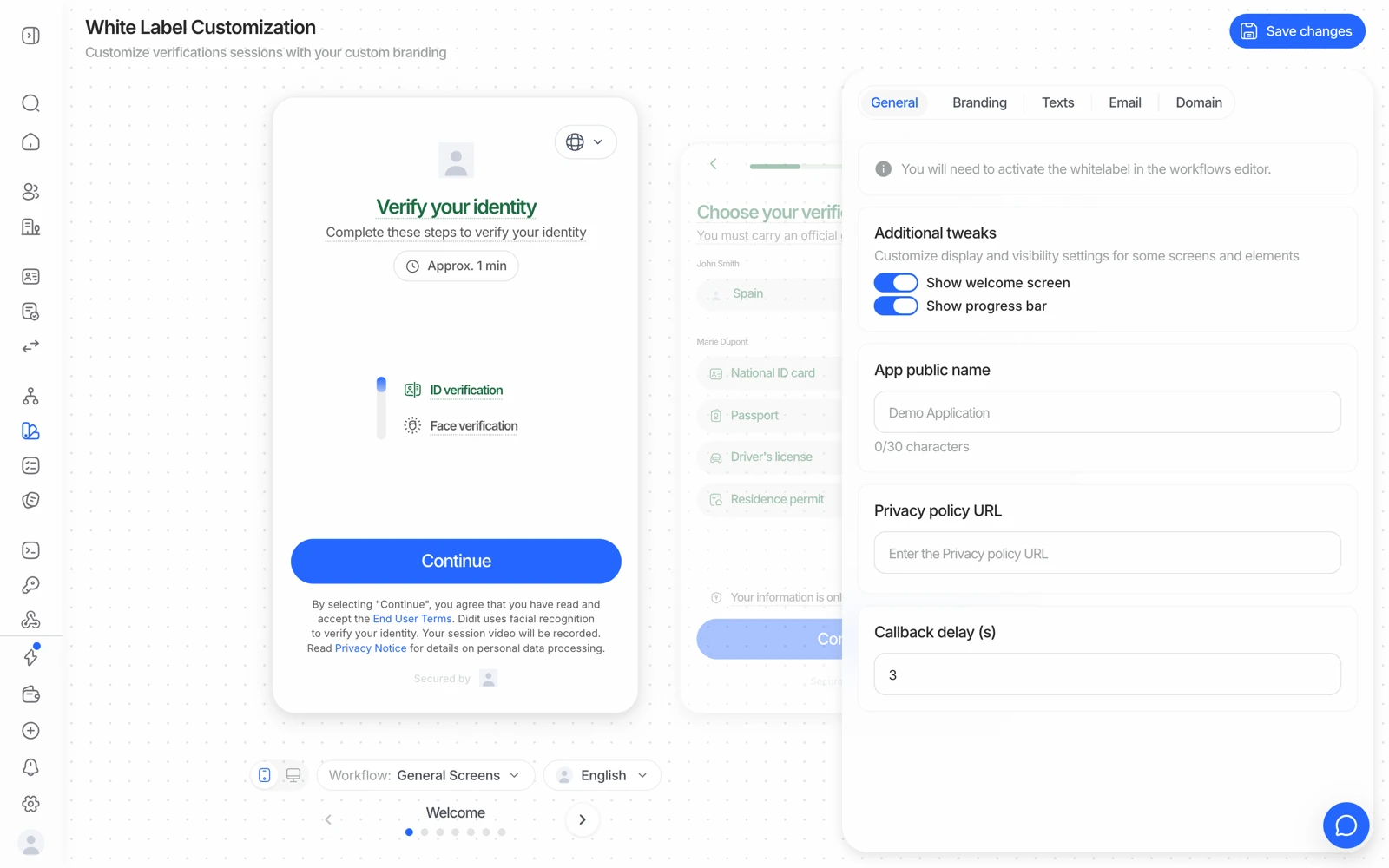
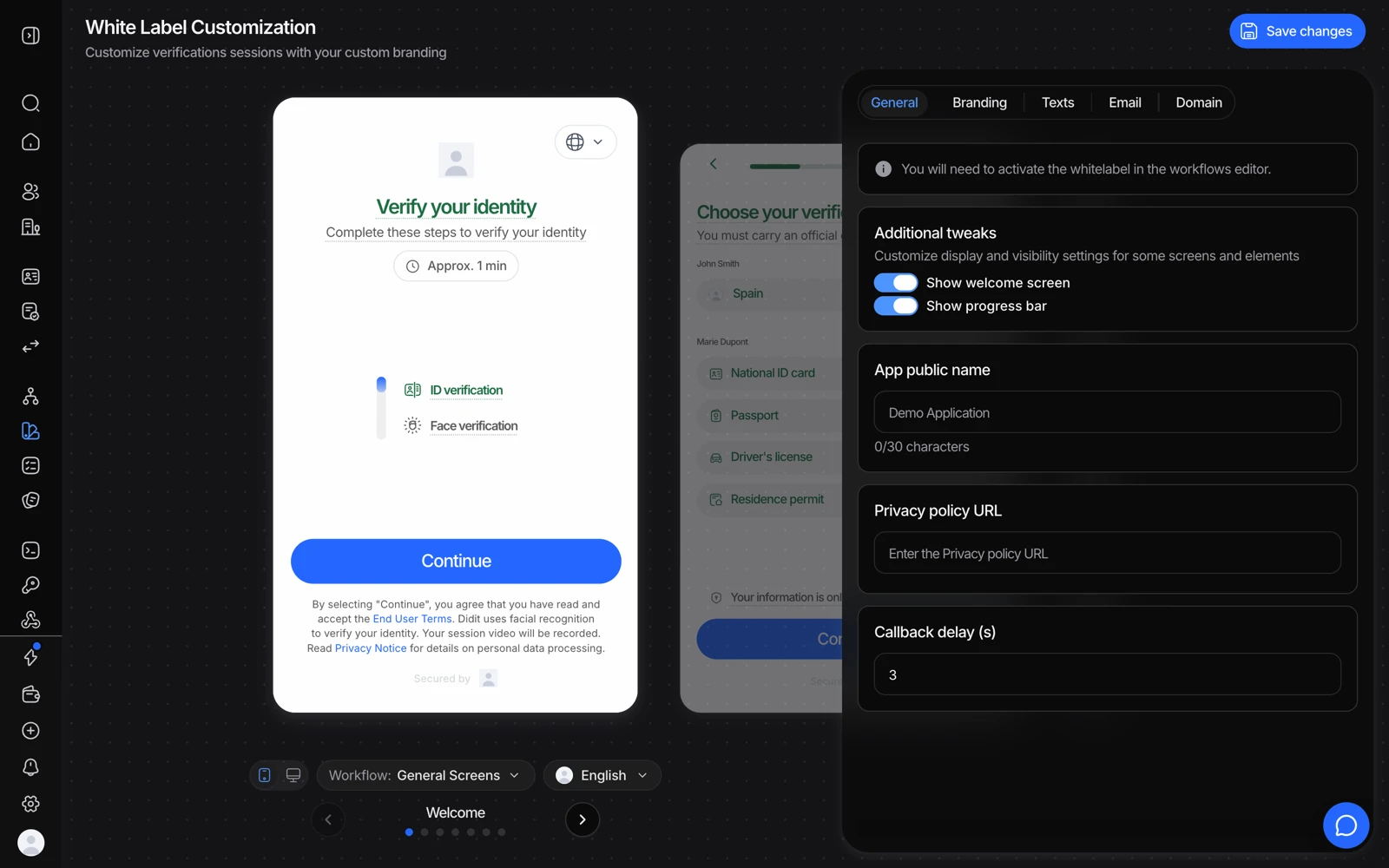
- Texts overrides the wording, per language.
- Save before testing the flow in the other language.
#Forcing a language
Auto-detection is wrong often enough to matter - a shared device, a phone bought abroad, a WebView that reports the app's locale rather than the user's, or a browser configured in a language the person doesn't actually read. When you know better than the browser, set it explicitly.
| Field | Where | What it controls |
|---|---|---|
language | Create session body | The language of the verification UI |
contact_details.email_lang | Create session body | The language of email notifications - invitation, reminders, status updates |
email_language | Update session status | The language of a status-change email when you send one |
All values are case-sensitive - use the exact codes from the supported languages list. If you don't pass an email language, emails fall back to English regardless of the UI language.
Setting the UI language does not set the email language. A flow can correctly
show in Spanish and still send its emails in English if only language was
passed. If your users report the flow was fine but the emails weren't, that's the
cause.
#WebView and mobile
Inside a WebView, the locale reported to the page is the host app's, not necessarily the user's preference in your product. If your app has its own language setting, pass that as language on session create rather than relying on detection - the app knows and the WebView doesn't.
#Right-to-left languages
Several supported languages are right-to-left, including Arabic. The flow handles the direction; you don't configure it separately. If you've overridden text in the Style Editor, check those overrides read correctly in an RTL locale as well as an LTR one - a hand-written string is the thing most likely to break there.
#Custom text and languages together
Text overrides in the Style Editor replace specific strings without forking translations per locale. That's the point of the feature - but it also means an override written in one language appears in every language unless you handle it. If you support several languages, prefer keeping the shipped translations and overriding only what you truly must.
#Garbled or nonsense words in the flow
If a user reports scrambled text - words with letters jumbled, or a mix of two languages mid-sentence - the usual cause is not the flow's own translation. It's a browser page-translation feature or extension rewriting the page on top of the flow's rendering.
Ask them to turn translation off for the page. The flow already offers its own languages, so translating it in the browser adds nothing and reliably breaks it.
#OCR languages are a different thing
Didit's OCR reads documents in over 130 languages. That is completely independent of the language the interface is shown in: a person can complete the flow in English while holding a document printed in Greek, and both work. See supported documents and countries.
#Reports are English
The downloadable session PDF renders in English regardless of the flow language. It's an internal compliance artefact rather than something you hand to the end user. See downloading a verification report.
#Language and drop-off
If a market shows unusually high abandonment, language is worth ruling out early - people leave a flow they can't read rather than complaining about it. Check what locale those sessions actually ran in before looking for a subtler cause. See when a session never finishes.