
White label and custom domain
Serve the verification flow from verify.yourbrand.com instead of verify.didit.me - the requirements, the two DNS records, and what it costs.
A subdomain you control - verify.yourbrand.com - pointed at Didit with two
CNAME records. It's part of White Label, needs write access to Customization, and
must be enabled on your account. Root domains and www. are rejected.
#What it changes
With a custom domain, users stay on your domain for the whole verification journey. Combined with the Style Editor, it removes the last visible reference to Didit in the flow.
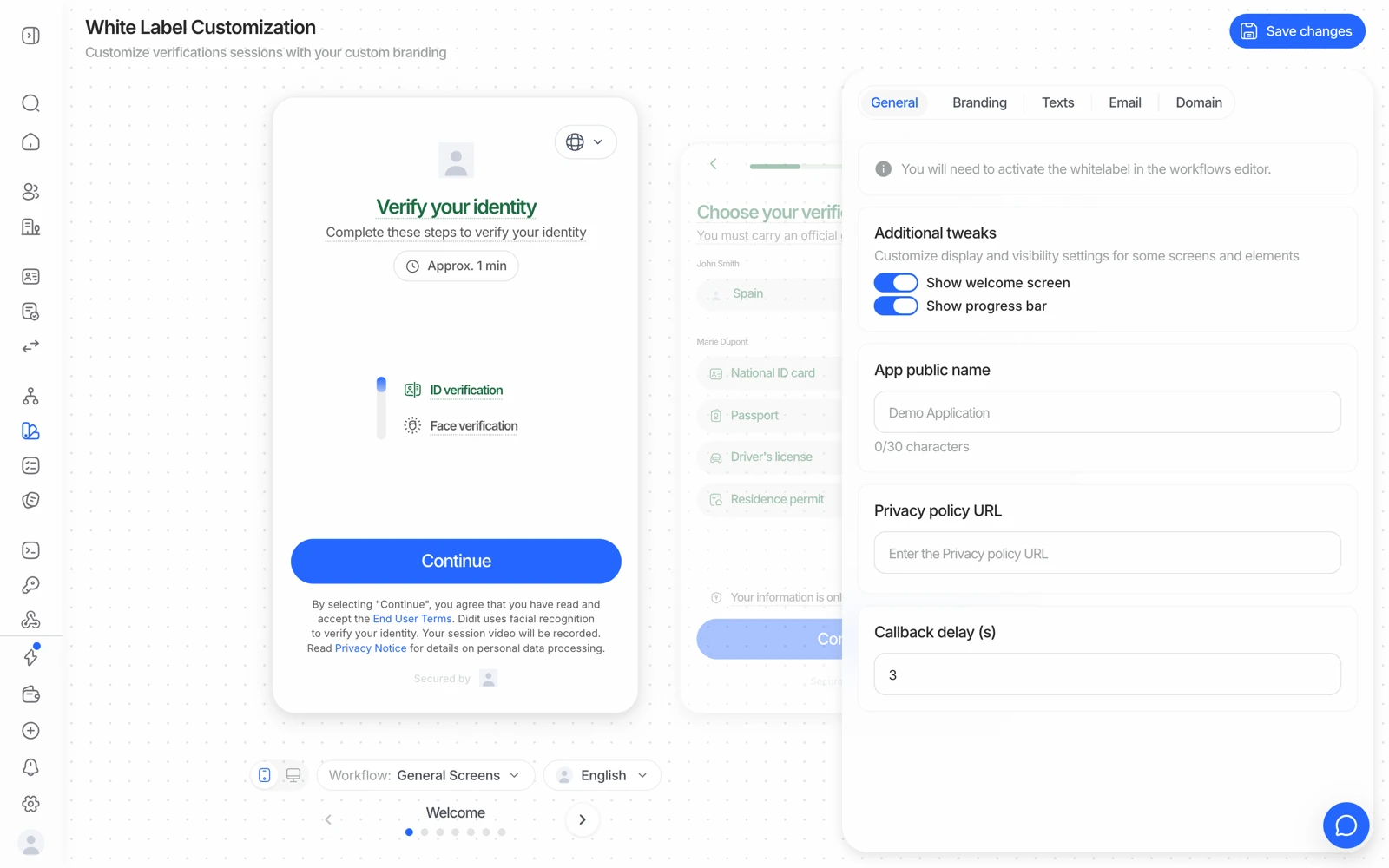
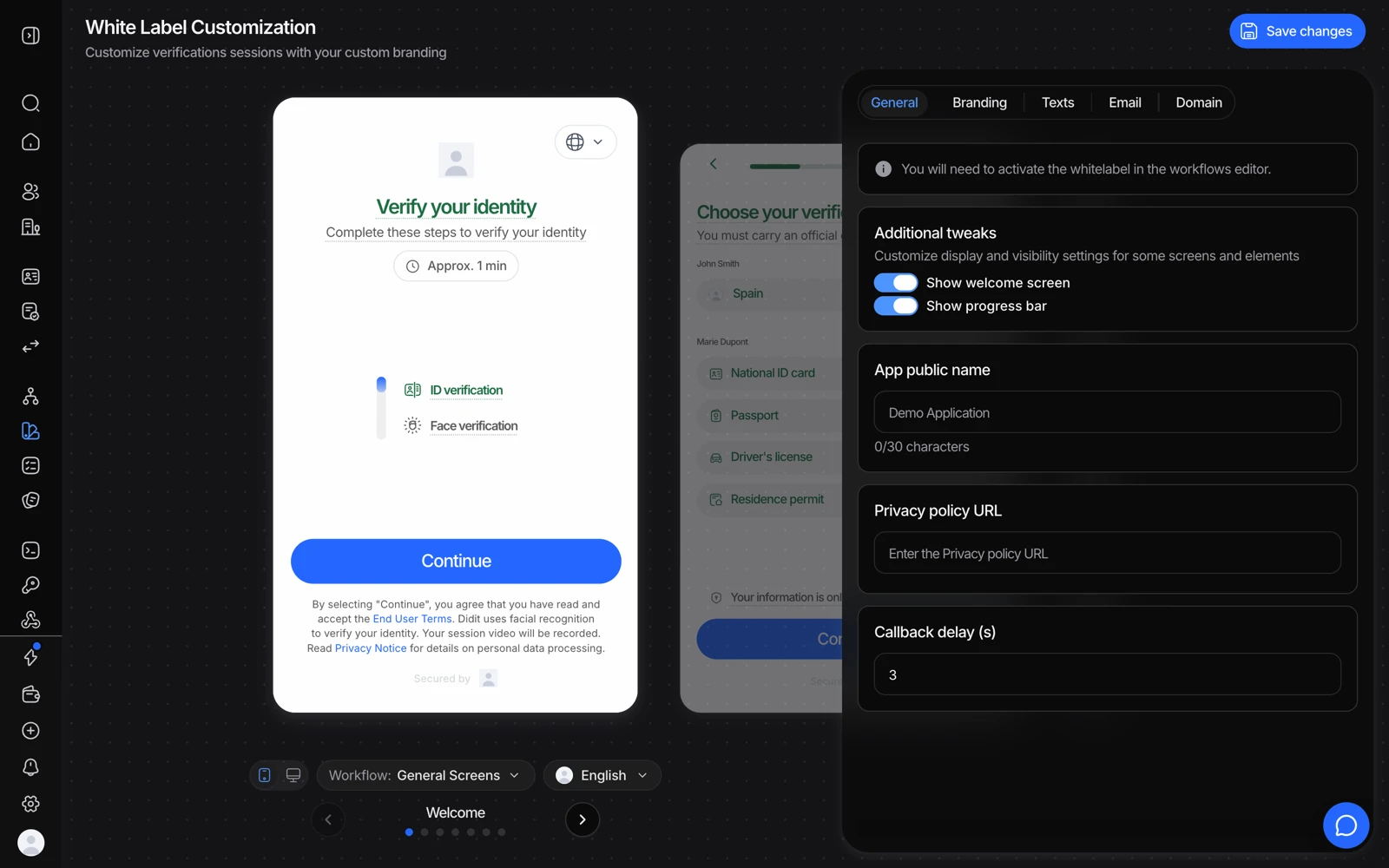
- Branding carries the logo and colours users see.
- Domain is where a verified custom domain replaces verify.didit.me.
- Nothing applies until Save changes - and the workflow has to enable white label too.
#Requirements
| Requirement | Detail |
|---|---|
| Subdomain only | verify.yourbrand.com. A root domain like yourbrand.com is rejected, and so is a www. prefix |
| Not already in use | The subdomain can't already point at a site or app of yours |
| DNS access | You need to create two records at your DNS provider |
| Permission | Write access to Customization - read-only members see the section disabled |
| Enabled on your account | Custom domain is part of White Label and has to be switched on for you |
| A balance of at least $250 | Adding a domain requires $250 USD of credit on the balance at the moment you add it. It is a one-time gate, not a reserve: once the domain is verified it stays active even if the balance later drops below $250 |
#How it works
You enter your subdomain in the console. Didit generates two DNS records for you to add:
| Record | Purpose |
|---|---|
| Verification CNAME | Proves you own the domain, which issues the SSL certificate |
| CloudFront CNAME | Points your subdomain at the verification UI |
Both are required. Once they resolve, you verify ownership from the console and the flow starts serving from your domain.
- Add the domain
Business Console → White Label → Domain, enter your subdomain, click Add Domain. The console generates your records.
- Create both DNS records
Add them at your DNS provider exactly as shown. A partial setup leaves the certificate unissued and the domain unusable.
- Verify ownership
Once the records resolve, verify from the console. DNS propagation is the slow part and is entirely on your provider's side.
If verification doesn't complete, the cause is nearly always DNS: a record added at
the wrong level (a provider that appends the zone name, producing
verify.yourbrand.com.yourbrand.com), a proxy or CDN in front of the record
rewriting it, or simply propagation that hasn't finished. Check what the record
actually resolves to before reporting it.
#What it costs
The custom domain is part of White Label, which is billed at $0.20 per completed verification. It is not a separate line item on top of the white-label fee, there is no monthly plan and no additional per-domain charge - but it does mean a workflow serving from your own domain is a white-labelled workflow, with the white-label price. The only other requirement is the $250 minimum balance when you add the domain; that credit is yours to spend on verifications afterwards. See what counts as a billable check.
#Embedding instead of redirecting
A custom domain solves "the URL says Didit". If your concern is instead "I don't want the user to leave my app at all", the answer is a different one: embed the flow. There are web SDK and in-context options that render verification inside your own frontend, and native SDKs for mobile. See ways to integrate.
Which of those is available on your plan is worth confirming with your Didit contact rather than assuming, particularly if you're scoping a project around it.
#Reseller and multi-brand setups
If you're running verification on behalf of several of your own customers, each wanting their own branding, that's a different shape from one company with one brand. The structure Didit supports is one application per end customer inside your organization, each with its own workflows and branding, and the reseller terms that go with it. See organizations, applications and environments before building; retrofitting a multi-brand structure is considerably more work than starting with one.
#Related
- Customizing branding and the verification experience
- Full reference: Custom domain