
Questionnaires and custom forms
Collect structured answers and attestations during verification - Simple mode for a quick form, Advanced mode for branching and multiple languages. $0.10 per completed questionnaire.
Two builders: Simple mode drag-and-drop for a straightforward form, and Advanced mode, a node-based graph with conditional branching and per-language content. $0.10 per completed questionnaire, not in the free tier.
#What it's for
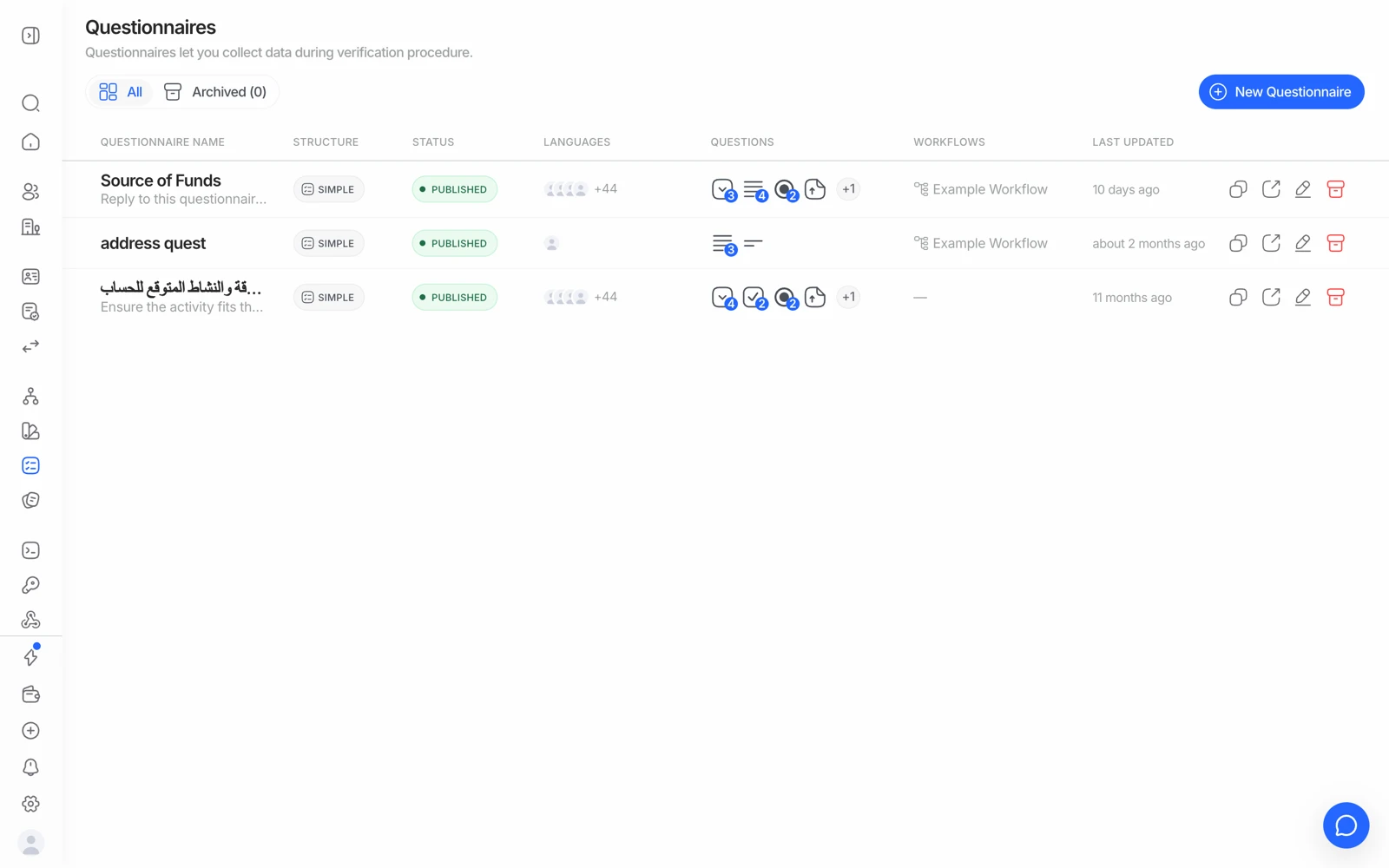
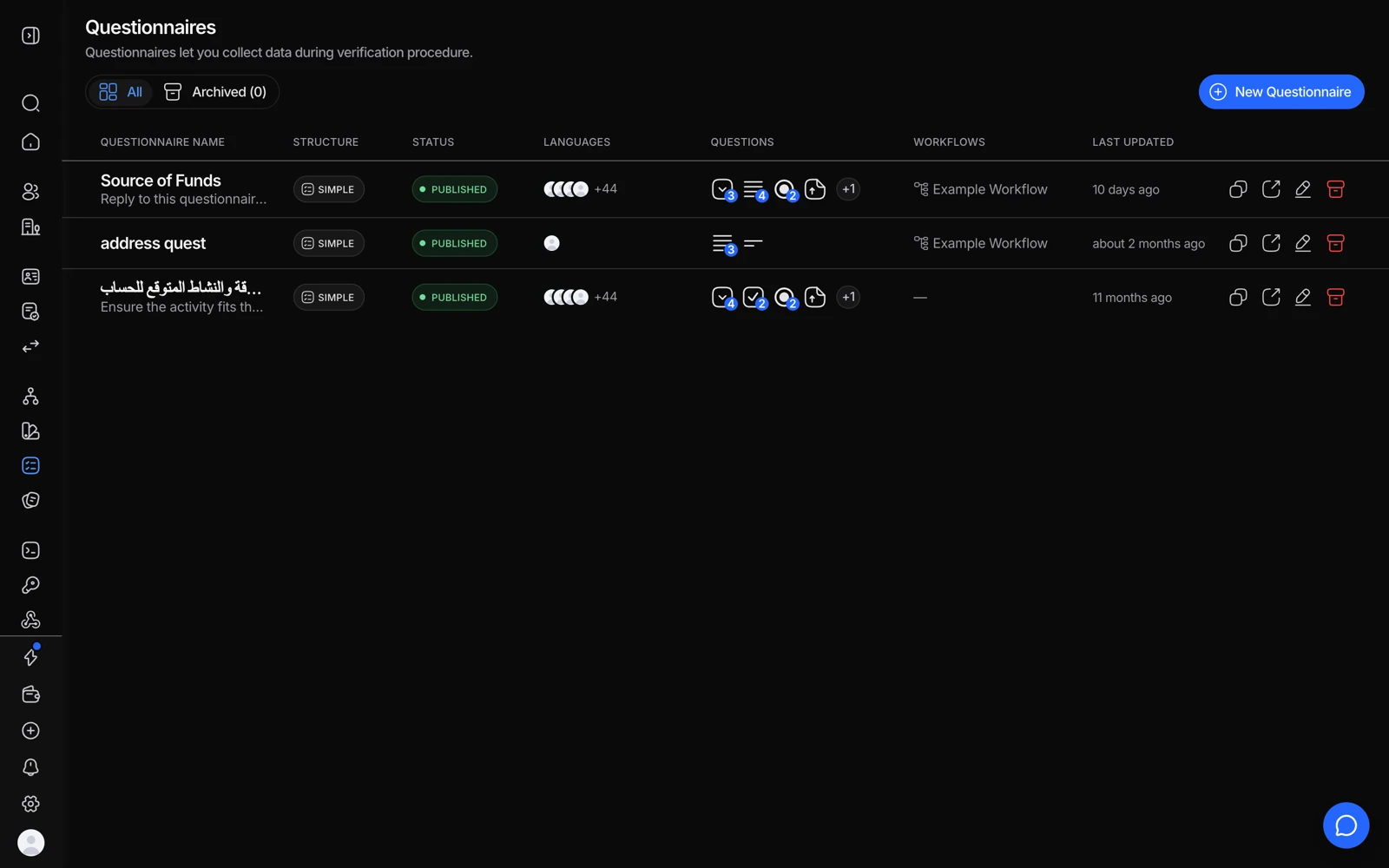
- New Questionnaire starts a form to attach to a workflow.
- Languages shows which translations exist for each questionnaire.
- Question count, so you can see at a glance how long the form is.
- Duplicate is how a new version starts without touching the live one.
A questionnaire collects the things a document can't tell you: source of funds, purpose of the account, an attestation you need on record, a supporting document that isn't an identity document. It runs as a step inside the verification flow, so the answers arrive with the rest of the session result.
#Simple mode
Drag elements onto the form, set which are required, add placeholders, preview, publish. Best for:
- Quick data collection
- Simple surveys and attestations
- A single-language form
#Advanced mode
A visual node-based editor on an infinite canvas, for forms with real logic:
- Conditional branching - route to different questions based on previous answers
- Multi-language content - translate everything user-facing
- Smart connections - drag from a node handle into empty space to create and connect a new node
- Keyboard shortcuts - undo, redo, delete
- Zoom and pan - scroll to zoom, drag to pan
Best for multi-language questionnaires, compliance-driven collection with different paths per answer, and anything that needs manual review at the end.
#Branching and rejoining
A common requirement is to branch on an answer and then bring everyone back to a shared set of questions afterwards. That's what the graph structure is for - connect the branch's terminal nodes back to the shared node rather than duplicating the rest of the form down each path. Duplicating is the thing that makes a questionnaire unmaintainable.
#Pre-filling answers from the document
Populating questionnaire fields automatically from the data ID verification extracted is a frequent request, and the answer depends on the current behaviour rather than something you can configure blindly. Before designing a flow that depends on it, confirm with your Didit contact what's supported today, which field names map to which extracted values, and which OCR fields can be reused.
If pre-filling isn't available for the field you need, ask the question explicitly instead - a form that silently arrives half-empty is worse than one that asks.
#A questionnaire step that appears skipped
If a session shows a questionnaire step as completed but with nothing in it, or the person appears to have passed without filling it, check in this order:
- Are the fields actually marked required? An optional field can be left blank legitimately.
- Did an earlier step decline and stop the flow before the questionnaire ran?
- Is the questionnaire attached to the workflow the session actually used?
- Was the workflow published after the questionnaire was attached?
If the fields are required, the step ran, and answers are still missing, that's worth reporting with the session ID rather than working around.
#Reviewing answers
Questionnaire answers appear in the session result and in the session PDF. If an answer needs a person to look at it, route the questionnaire step to review - what that looks like is covered in decision rules and thresholds.
There's no built-in email that tells you a questionnaire needs review, so wire the notification you need off the status.updated webhook, which fires when the session lands In Review. See getting results with webhooks.
#Language
In Advanced mode you translate the user-facing content per language. Which language a person sees follows the session's language, which auto-detects from the browser unless you set it explicitly. See setting the verification language.
#What it costs
$0.10 per completed questionnaire. Not in the free tier - so adding a questionnaire to an otherwise-free KYC workflow makes it a paid workflow. See what counts as a billable check.
#Length is a conversion cost
A questionnaire is the one step in a verification flow whose length is entirely your choice, and it's a common abandonment point. Every field you add costs completions. Ask for what your obligation actually requires, and collect the rest later in your own product where the person is already committed.