
What each session status means
A verification session moves through statuses like Not Started, In Progress, In Review, Approved and Declined - here's what each one means, what to do about it, and why even a decided session can change again.
Ten statuses exist. Approved, Declined and Kyc Expired mean a decision has been reached - but none of them is permanently immutable: a reviewer can reopen a decision, and ongoing AML monitoring can move an approved session later. In Review is the only status that needs a person. Keep handling updates after a session is decided.
Every verification session has a status that tells you where it is in the process. Here's what each one means in plain language, and whether it needs anything from you.
#Where to find a session's status
In the Business Console, go to Verifications in the sidebar and open the session you want to check. The status is shown at the top, along with the results for each check that ran.
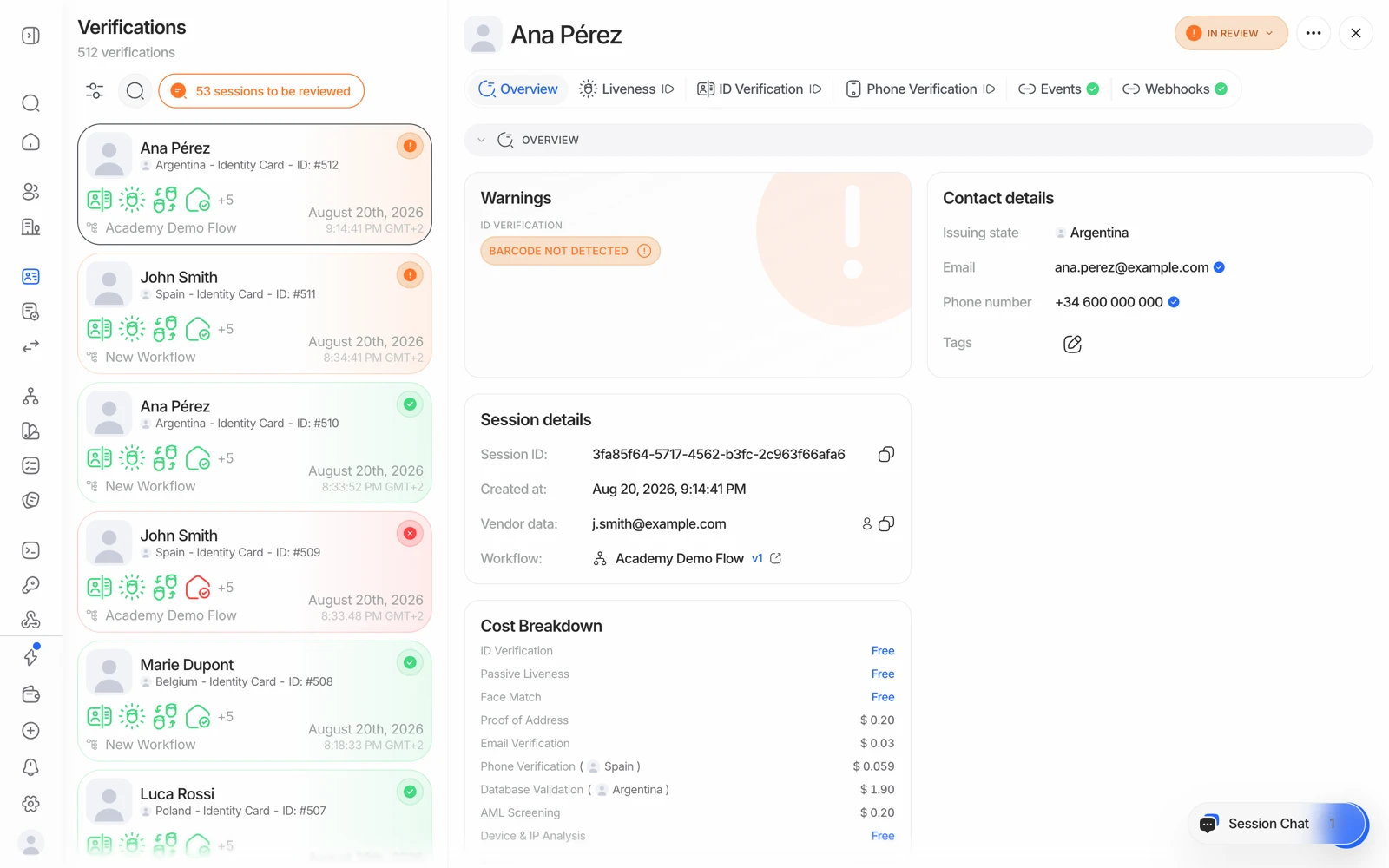
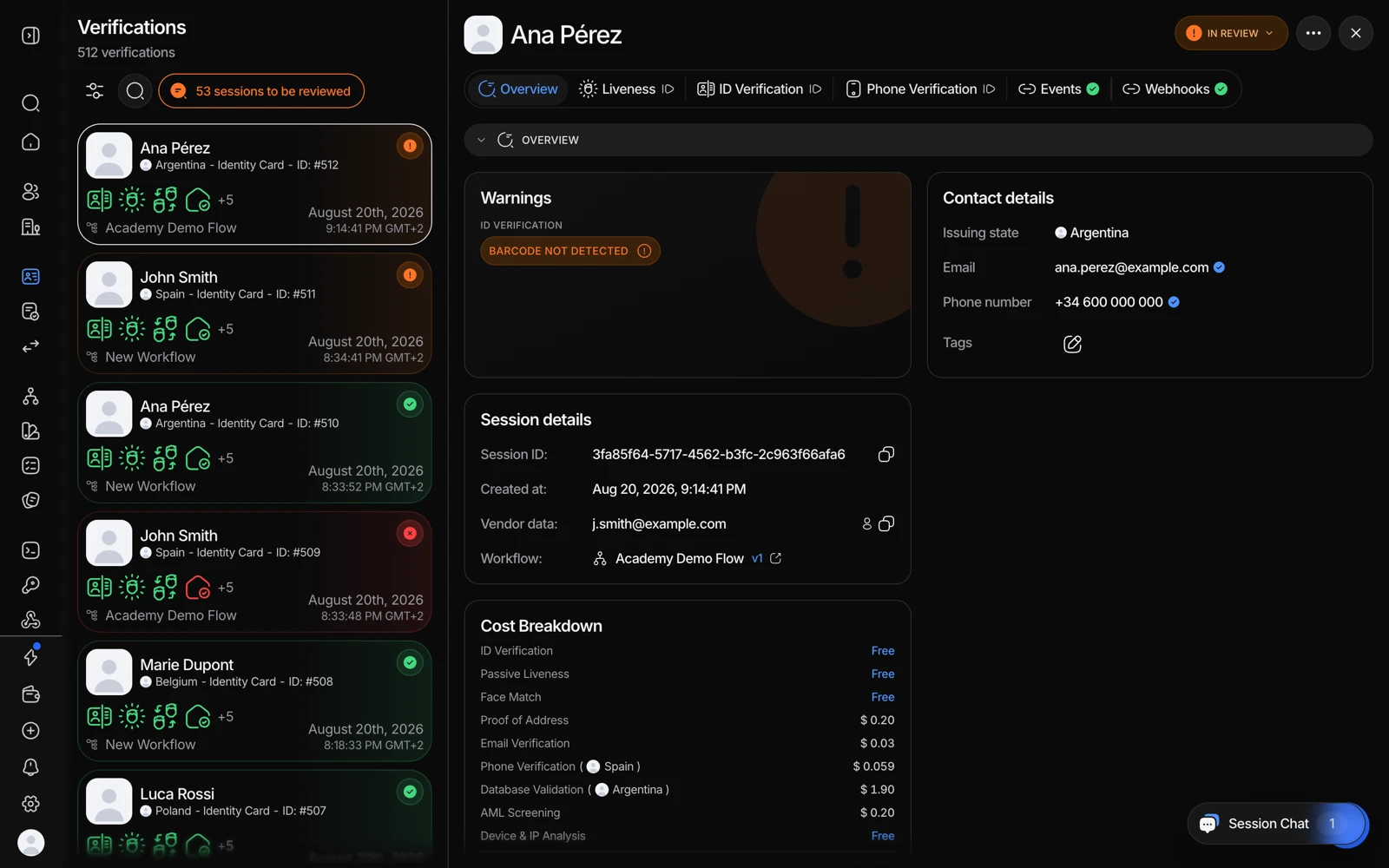
- Overview carries the session's current status and the reason behind it.
- Each check has its own tab, with its own result.
- Events is the timeline: every status this session has been through, with timestamps.
#The statuses, explained
| Status | What it means | Action needed? |
|---|---|---|
| Not Started | Created, but the link hasn't been opened yet. | No - wait, or remind them. |
| In Progress | The person is actively going through the checks. | No - resolves on its own. |
| Approved | Every check passed - identity verified. | No. |
| Declined | One or more checks failed. See why a verification was declined. | Only if you want to request resubmission. |
| In Review | Flagged for a human decision - low score, data mismatch, AML hit. | Yes - approve, decline, or request resubmission. |
| Resubmitted | A reviewer asked for specific steps to be redone; re-evaluates once done. | No. |
| Awaiting User | KYB only - waiting on the linked people to finish their own verification. | No. |
| Expired | The link timed out before it was opened. | Yes - create a new session. |
| Abandoned | Opened but not finished in time. | Optional - remind or create a new session. |
| Kyc Expired | A previously approved session passed its re-verification period. | Yes - ask them to verify again. |
#Which ones are decided
| Category | Statuses | Meaning |
|---|---|---|
| Decided | Approved, Declined, Kyc Expired | A verdict exists. Not necessarily permanent - see below. |
| Still active | Not Started, In Progress, Resubmitted, Awaiting User | Waiting on the user, on child sessions, or on processing. |
| Needs you | In Review | Requires a decision from your team. |
| Ended without a decision | Expired, Abandoned | The person never completed it. |
A decided session can still change. Do not stop processing updates for a session once it reaches Approved or Declined:
- Declined can become Resubmitted when a reviewer asks the person to redo a step, and then Approved.
- Approved can become In Review or Declined later, when ongoing AML monitoring finds a new hit that crosses your threshold.
- Approved can become Kyc Expired if you set an expiry policy.
The only statuses that genuinely never move again are Expired and Abandoned - the person never completed the flow, so there is nothing to revisit. Everything else is a state your integration should remain willing to receive an update for.
#How a session moves between them
- Not Started → In Progress (they open the link), or → Expired (they never do).
- In Progress → Approved, Declined, In Review, or Abandoned. In KYB it can also go to Awaiting User once the key-people step is submitted.
- In Review → Approved, Declined, or Resubmitted, always by a reviewer's action.
- Declined → Resubmitted, if a reviewer asks for another attempt.
- Resubmitted → Approved, Declined, or In Review, once the person redoes the steps.
- Awaiting User → Approved, Declined, or In Review, once every required party is decided.
- Approved → Kyc Expired, if a KYC expiration policy applies.
Via the API or a webhook, statuses are exact, case-sensitive strings with
spaces - for example "In Review", not "in_review" or "IN_REVIEW". Use
strict equality when matching them. One oddity to watch: the expiry status is
"Kyc Expired" with a single capital K, not "KYC Expired". Full reference:
verification statuses.
#Statuses that look like problems but aren't
- In Progress that isn't moving. The person simply hasn't finished. There's no way to fast-forward a session; it updates when they complete the remaining steps.
- Awaiting User on a KYB session. Expected. The company submitted its list of people and the parent session is waiting for each of them. Watch the child sessions, not the parent.
- Resubmitted going back to Awaiting User. In KYB, if a child session is resubmitted the parent returns to Awaiting User until it completes.
#Mapping these onto your own states
If you're storing a status of your own, two mappings are worth getting right:
- Abandoned and Awaiting User are not resubmissions. Resubmitted specifically means a reviewer asked for steps to be redone; Abandoned means the person walked away; Awaiting User means other parties are still verifying.
- Expired and Kyc Expired are different. Expired means the link was never opened. Kyc Expired means an approved verification aged out of your policy - so the person was verified once, and now needs to be again.
#Next steps
- In Review: see sessions stuck in review, and how to reduce them.
- In Review or Declined: see letting someone try a verification again.
- Declined: see why a verification was declined.
- Get statuses pushed to your backend automatically: see getting verification results with webhooks.