
Letting someone try a verification again
Two ways to give a user a second attempt - request a resubmission of just the failed steps, or start a brand new session. Which one depends on the session's current status.
Resubmission if the session is In Review or Declined - same session, the person only redoes the failed step. A new session if it Expired or was Abandoned. Resubmission is almost always the better choice for a genuine user.
There are two ways to give someone another attempt: request a resubmission of the steps that failed, or create a new session from scratch. Which one you want depends on the session's current status.
#Option 1: Request resubmission (session is In Review or Declined)
Resubmission keeps the same session and history, and only asks the person to redo the specific steps that failed - not the whole verification.
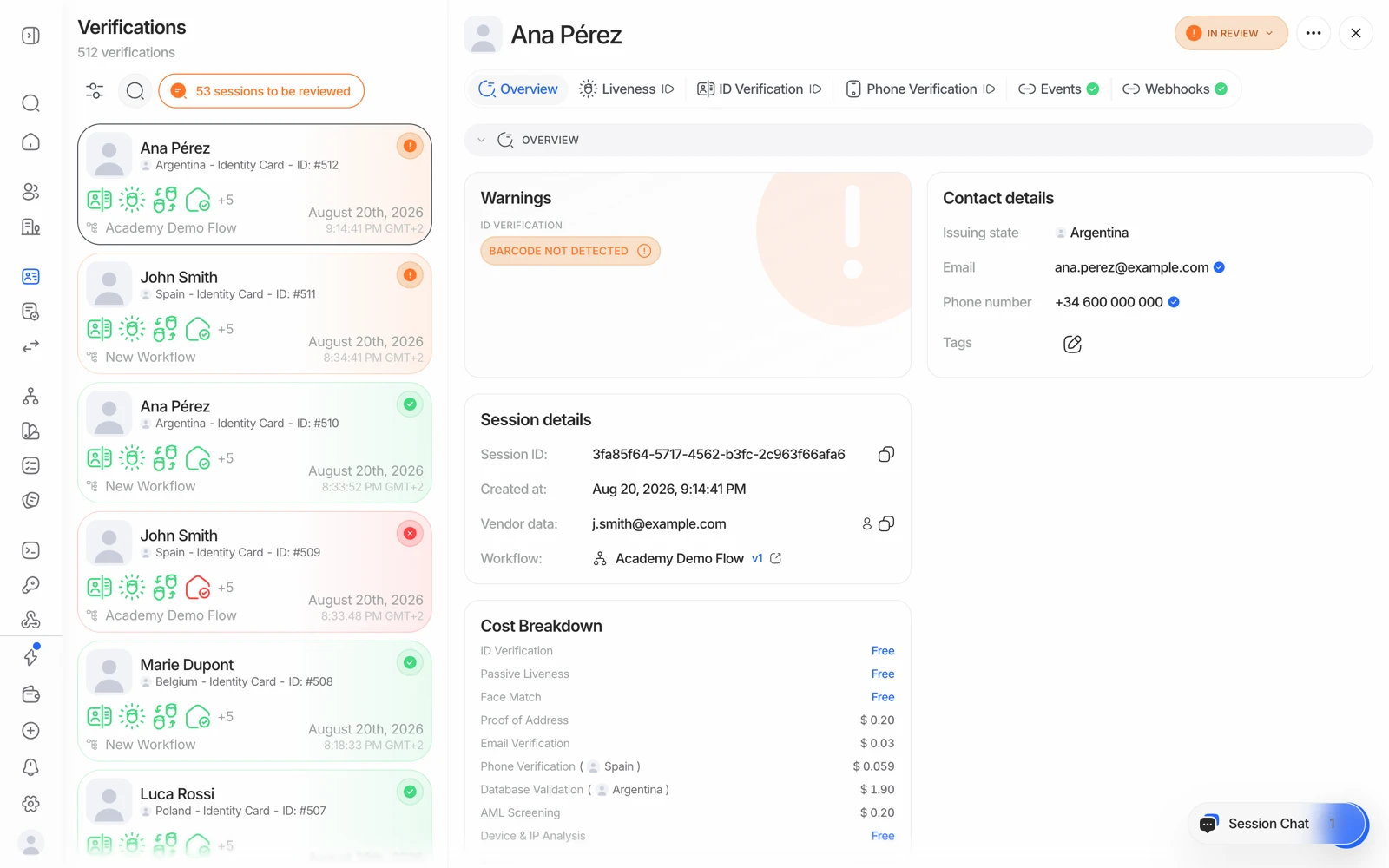
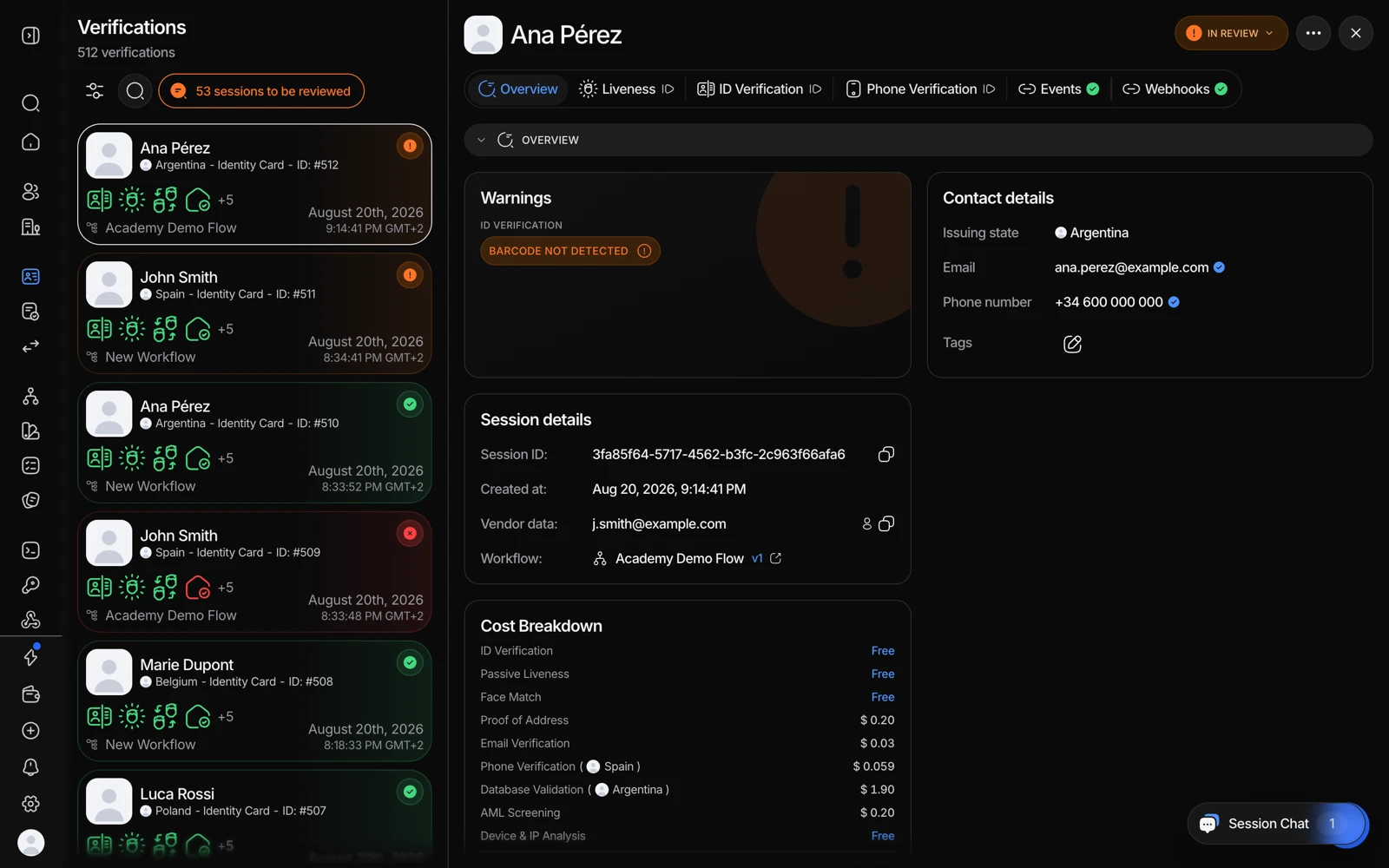
- More options is where a session can be reopened so the user tries again.
- The new attempt appears in Events alongside the first, so you can compare them.
- Open the session
In the Business Console, go to Verifications and open the session.
- Request resubmission
Open the actions menu and select Request Resubmission. Choose which steps the person needs to redo - any step that wasn't approved.
- Notify the person (optional)
If you have their email on file, you can send them a link straight to the resubmission automatically. You can also set the language of that email.
- Wait for the re-evaluation
The session status changes to Resubmitted while it waits. Once the person completes the requested steps, the system automatically re-evaluates and moves the session to Approved, Declined, or In Review.
Resubmission can be requested more than once on the same session - each round is kept in the session's history for your records. Developers can trigger the same thing through the update session status API.
#Option 2: Create a new session (session is Expired or Abandoned)
If a session expired before the person opened it, or they abandoned it partway through, resubmission doesn't apply - create a fresh session and send them a new link, either from the console's verification link flow or via the create session API. A new session gets its own session ID and starts from Not Started.
Pass the same vendor_data you used the first time. That's what groups both attempts under one consolidated user, so you keep a single view of that person even though the sessions are separate.
#Which one should you use?
| Resubmission | New session | |
|---|---|---|
| Session ID | Same one | New one |
| History | Kept together in one place | Separate, linked only by vendor_data |
| What the person redoes | Only the failed steps | Everything |
| Works from | In Review, Declined | Any status, but mainly needed for Expired or Abandoned |
| Cost | Only the steps that re-run and complete | Every step in the workflow again |
For a fixable problem - a blurry photo, a wrong document side - resubmission is almost always the better choice: it's less friction for a genuine user, cheaper, and keeps a single audit trail.
#What a retry costs you
Billing happens per completed feature, so:
- A resubmission that redoes only the document step bills only that step.
- A brand-new session runs the whole workflow again and bills each feature that completes again.
- A step the person never reaches isn't billed at all.
That's the practical argument for resubmission over a fresh session on a fixable failure. See what counts as a billable check.
#Controlling how many attempts a person gets
If you'd rather a failed verification not offer the person another try inside the same flow, that's a workflow configuration question - the step's action on each warning decides whether the person is invited to retry, sent to review, or declined outright. See decision rules and thresholds.
Be careful about removing retries entirely. Some capture failures are the device's fault, not the person's - a camera that dropped a frame or a phone that couldn't hold the NFC chip. Removing the retry converts those into permanent declines of legitimate users.