Use New verification to run a workflow for someone without code and send the link by email or QR code, or run a single check such as AML screening alone.
Press New verification (on Home, the verifications list, or a person's profile), pick a workflow, add your own ID for the person under Vendor data, and press Create verification. Then send the link by email, copy it, or show the QR code. The Single check tab runs one check, such as AML screening, without a whole workflow.
You don't need an integration to verify someone. The console creates the verification for you and gives you a link to send.
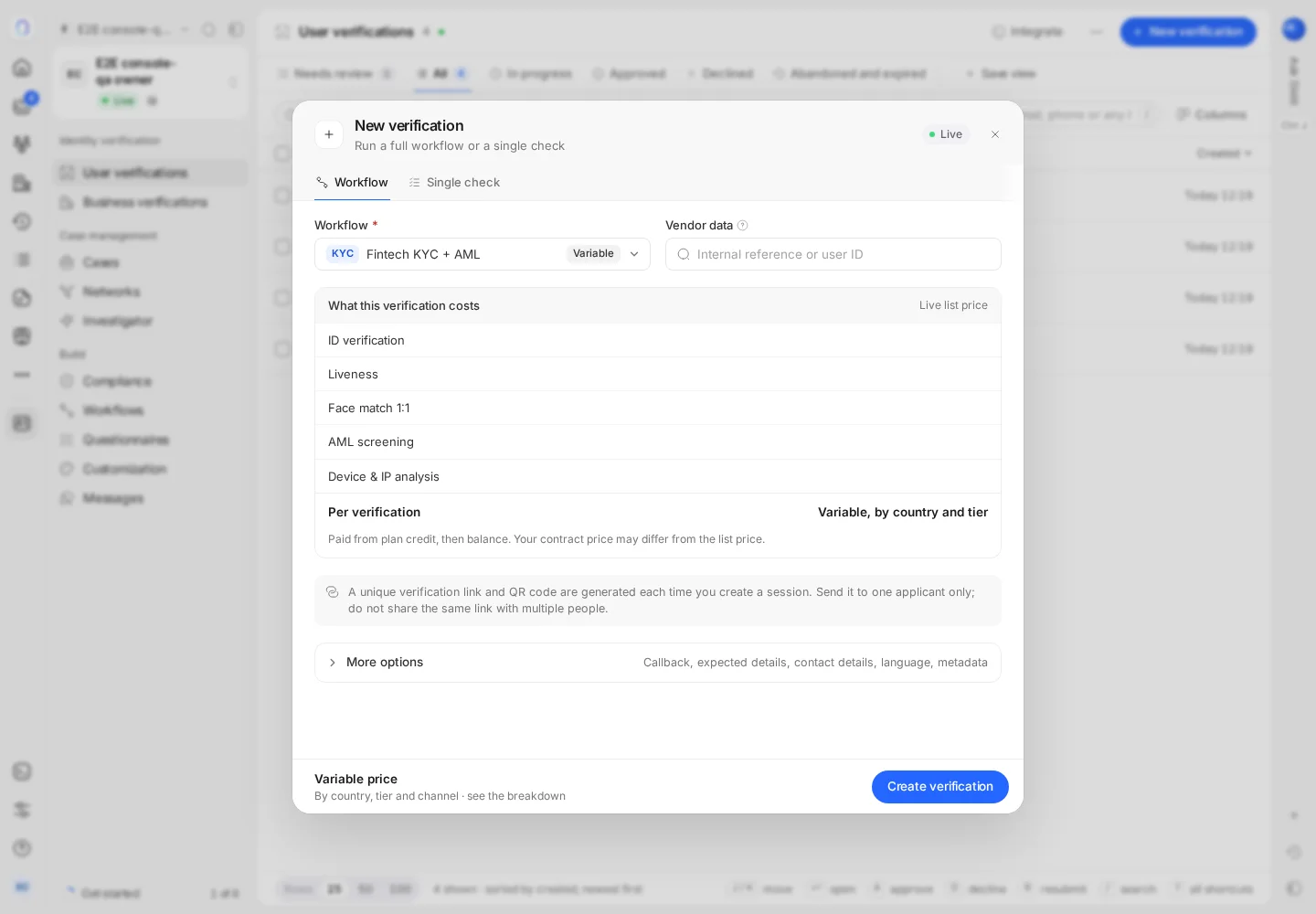
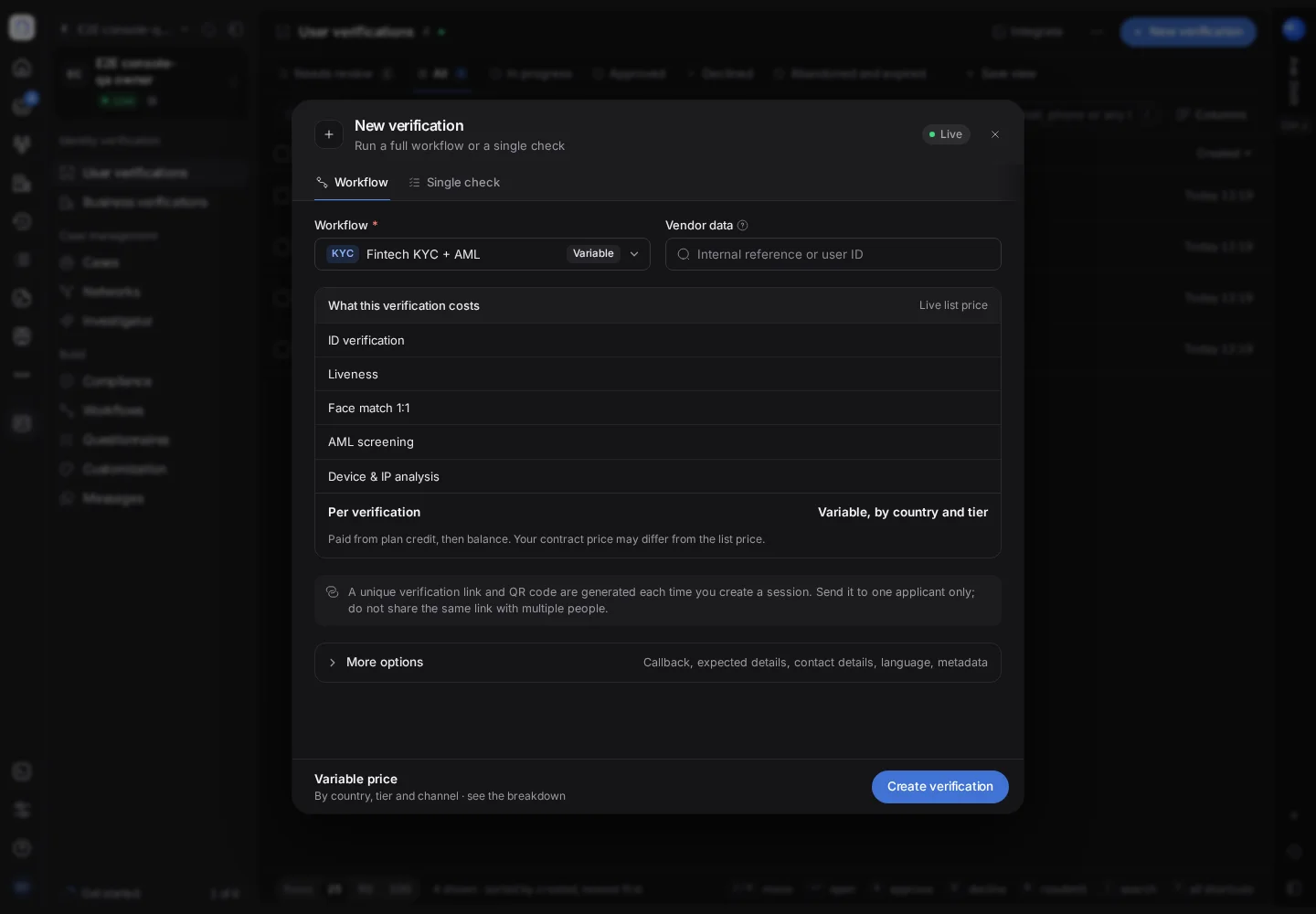
#Run a workflow for someone
- Open New verification
It's on Home, at the top of User verifications, on a person's or company's profile, and in search (Cmd+K). The dialog shows whether you're in Live or Sandbox.
- Pick the workflow
Choose the workflow the person goes through; each one is tagged Published or Draft. The dialog also shows what the verification costs at the list price. See building a verification workflow.
- Say who it's for
Enter your own ID for the person under Vendor data. Start typing to pick someone who's already in People (or Companies for a business verification), so the new verification joins their record.
- Create it
Press Create verification.
- Send the link
Send it by email, in the language you choose, or copy the link, open it yourself, or show the QR code so the person can continue on their phone. The screen also says when the link expires.
Starting from a person's profile, or from New verification for this person on one of their verifications, fills in the vendor data for you.
#More options
Where it's available (it's rolling out), More options adds:
- a callback URL, where the person returns after they finish;
- contact details, so Didit can send the verification email and use the right languages for the email and the verification;
- expected details, to check what the person submits against what you already know;
- metadata you want to get back in the results;
- in Sandbox, the scenario to simulate;
- the equivalent API call, to copy into your own code later.
#Run a single check
The Single check tab runs one check by itself, with no link to send: for example AML screening, Database validation, Company registry, Phone risk, Email risk, IP risk, Face match 1:1 or Proof of address. Fill in what the check needs and press Run check. The result shows in the dialog, and Open verification takes you to the saved record (a wallet screening result is shown there only, not saved).
#Things to know
- Verifications created in Sandbox are free and never contact a real person. See testing in sandbox.
- In Live, each check is billed as usual, whether the verification was started from the console or the API. A single check never uses the free monthly allowance: it's charged when it completes. See what counts as billable.
- Starting verifications needs permission to create sessions. If New verification is greyed out, it's your role. See inviting team members and setting roles.
- To share one link with many people instead, use the workflow's own link. See reusable verification links.
Still stuck? Talk to a human.
Include your organization ID and the session ID you are asking about.