
Reusable verification links
One long-lived link per workflow that starts a fresh session on every visit - ideal for a website button, a QR code, or affiliates. Add your own reference with vendor_data.
Every workflow has one reusable link that creates a new session per visitor.
Put it behind a button, print it as a QR code, or hand it to partners. Append your
own identifier as ?vendor_data= so you can tell whose session is whose.
#One link, many people
A one-time verification link belongs to one person. A reusable link belongs to the workflow: every visit starts a fresh session, so you can publish one URL and let any number of people verify through it.
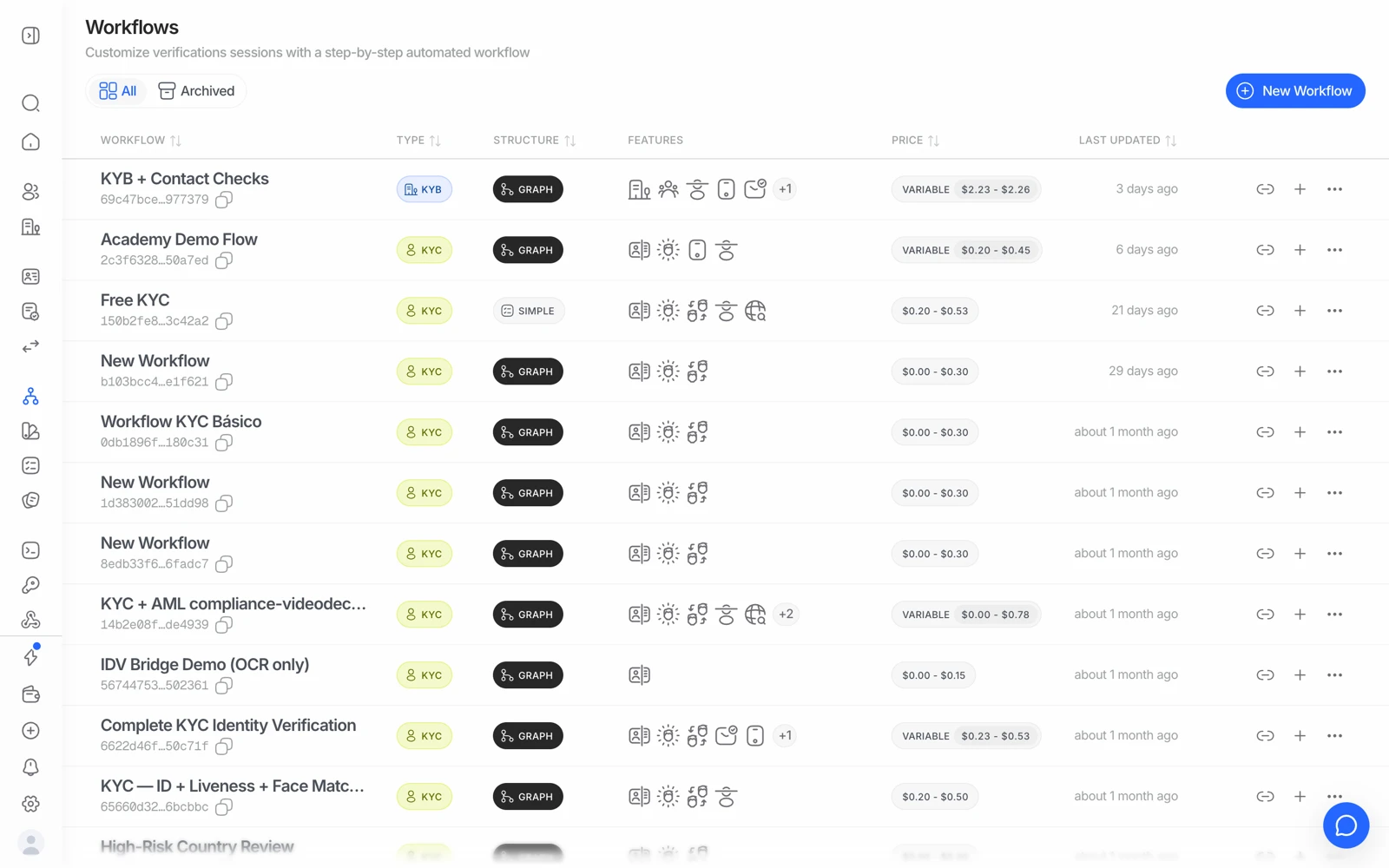
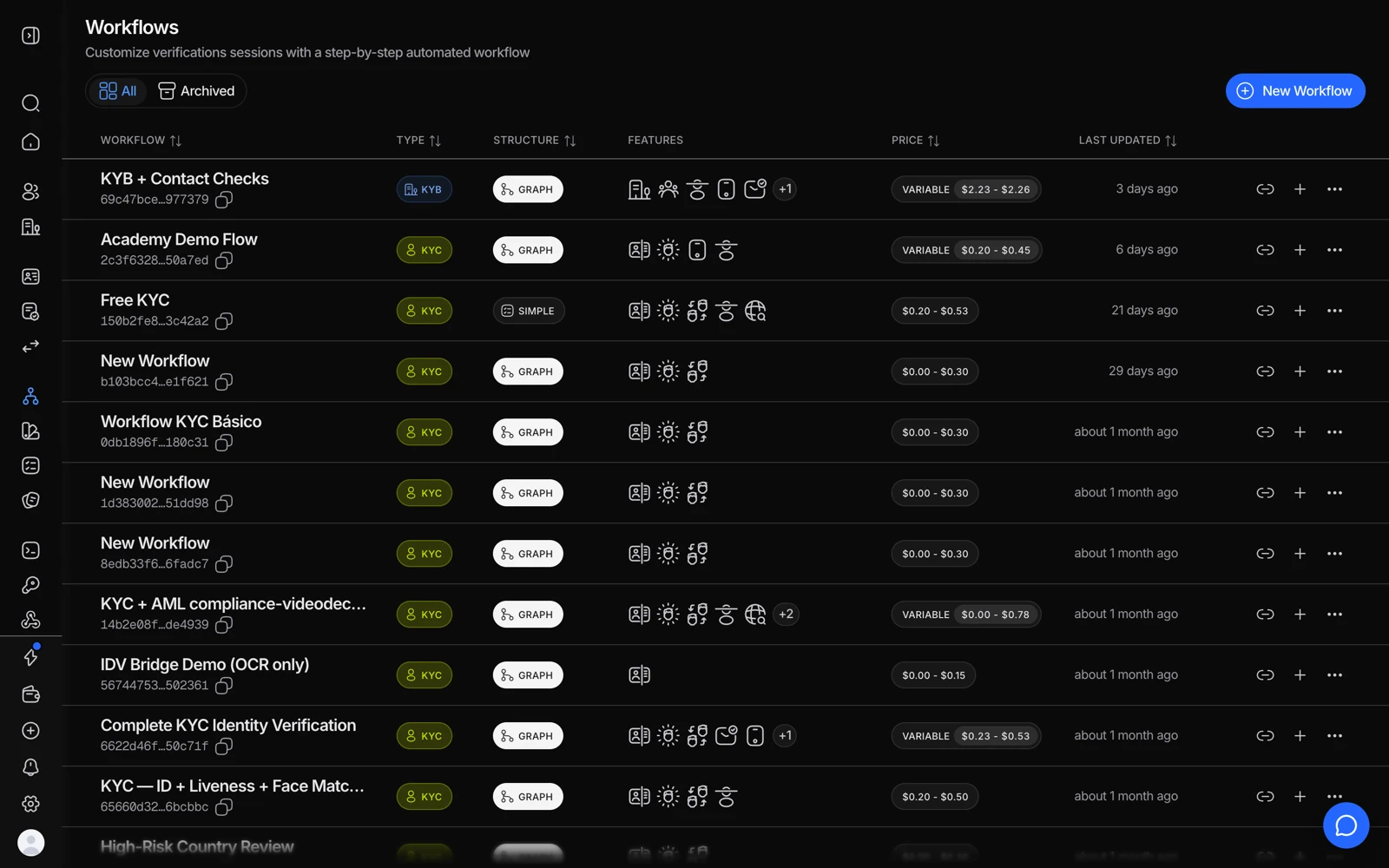
- Copy link gives you a URL anyone can open - no API call needed.
- The link runs whatever that workflow contains, so check its features first.
- A separate workflow gives a separate link, which is how you tell campaigns apart.
Good fits:
- A "Verify your identity" button on your website
- A printed QR code at a branch, kiosk, or event
- A link handed to affiliates, partners, or resellers
- Any situation where you don't know in advance who will use it
#Telling the sessions apart
The obvious problem with one shared link is that every resulting session looks anonymous. Solve it by appending your own reference:
https://verify.didit.me/<your-link>?vendor_data=YOUR_INTERNAL_ID
Whatever you pass as vendor_data comes back on the session and on every webhook, so you can match the result to the right record on your side without a lookup table.
Generate the value per user - your own user ID, or a signed token you can resolve.
That also makes duplicate detection behave correctly: sessions sharing a
vendor_data are grouped into one consolidated user, so a returning customer isn't
flagged as a duplicate of themselves. See
duplicate accounts and face search.
If you're generating the value dynamically for each visitor, generate the whole link server-side. A vendor_data a user can edit in the URL bar is a vendor_data a user can put someone else's ID into.
#What a reusable link doesn't give you
- No per-person expiry. A one-time session link can time out; a reusable link is meant to stay live. If you need a link that expires for a specific person, create a single session instead.
- No pre-filled expected details. When you create a session through the API you can pass a name or document number to compare against. A shared link has no per-person context, so those comparisons aren't available.
- No control over who uses it. A reusable link is a public URL. Anyone with it can start a session, which is fine for a website button and less fine for something you only meant one person to have.
#A returning device doesn't get a fresh flow
"New session per visitor" is per person and device, not per page load. If a device has already been used to verify through the link, reopening it can show that verification's current state - "under review", for example - instead of asking for information again. That's the link recognizing the earlier session, not a broken flow.
It also trips up testing: to run the flow twice yourself, use a private/incognito window or a different device rather than reopening the same link on the same browser.
#It still costs what the workflow costs
Each visit through a reusable link is a full session against that workflow, priced the same way. A link shared more widely than you expected is a bill larger than you expected, so if you publish one somewhere public, keep an eye on volume in Analytics. See reading your analytics.
#Which workflow it uses
The link is tied to a specific workflow in a specific application, so it always runs that workflow's current published version. Editing the workflow changes what new visitors get - existing in-progress sessions keep the version they started with.
#Getting results back
Same as anywhere else: watch the console, or take the results by webhook. Because the sessions arrive unpredictably rather than in response to your own API calls, a webhook is materially more useful here than polling - you have nothing to poll for until a session exists.
#Full reference
See verification links and reusable links for the console walkthrough.