
Inviting team members and setting roles
Invite teammates from Settings > Team, assign a built-in or custom role, and control exactly what each person can see and do. There's no seat limit.
Invite from Settings → Team; there's no seat limit. Each member holds exactly one role. If a console section looks missing or disabled for someone, it's nearly always their role rather than a bug.
You can invite as many teammates as you need under Settings > Team, and give each one a role that controls what they can see and do in the console.
#Inviting a team member
- Go to Settings > Team
In the console sidebar, open Settings, then Team.
- Send the invite
Enter your teammate's email address.
- Choose a role
Pick from the built-in roles or any custom role your organization has created. Each member holds exactly one role at a time.
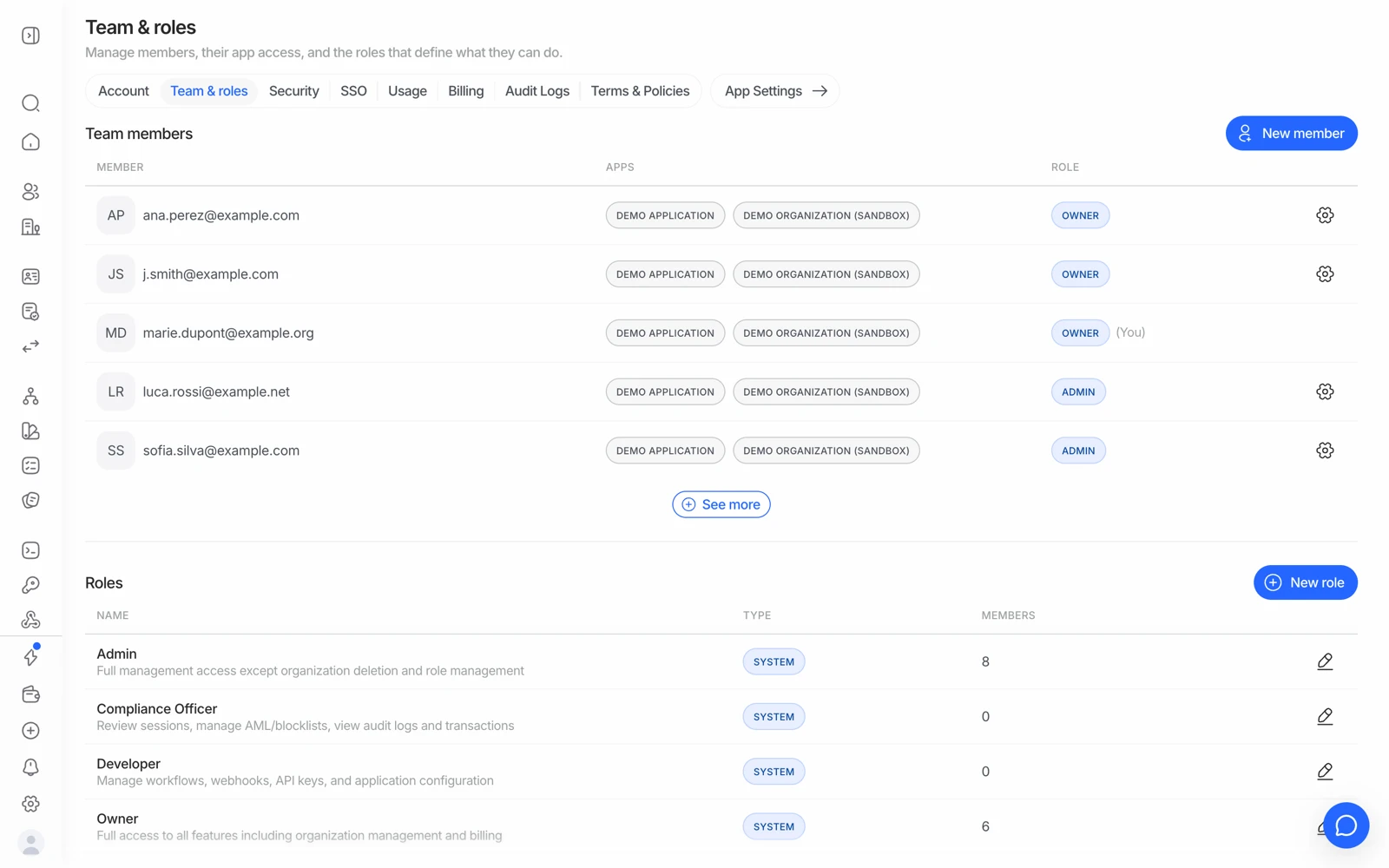
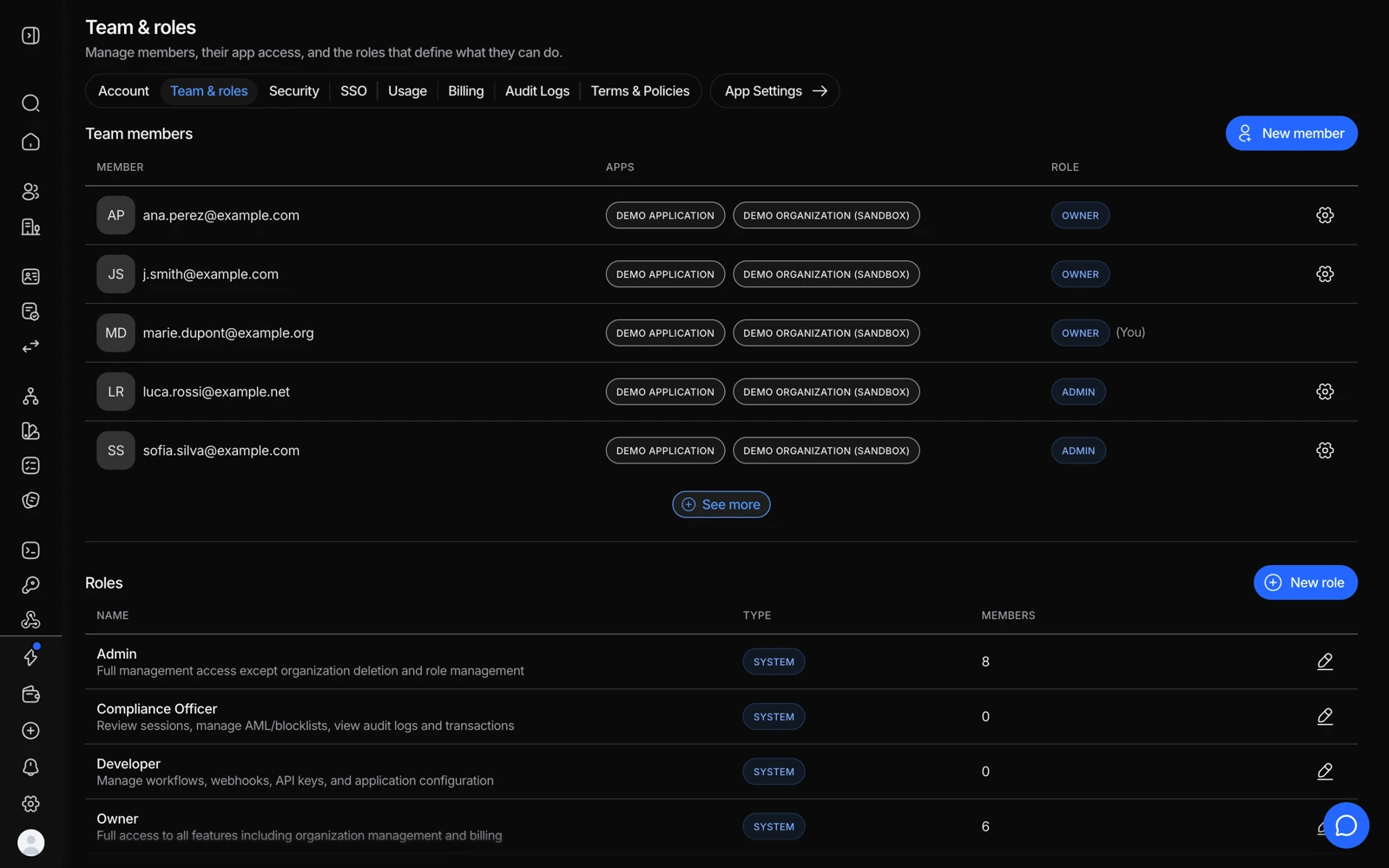
- New member opens the invite dialog. Enter the email address, pick a role, and send.
- The Role column shows what each member can already do. The gear at the end of a row changes it.
- New role builds a custom role when none of the built-in ones fit.
- Built-in roles are marked SYSTEM. The pencil at the end of the row opens a role; system roles can be read but not edited.
#Built-in roles
| Role | What it covers |
|---|---|
| Owner | Full access, including billing, organization settings, and role management. Only owners can delete the organization or transfer ownership |
| Admin | Full management of verification features, team members, and application settings - but not organization deletion or role management |
| Compliance Officer | Reviewing sessions, managing blocklists and AML results, audit logs, transactions, and business profiles |
| Developer | Workflows, webhooks, API keys, questionnaires, and application configuration, with read-only access to sessions |
| Reader | Read-only access across the console |
Built-in roles can't be edited or deleted.
#Custom roles
If the built-in roles don't fit, an owner can build a custom role under Settings > Roles: give it a name and description, then pick exactly which actions it grants - view, edit, create, delete - per console section.
Custom roles can be edited or deleted any time, as long as nobody is currently assigned to them. Reassign those members first.
#"It looks broken" is usually a role
Before treating a missing or inert section as a bug, check the person's role. Two examples that come up repeatedly:
- The white-label editor appears but does nothing. Changing customization needs write access to Customization; read-only members see it disabled rather than getting an error. See customizing branding.
- Invoices aren't visible. Billing visibility is included for Owner by default and can be granted to a custom role. A Developer won't see it. See top-ups, invoices and payment methods.
#Making someone an owner
Change their role to Owner under Settings > Team. Note that only an existing owner can do this, and only owners can transfer ownership or delete the organization - so an organization with exactly one owner has a single point of failure. Give a second trusted person the Owner role.
#Changing someone's role
Go to Settings > Team, open the member, and select a different role. This replaces their current role - it doesn't add a second one.
#If an invite doesn't go through
An email can only belong to one Didit organization at a time. If your teammate already has an account - typically because they signed up directly instead of waiting for your invite - that account has to be moved or removed before the invite can land.
Contact support if you hit this; they can sort out the account so the invite goes through cleanly. It's a very common situation and not something you've done wrong. See logging in and recovering account access.
#Removing someone
Also under Settings > Team, you can remove a member's access at any time. Removing a person doesn't remove what they did - their actions stay in the audit log, which is the point of having one. See using audit logs.
When someone leaves, remove their console access and rotate any API key they had access to. Console access and API keys are separate paths in, and revoking one doesn't revoke the other. See managing your API keys.
#Permissions on API keys
Roles govern people in the console. An API key's permissions are a separate matter, and some operations need permissions a key may not have - which surfaces as a 403 rather than a hidden menu. See API errors and what they mean.