
Finding your way around the console
A tour of the Didit Business Console: organizations, applications, workflows, verification review, analytics and settings - and where each one lives.
Everything lives at business.didit.me. An organization holds your team and billing; inside it, applications hold workflows and API keys. The sidebar splits into Workflows, Verifications, Analytics, API & Webhooks, and Settings.
Everything you do in Didit happens in the Business Console at business.didit.me. Here's how it's organized.
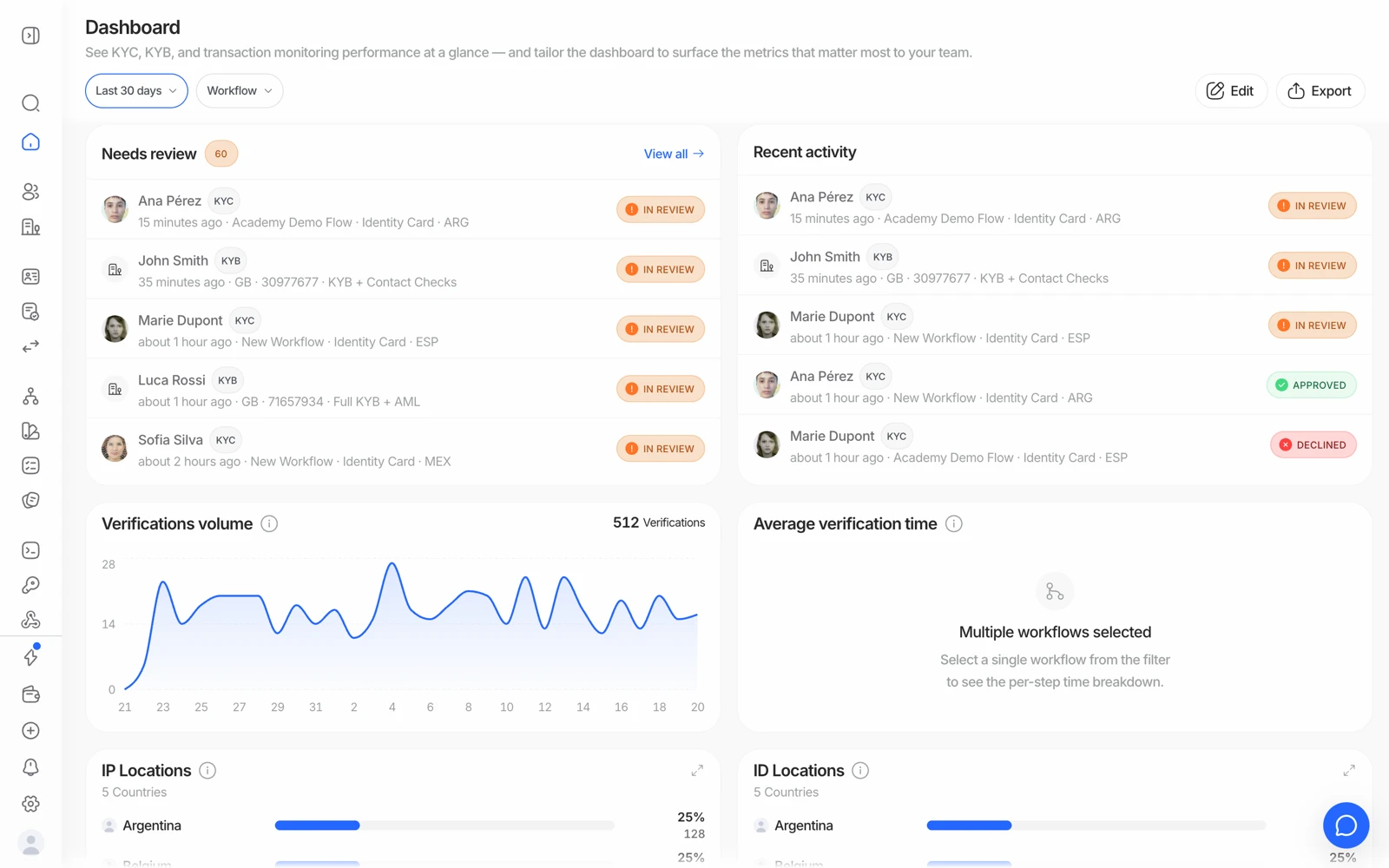
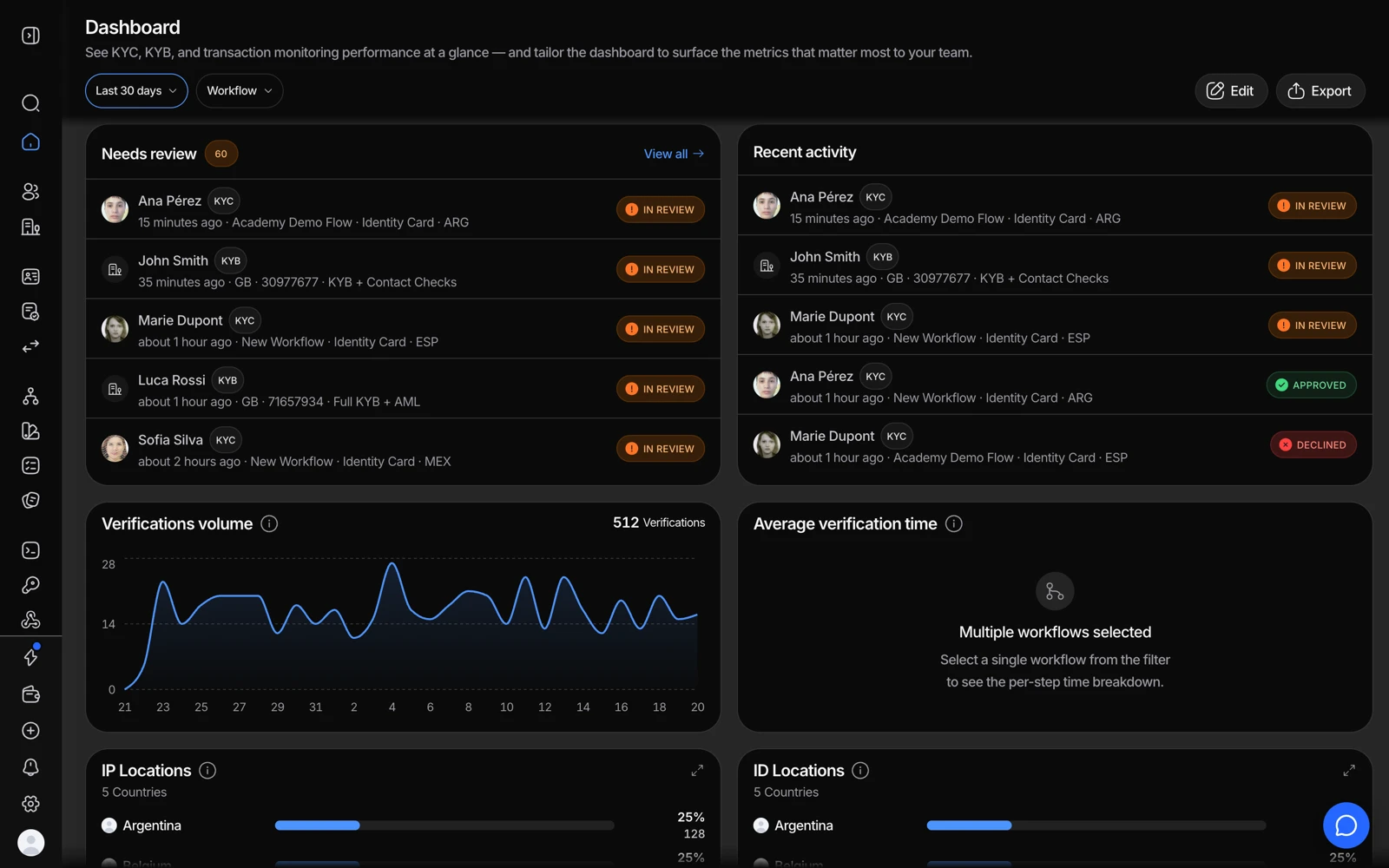
- The date range drives every number on the dashboard.
- Filter by workflow to compare one flow against another.
- Needs review is the queue: sessions waiting for a human decision.
- Export downloads the dashboard's underlying rows as CSV.
#Organizations and applications
Your organization is your account - your team, your billing, and your overall verification activity. Inside it, you create one or more applications. An application is a workspace scoped to a specific project or environment, with its own workflows and its own API key.
Every application has a mode: live or sandbox. That's how you separate test traffic from production - sandbox applications mock every provider and are never billed. You switch between applications from the dropdown at the top of the console. See organizations, applications and environments.
#The main sections
Workflows
Where you build and publish verification flows: the checks to run, the order, and any branching logic. This is also where you generate no-code verification links. See building a verification workflow.
Verifications
The list of sessions run through your workflows, with status, country, and document type at a glance. Flagged sessions land here for manual review. See what each session status means.
Businesses / KYB
Business verification sessions and the consolidated business entities behind them - registry data, ownership, and the key people who still need to verify. See how business verification works.
Transactions
Transaction monitoring: the transactions you've submitted, the rules that fired, alerts, and cases. See how transaction monitoring works.
API & Webhooks
Your application's API key and per-destination webhook signing secret, plus where you register the webhook URL that receives verification results - and the Try Webhook tester. See managing your API keys.
Analytics
Volume, conversion, and funnel metrics for KYC, KYB, and transaction activity, with widgets you can customize per application. See reading your analytics.
Settings
Organization-level configuration: billing and balance, team members and roles, white label and custom domain, data retention, and audit logs. See how pricing and credits work and inviting team members and setting roles.
#Roles control what you see
What a teammate can do in the console depends on their role. Didit ships with built-in roles - Owner, Admin, Compliance Officer, Developer, and Reader - and organization owners can also create custom roles with specific permissions. If a section looks locked or missing, it's usually a role limitation rather than a bug. See inviting team members and setting roles.
#Everything is logged
Every API request in your organization - from the console, your integration, or a teammate - is recorded in Audit Logs, kept for 365 days. That's the place to look when you need to know who changed a workflow or which application a call came from. See using audit logs.
#If the console looks broken
If a page won't load, shows a server error, or your verification history appears to be missing, don't assume your data is gone - this is almost always a temporary platform issue rather than data loss. Refresh, check status.didit.me, and if it persists, contact support directly rather than trying to work around it.