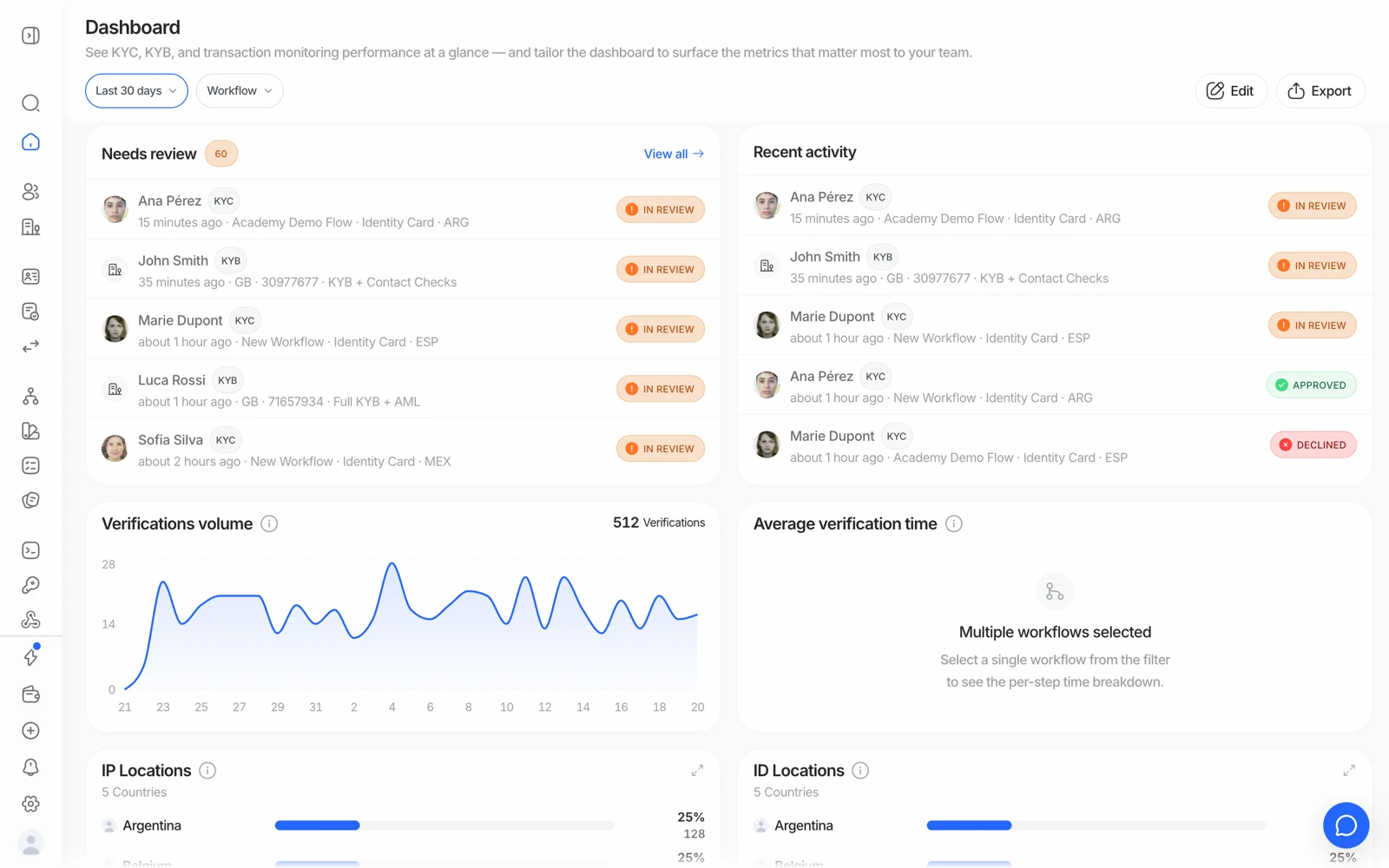
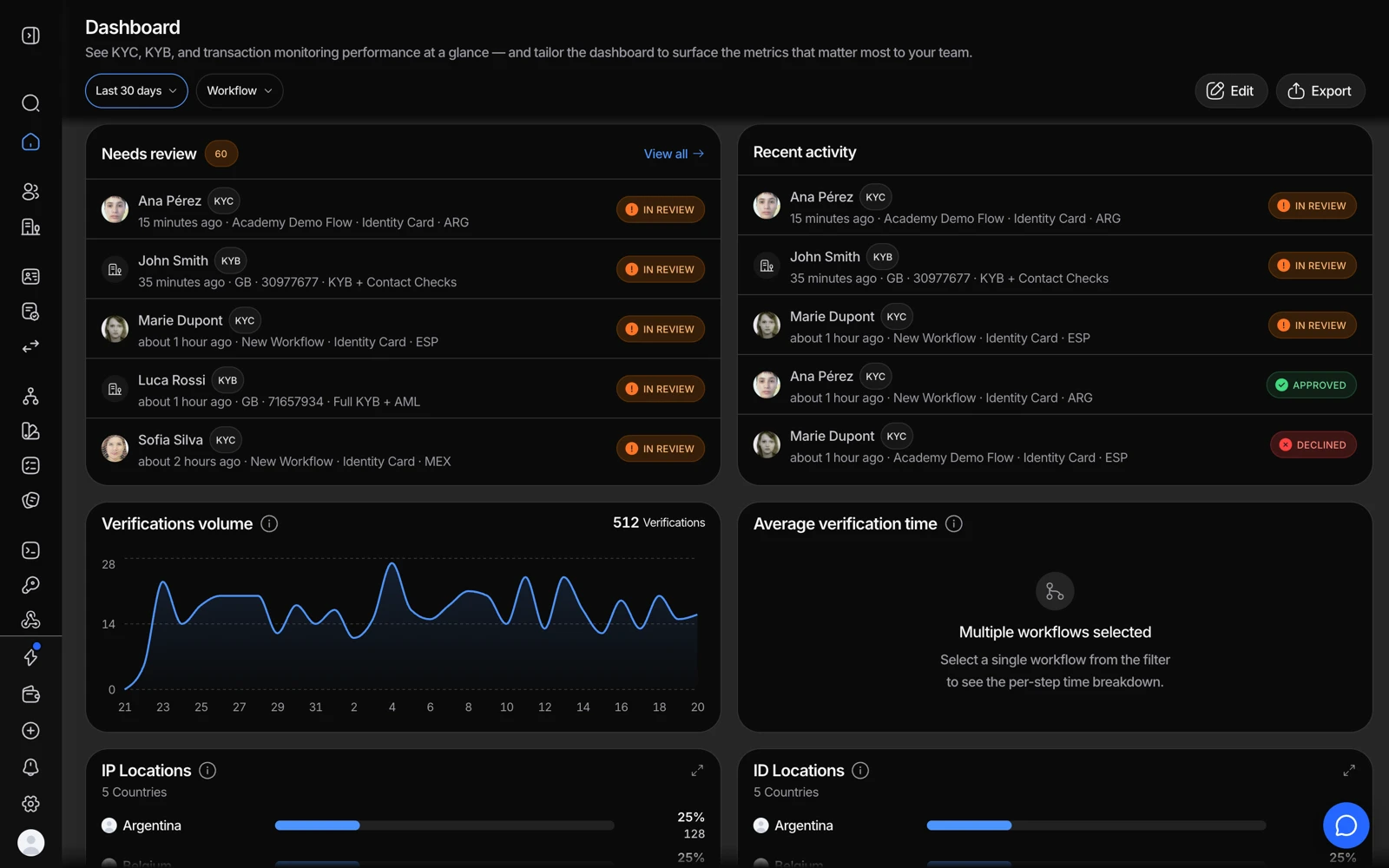
Open business.didit.me: the sidebar holds shared pages, your application's products, Developers and Settings. Press Cmd+K to search and Cmd+J to open Ask Didit.
Open business.didit.me. The sidebar contains shared pages, your application's products, Developers and Settings. Use Cmd+K to search and Cmd+J to open Ask Didit.
#Choose your workspace
An organization holds your team and billing; its applications hold workflows and API keys. Use the organization name and application card at the top of the sidebar to switch workspace or open its settings. Check the selected application and Live / Sandbox environment before acting. Sandbox is for testing; Live runs real checks.
#Find a page
The shared pages include Home, Inbox, People, Companies, Events, Lists, Analytics, Reports and Marketplace. Home shows activity and work awaiting a decision; a new application shows a getting-started checklist.
Identity verification contains user and business verifications, workflows, questionnaires and customization, plus Cases, Networks, Investigator, Compliance and Messages where enabled. Transaction monitoring & Travel Rule contains transactions, rules and transfers. Use More to pin products. Products explains availability.
Developers contains Quick start, API keys and Webhooks. API keys currently has Keys, Applications and General tabs. See API keys and webhooks.
#Search and Ask Didit
Press Cmd+K (Ctrl+K on Windows or Linux) to find pages and records or start an action. Use the arrow keys and Enter to select a result. Cmd+J / Ctrl+J opens Ask Didit. Review any proposed action before confirming it.
#Settings, appearance and help
Settings separates your account preferences from organization settings, members, billing and applications. The account menu selects language and Light, Dark or System appearance. Cmd+B / Ctrl+B collapses the sidebar; ? shows shortcuts.
Pages and actions depend on your role and enabled features. Read the explanation on a disabled control. Use Help and what's new for support and learning resources. If a page fails, refresh and check service status.
Still stuck? Talk to a human.
Include your organization ID and the session ID you are asking about.