
How pricing and credits work
Didit runs on prepaid USD credits: 500 free checks a month for each of four core features, then pay-as-you-go for exactly what you use. No contracts, no minimums, credits never expire.
Prepaid USD credits. You get 500 free checks a month, per feature, for four core features - four separate allowances, not a shared pool. Everything else deducts from your balance when it completes. Credits never expire, there are no contracts and no monthly minimums.
Didit charges in prepaid USD credits: you top up a balance, and each verification feature deducts its cost from that balance when it finishes. There are no contracts or monthly minimums on the standard plan.
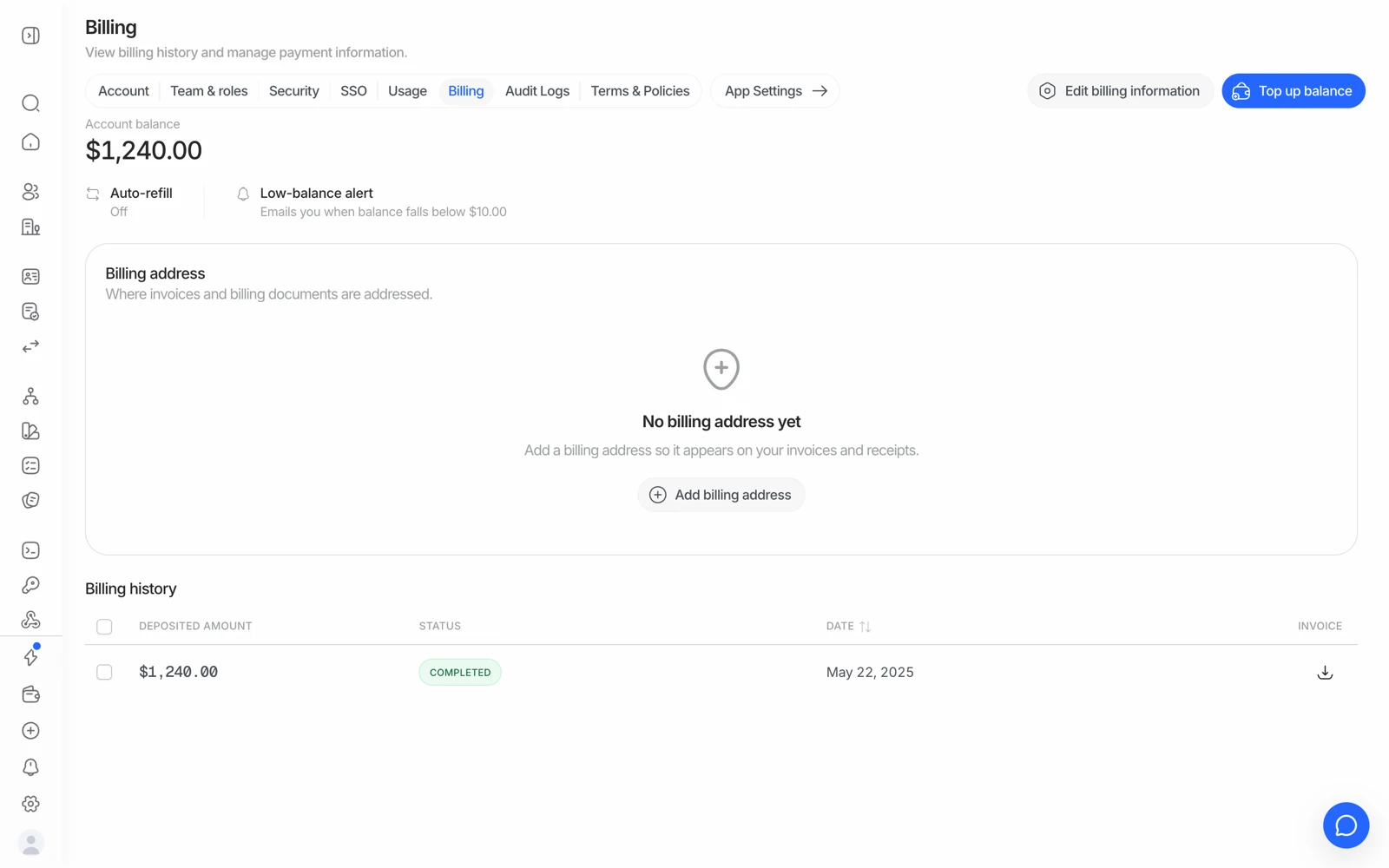
- Top up balance adds credit; checks draw against it as sessions complete.
- The Usage tab breaks the spend down per feature, which is where the free allowance shows.
- Every top-up is listed here with its invoice.
#The free monthly allowance
Every organization gets 500 free checks a month, per feature, for four core features: ID verification ($0.15 after), passive liveness ($0.10), face match 1:1 ($0.05), and device and IP analysis ($0.03). The allowances apply automatically as long as your balance isn't negative - you don't need to activate them.
Four separate allowances, not one shared pool. A workflow running three of those features draws one check from each of three allowances, so it can run 500 times a month before any of them starts billing. Once all four allowances are used, a full KYC check is $0.33 - the sum of the four prices.
The allowances are per organization and reset monthly. Unused free checks don't roll over. See what the free plan includes.
#What counts as a paid feature
Any module outside those four is charged from your balance from the very first use, no matter how low your volume - AML screening, NFC, phone or email verification, active liveness, age estimation, questionnaires, proof of address, database validation, business verification, and white-label branding.
This is the mechanism behind nearly every unexpected billing error. See what counts as a billable check for the full price list, and fixing a "not enough credits" error if a session is being blocked.
#How a workflow's price adds up
A session's price is the sum of the features enabled and actually completed in it. You're only charged once a feature finishes and returns a result - approved, declined, or in review. If someone abandons the flow partway through, you don't pay for the steps they didn't finish, and if an early step declines and stops the workflow, the later steps are never billed.
That has a useful consequence: putting a cheap risk check early in a workflow reduces spend on traffic that was never going to pass. See decision rules and thresholds.
#Failed verifications are still billed
A check that ran and returned "declined" did the work, so it's billed. You're paying for the check, not for a particular answer - the same way a laboratory bills for a test regardless of the result.
What isn't billed is a check that never ran. Those are different situations and it's worth being clear which one you're looking at before querying a charge.
#Credits never expire
Credits you buy stay on your balance indefinitely - there's no use-it-or-lose-it clock. Larger top-ups also come with volume bonus credits, which lowers your effective per-check cost.
#Standalone API calls sit outside the free tier
Features called directly through their own API, rather than as part of a workflow session, are billed per call with no free allowance - even features that are free inside a workflow. If your spend rose after moving a check out of a workflow, that's the reason.
#A negative balance stops everything
If your balance goes below zero, billable work stops - including your free-tier checks. Bring it back above zero and the free allowances resume. Auto-refill exists to prevent this; see top-ups, invoices and payment methods.
#Enterprise and custom terms
The standard plan is fully self-serve and public. If you need higher volume, custom terms, in-country data residency, a DPA negotiated rather than accepted, or a dedicated account manager, that's the enterprise path - the specifics, including any minimum commitment and how credits attach to it, are a commercial conversation. Book a demo rather than inferring terms from this page.
#Testing costs nothing
Sandbox applications bypass billing entirely and skip the balance check, so you can rehearse an entire integration - including the failure cases - without spending anything. See testing in sandbox.