Billing and plan has four pages, Overview, Plans, Usage and Receipts, with your balance, auto top-up and receipts, shared by every application you have.
Open Settings → Billing and plan. Overview shows your balance, auto top-up, your plan and how you pay. Plans compares the plans for each product. Usage lists every live check in a month and what it cost. Receipts has a downloadable receipt for every charge.
Billing belongs to your organization, not to an application: one balance and one team, whatever application you're working in.
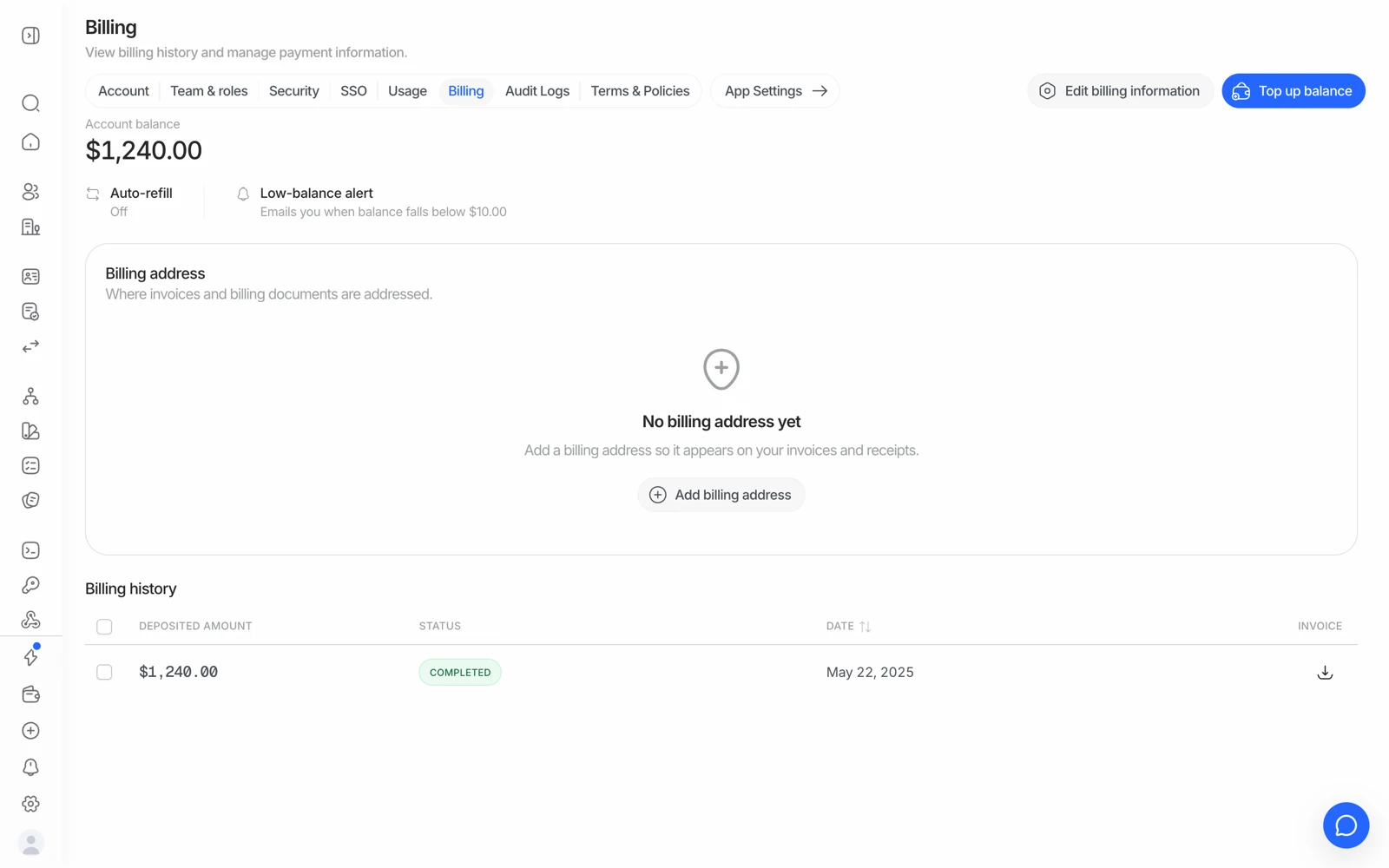
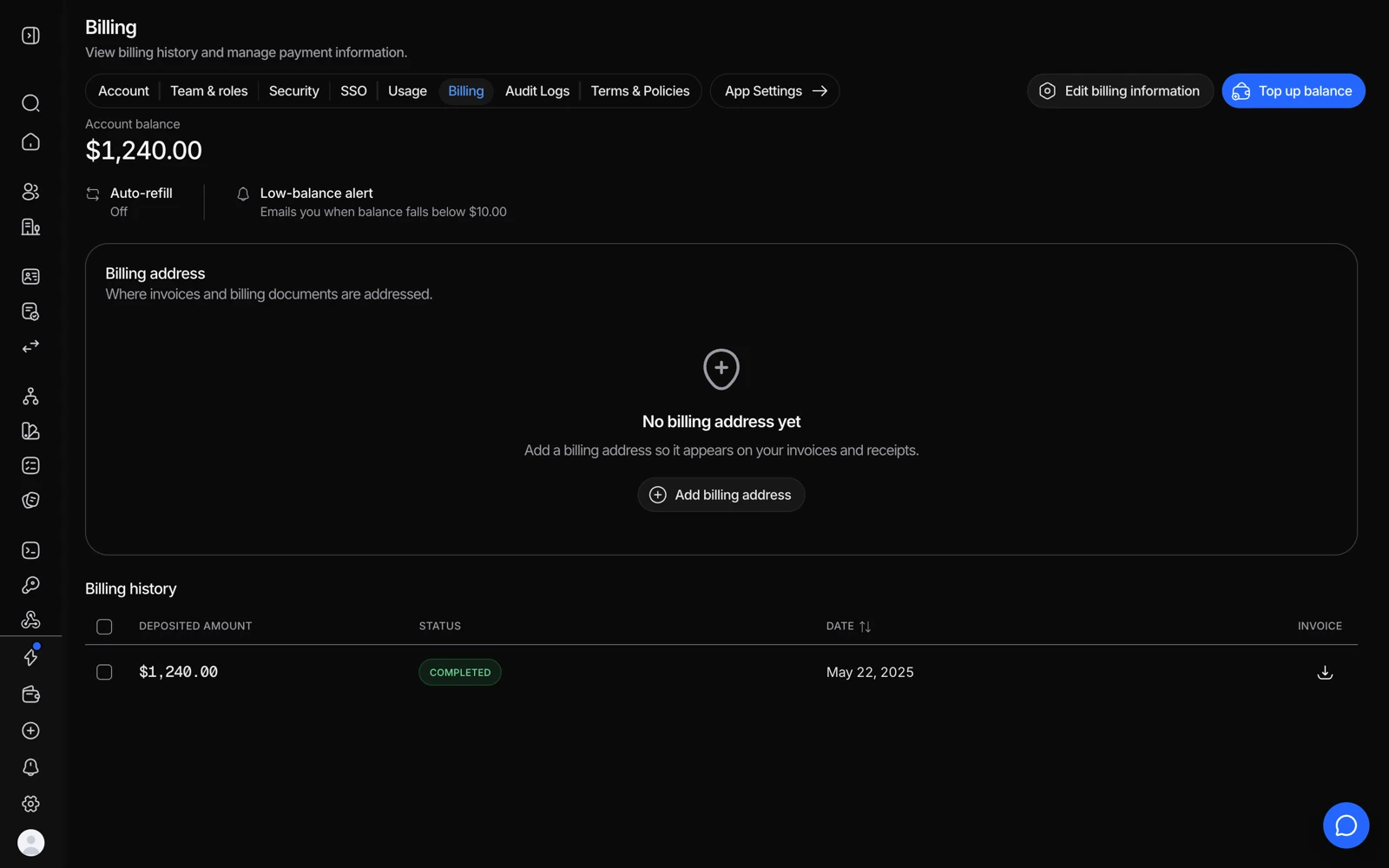
#Overview
- Your plan: the plan you're on (for example Free: pay as you go at list prices), what it includes, and Change plan. Compare plans at the top opens the full comparison.
- Credit and balance: your balance with Top up, the Auto top-up switch and your Low balance alert. Auto top-up and alerts sets the amount, the threshold and the alert.
- This month: what you've spent so far, with a link to the usage details.
- Billing details: the company name, billing email, address and tax or VAT ID that appear on your receipts.
- Payment method: your saved card. Didit never sees the full card number.
- Receipts: your latest receipts, with View all once there is one.
A banner at the top warns you when your balance is low, when auto top-up is paused, or when your payment method was declined. See top-ups, invoices and payment methods.
A new monthly credit model is scheduled for November 1, 2026. Until it is active for your organization, the current free-check allowance applies. Once enabled, Billing and plan shows your eligibility, available free or plan credit, exclusions and renewal terms. Check those details before estimating costs; a work email alone does not establish eligibility.
#Plans
Plans compares Free, Growth, Scale and Enterprise for the product selected at the top. Your organization shares one balance and one team across products. Available actions depend on your current plan, trial, pending changes, permissions and whether that product is on sale.
Where available, choose an upgrade and review the quote, amount due, credit and renewal terms before confirming. A downgrade or trial change shows when it will take effect and any limits you need to resolve first. You can review or cancel a pending change. Enterprise is arranged through Talk to sales. If an action is disabled, read the reason shown on the page; it does not always mean that paid plans are unavailable.
#Usage
Usage lists the live checks run in a month (pick the month at the top, from the last 12), how many of each and what each one was charged. The totals show your Checks, the amount Charged, the Projected spend for the current month (or the average per check for a past month) and your Balance. Filter by environment and application, and Export the table as a spreadsheet. Sandbox is free, so it shows no charges. See what counts as a billable check.
#Receipts
Every top-up, automatic top-up and plan charge has a receipt you can download as a PDF. Balance adjustments and failed charges are listed too, without a receipt. On Enterprise invoicing, an Invoices section above the receipts lists your invoices, with their status and a way to pay them online.
#Who can see billing
Billing has its own permission in your roles: view lets someone see the plan, usage and charges, and change lets them top up, change the payment method or auto top-up. Owners have both. See inviting team members and setting roles.
Still stuck? Talk to a human.
Include your organization ID if a balance or invoice looks wrong.