
How liveness detection works
Passive, 3D Flash and 3D Action liveness explained - what each one asks of the user, how strong each is, and which to pick for your flow.
Liveness proves the selfie came from a real person in front of the camera rather than a photo, a screen, or a mask. Passive asks nothing of the user and is in the free tier. 3D Flash and 3D Action add light-pattern and movement checks for higher assurance, at $0.15.
#What liveness is for
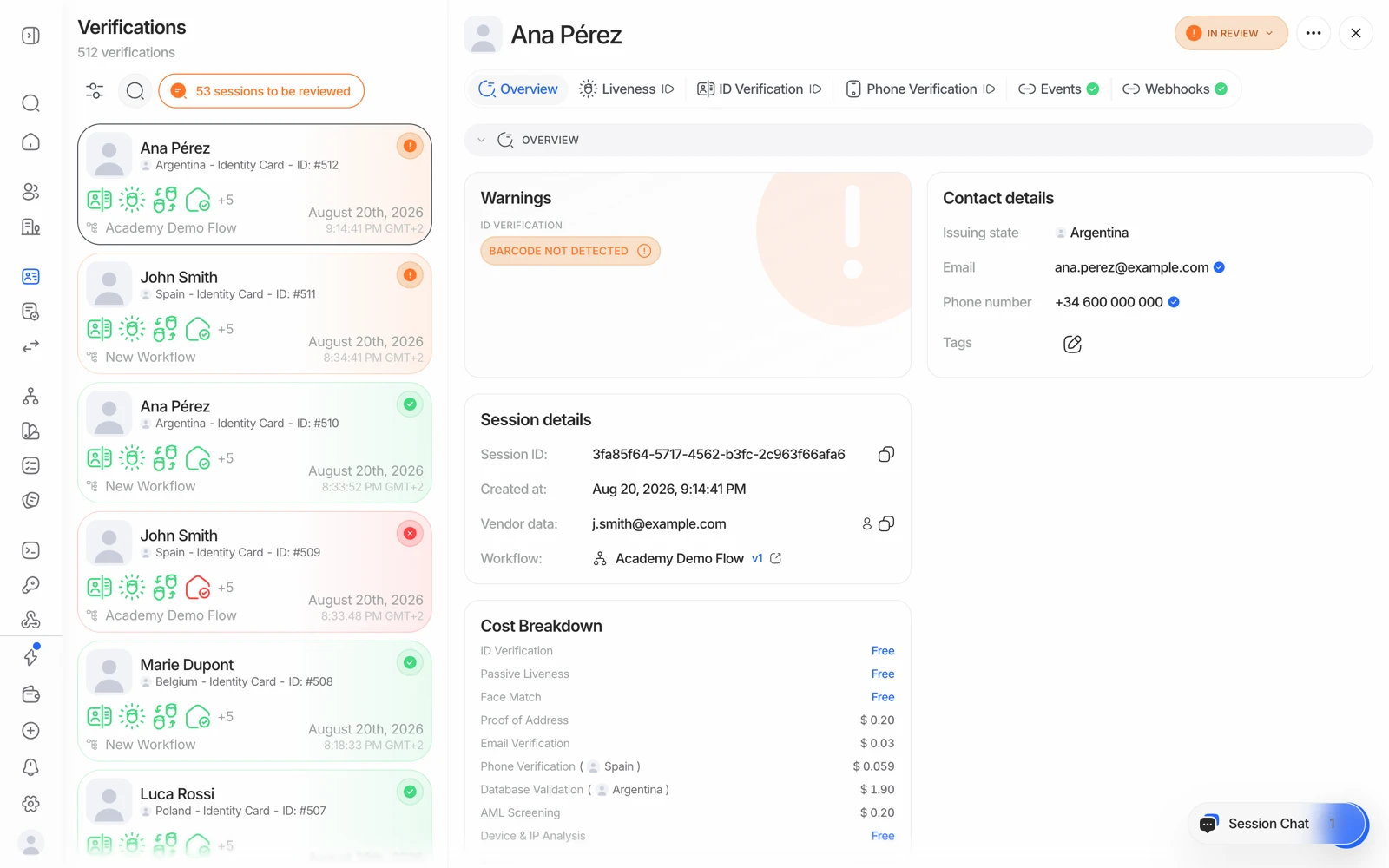
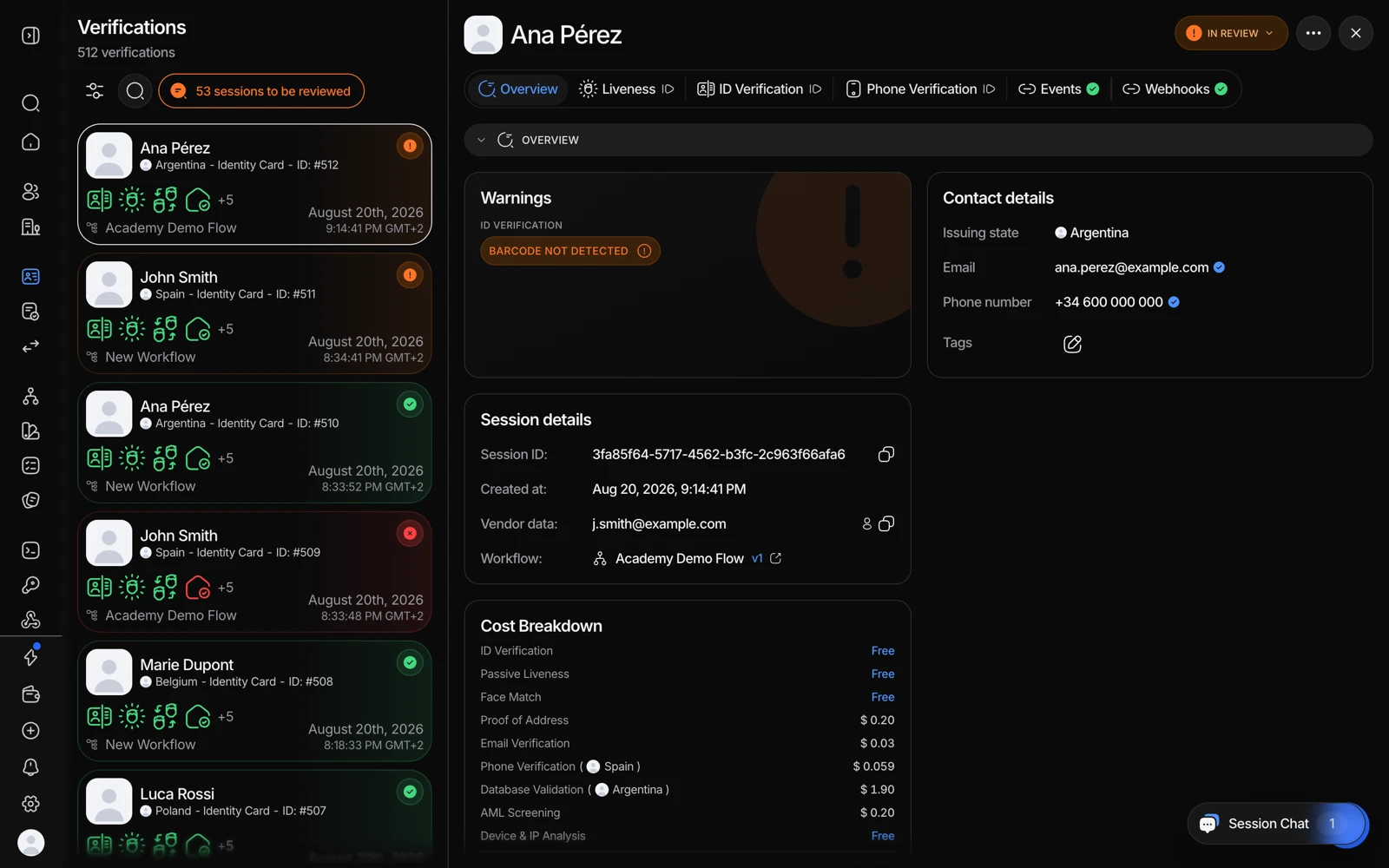
- The Liveness tab holds the captured selfie and the passive liveness result.
- Events shows when the capture happened and what followed it.
Face match tells you the selfie matches the document. It says nothing about where the selfie came from. Without liveness, holding up a photo of someone else's face next to their stolen ID would pass.
Liveness closes that gap. Didit's implementation achieves 99.9% accuracy with a false acceptance rate under 0.1%.
#The three methods
Passive liveness - no user action
Single-frame deep-learning analysis. It examines the image for the artifacts, texture patterns, and other subtle signals that distinguish a live face from a reproduction. The user just takes a selfie; nothing is asked of them.
Best for: most consumer onboarding, and anywhere conversion matters. It's the most forgiving on older phones and poor lighting, and it's the variant with a 500-check monthly free allowance.
3D Flash - light patterns, still no action
Projects a sequence of light patterns onto the face at over 30 frames per second and analyses the reflections to build a depth map. The depth map confirms the face is three-dimensional, which rules out flat photos and screen replays.
Best for: financial services and account access, where you want strong assurance without asking the user to perform anything. $0.15.
3D Action & Flash - movement plus light
Combines the light-pattern depth check with a randomised action - blink, nod, or similar - so the response can't be pre-recorded. Deep-learning models examine both the micro-expressions and the light reflections.
Best for: banking, healthcare, and government applications. The highest assurance available, and the hardest to spoof even with a sophisticated mask. $0.15.
#Choosing between them
The honest tradeoff is assurance against completion rate. Every additional demand on the user costs some conversion, and active methods cost more on old devices, in bad light, and with users who don't understand the instruction.
A practical pattern: run passive liveness for everyone, and reserve an active method for the cases your risk rules escalate - high-value accounts, a suspicious device signal, a borderline face match. That keeps the friction where the risk is.
#Liveness does more than liveness
The liveness step is also where duplicate detection happens. Each face is automatically compared against every user you've already verified and against your blocklist, without you enabling anything separately. That's usually welcome, and occasionally surprising when your own returning customers match themselves. See duplicate accounts and face search.
#Desktop and camera availability
Liveness needs a working camera. Whether the step is offered on desktop is a workflow-level setting, so if your users are completing on laptops and never see a selfie step, check that rather than assuming it isn't supported.
The failures that look like liveness bugs are usually the camera never opening at all - in-app browsers, previously-denied permissions, or another app holding the camera. See fixing liveness and face match problems.
#Privacy during age estimation
When liveness runs as part of age estimation, the user's face is deliberately shown blurred in the interface. That's a signal to the person that the image is being analysed for age only, not to identify them.
#Independently tested
A NIST-accredited laboratory ran 360 presentation attacks across six attack categories - printed photos, screen replays, masks and more - against Didit's liveness detection under ISO/IEC 30107-3. None succeeded. See anti-spoofing certification.
#What it costs
| Method | Price |
|---|---|
| Passive liveness | 500 free / month, then $0.10 |
| 3D Flash | $0.15 |
| 3D Action & Flash | $0.15 |
Only passive liveness is in the free tier. Switching a workflow from passive to an active method means it starts drawing on your credit balance from the first session.