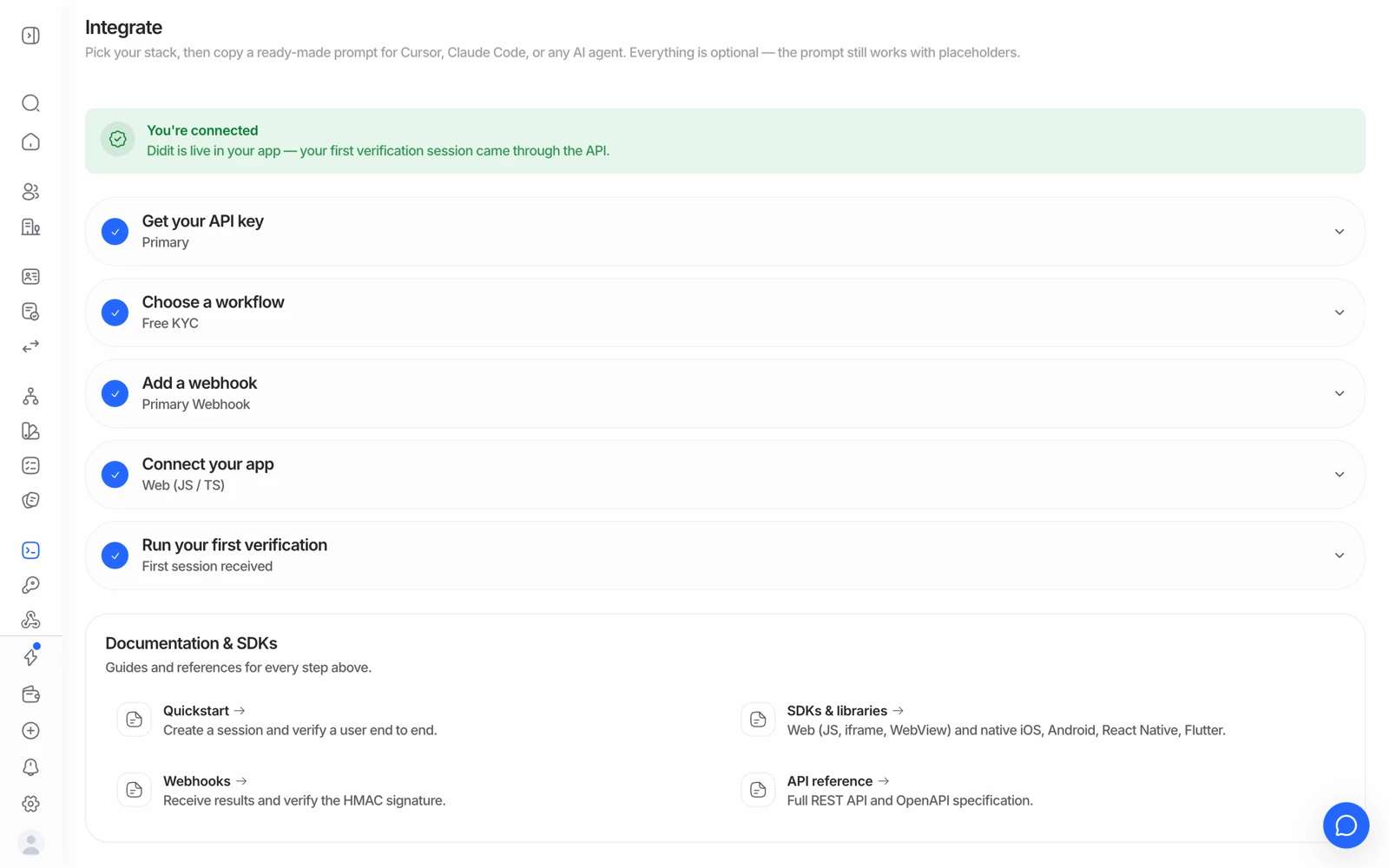
Native SDKs for iOS, Android, React Native and Flutter put the flow inside your app and are the only route that supports NFC. Web SDKs embed it on your site.
Native SDKs exist for iOS, Android, React Native and Flutter; web SDKs embed the flow in your frontend. Use a native SDK when you need NFC or the best camera behaviour - a WebView gives you neither. Results still come back by webhook, not from the SDK.
#Why an SDK rather than a redirect
A hosted redirect is the least work and is genuinely fine for most flows. An SDK is worth it when:
- You need NFC. The chip in a passport or ID cannot be read from a browser page. A native SDK is the only route. See NFC chip verification.
- You don't want the user to leave your app. A redirect out and back is a real drop-off point on mobile.
- You want the best camera behaviour. Native camera access is more reliable than a browser's, especially on older devices.
#What's available
| Platform | Notes |
|---|---|
| iOS | Swift Package Manager or CocoaPods. Add the camera and NFC usage keys to Info.plist |
| Android | Didit Maven repository; camera and NFC permissions included |
| React Native | Wraps the native iOS and Android SDKs; supports the New Architecture, and Expo is supported |
| Flutter | Wraps the native iOS and Android SDKs |
| JavaScript / web | Embeds the hosted flow in your web frontend |
| In-context iframe | Renders the flow inside your page rather than redirecting |
Version requirements and platform minimums change with releases, so check the current SDK documentation rather than a help-page snapshot - and if you're on a specific framework version (a particular Expo SDK, for example), check that version against the SDK documentation before committing to it in a sprint.
#A WebView is not a native SDK
Wrapping the hosted web flow in a WebView looks like it gives you an in-app experience. It gives you the appearance of one:
- No NFC. The chip still can't be read.
- Camera permissions are harder. A WebView's camera access depends on host-app configuration, and getting it wrong produces exactly the "the camera never opened" reports covered in fixing liveness and face match problems.
- Locale is the app's, not the user's. A WebView reports the host app's locale, so pass
languageexplicitly on session create. See setting the verification language.
If you're going to the trouble of an in-app flow, use the native SDK.
#Results still come from webhooks
This catches people out: the SDK tells your app that the user finished the flow. It is not the authoritative source of the verification decision.
The decision is produced server-side after the checks run, and it reaches you by webhook. Never grant access based on the SDK's completion callback alone - a client-side signal is trivially forgeable, and the checks may not even be finished when it fires.
Treating "the SDK said done" as "the user is verified" is the most consequential mistake available in a mobile integration. Confirm on your server, from the webhook or the decision endpoint, before you unlock anything.
#One consumer app, or your own?
There is no separate consumer Didit app that a hosted session hands users off to for a step like NFC. If you want everything - NFC and non-NFC - inside a single app experience, that app is yours, with the SDK embedded in it.
#Distribution and dependency conflicts
Native SDK integration occasionally collides with other dependencies in a host app - a shared transitive library, or a subspec that pins a version something else also pins. If you hit one, it's a concrete, reproducible problem worth reporting with your dependency manifest rather than working around by pinning something old: the fix usually belongs in the SDK.
#Testing on a device
Switch the console to Sandbox with the pill under your application's name, create a sandbox API key there, and use it. Every check is mocked, nothing is billed, and you can force any outcome you want. Sandbox keeps its own data, keys, webhooks and lists, apart from Live.
Still stuck? Talk to a human.
Include your organization ID and the session ID you are asking about.