Tell Didit where you operate and it checks every workflow against each country's rules, proposes fixes and exports one PDF report for your auditors.
Open Identity verification → Compliance, or the Compliance tab on the Workflows page. Add the countries you operate in and what you do there. Didit compares every workflow with each country's rules, lists the gaps, and opens each fix as a change you review before it's published. Report for auditors downloads one PDF that explains how each rule is met.
Compliance by country is rolling out and may not be switched on for your organization yet. If Compliance is missing from the sidebar, it isn't available to you yet.
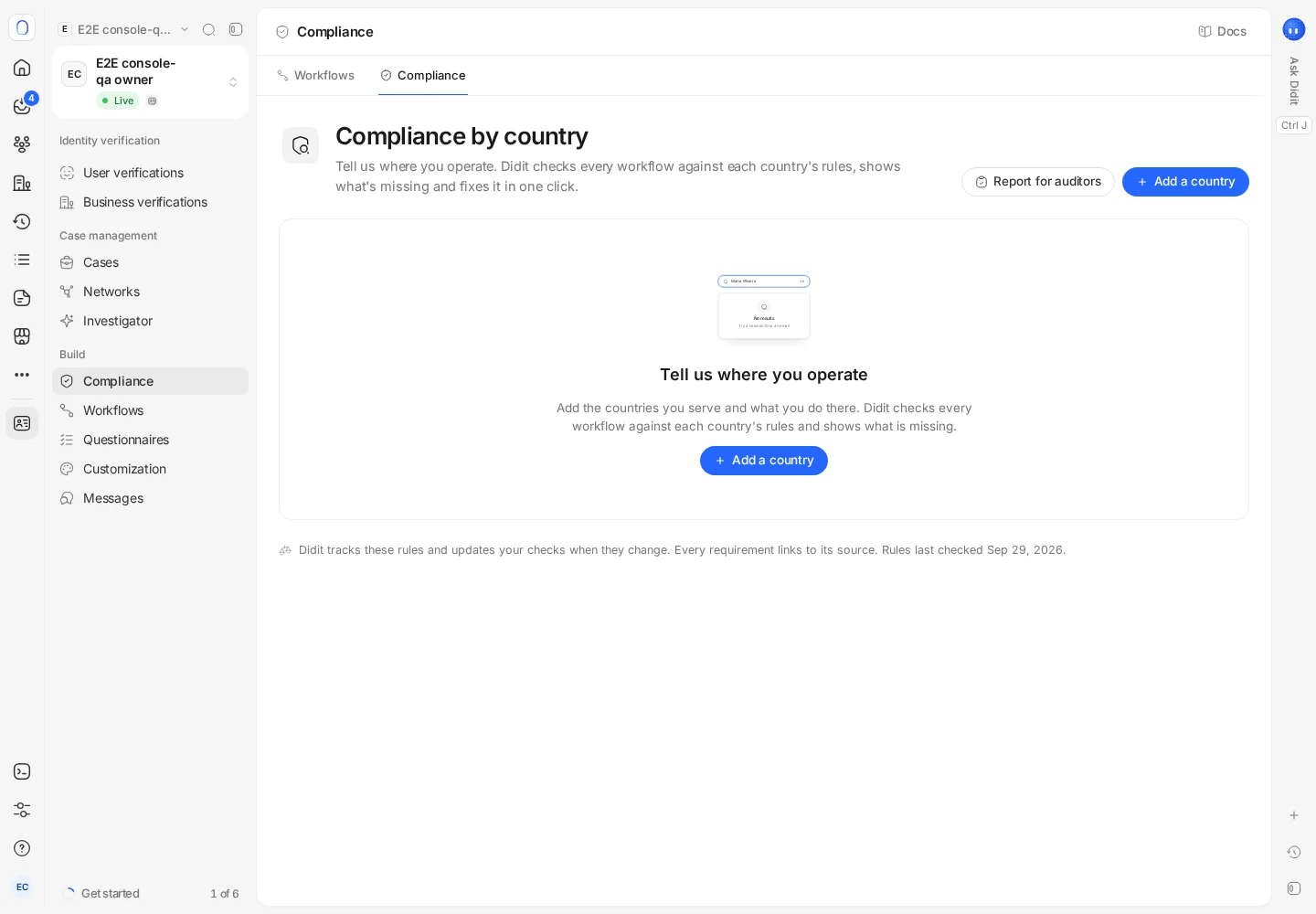
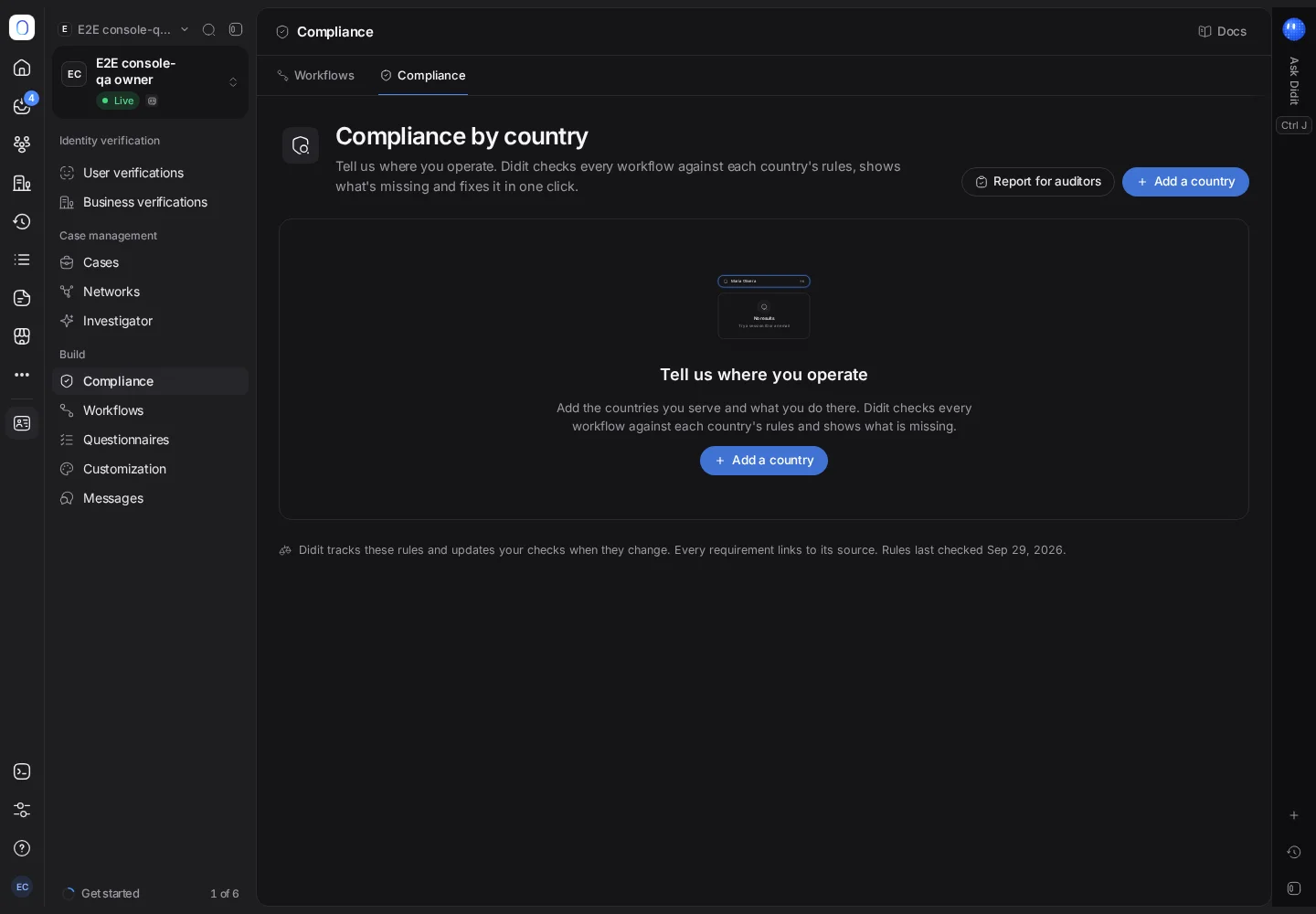
#Adding a country
- Press Add a country
Pick the country.
- Say what you do there
Answer a few questions about your activity in that country, since the rules depend on it.
- Review the rules that will apply
Each rule is marked as one Didit checks for you, one you handle outside Didit, a pending rule that isn't in force yet, or something that's prohibited.
- Add it
The country joins your list, and every workflow is checked against it.
#Reading the overview
The top of the page counts your countries, their requirements, how many are covered and how many are gaps, and how many happen outside Didit. Below it:
- Things to fix: each gap, with what Didit found and the change it proposes.
- Countries: each country with the applications it applies to, its laws, your coverage, the minimum age, how long records must be kept, and its status.
- Rule changes: new or changed rules, marked pending, adopted or in force.
Open a country to read its laws, with links to the sources, its requirements grouped by identity, age and minors, AML and monitoring, and records and data, plus what you need to do outside Didit and where data must be kept.
#Fixing a gap
Open a gap to see what was found, the proposed change, a before and after view, and how the price per verification changes. Then:
- Add to a draft puts the change into a draft of the workflow, to review and publish with your other edits;
- Publish now publishes it straight away (not available while the workflow has an unpublished draft: add the fix to that draft instead);
- Apply now applies a change to the application's settings, such as data retention.
Some gaps have no automatic fix, for example turning on the Travel Rule (it needs details only you can provide) or stopping an activity in a country (a business decision). Those are marked, with what you need to do.
#In the workflow editor
Each workflow shows whether it meets the rules of the countries it serves, or how many gaps it has. The workflow's settings have a Compliance tab listing the countries it serves and their minimum ages, and a step that's missing shows Add step right where it's needed. When you create a workflow, the By country templates start from the rules a country requires. See building a verification workflow.
#A report for your auditors
Report for auditors downloads one PDF that someone without a Didit login can read: the rules for the countries and period you choose, how each rule is met, the workflow versions in use, the number of verified sessions, and a log of rule changes.
Compliance by country helps you see and close gaps; it isn't legal advice. Your compliance team stays responsible for confirming the rules that apply to your business.
#Who can use it
Viewing compliance needs permission to read workflows, and downloading the auditor report also needs permission to read analytics. Adding countries and applying fixes needs permission to change workflows; a fix that changes other settings, such as data retention or webhooks, also needs permission for those, and the dialog names any permission your role is missing.
Still stuck? Talk to a human.
Include your organization ID and the session ID you are asking about.