
How business verification (KYB) works
KYB verifies a company before you onboard it - registry lookup, ownership, officers, AML, and documents, all inside one workflow, with child sessions for the people behind the business.
A KYB session verifies the company itself and then spawns child sessions for the people behind it. The parent sits at Awaiting User until every required person finishes - that's expected, not stuck. $2.00 per business verification, plus $0.20 per AML screen and standard KYC rates per person.
Business verification (KYB) checks a company before you onboard it as a customer, vendor, or partner. You send a verification link, the company's representative fills it in, and you get back a structured decision with company data, ownership, and screening results.
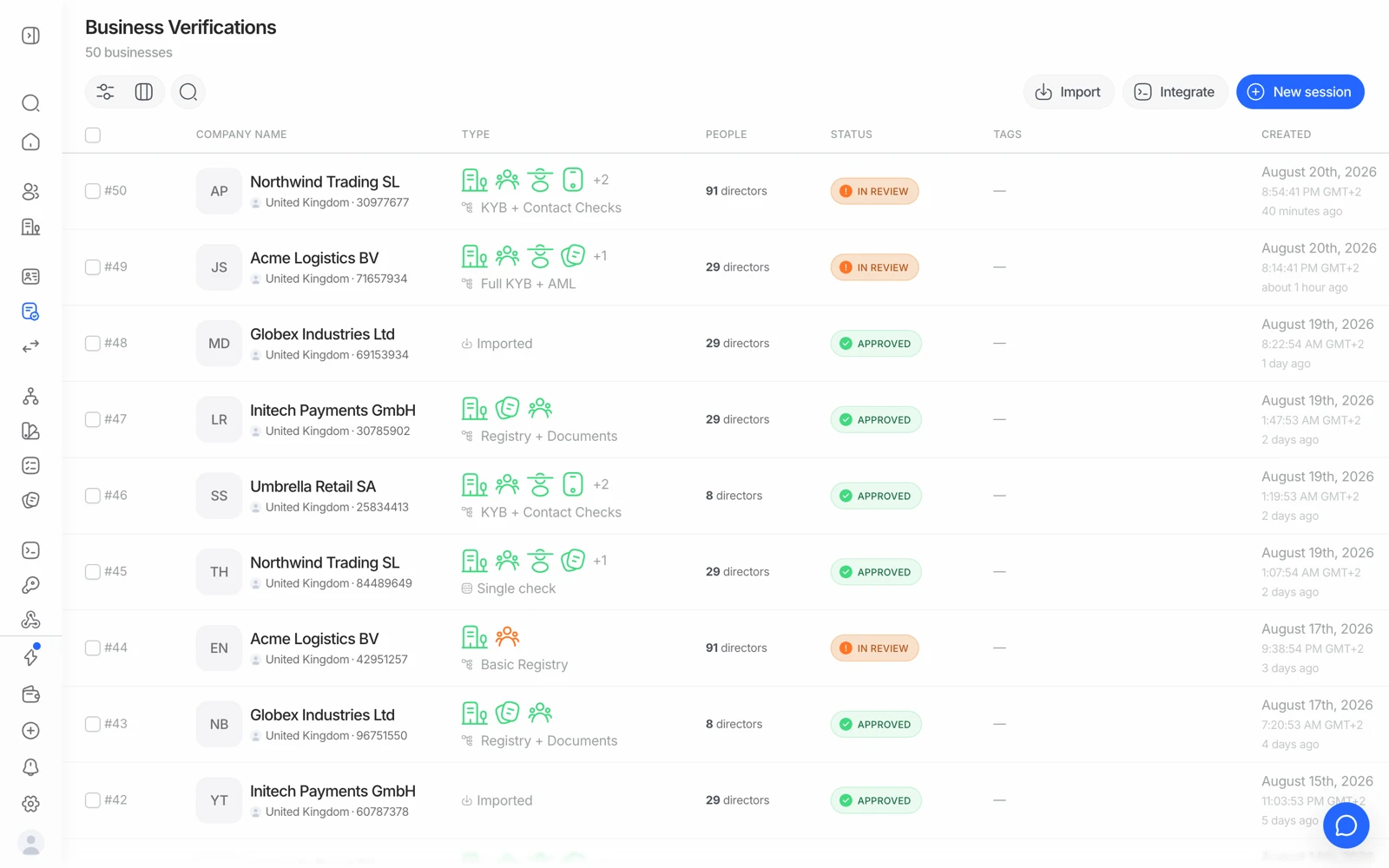
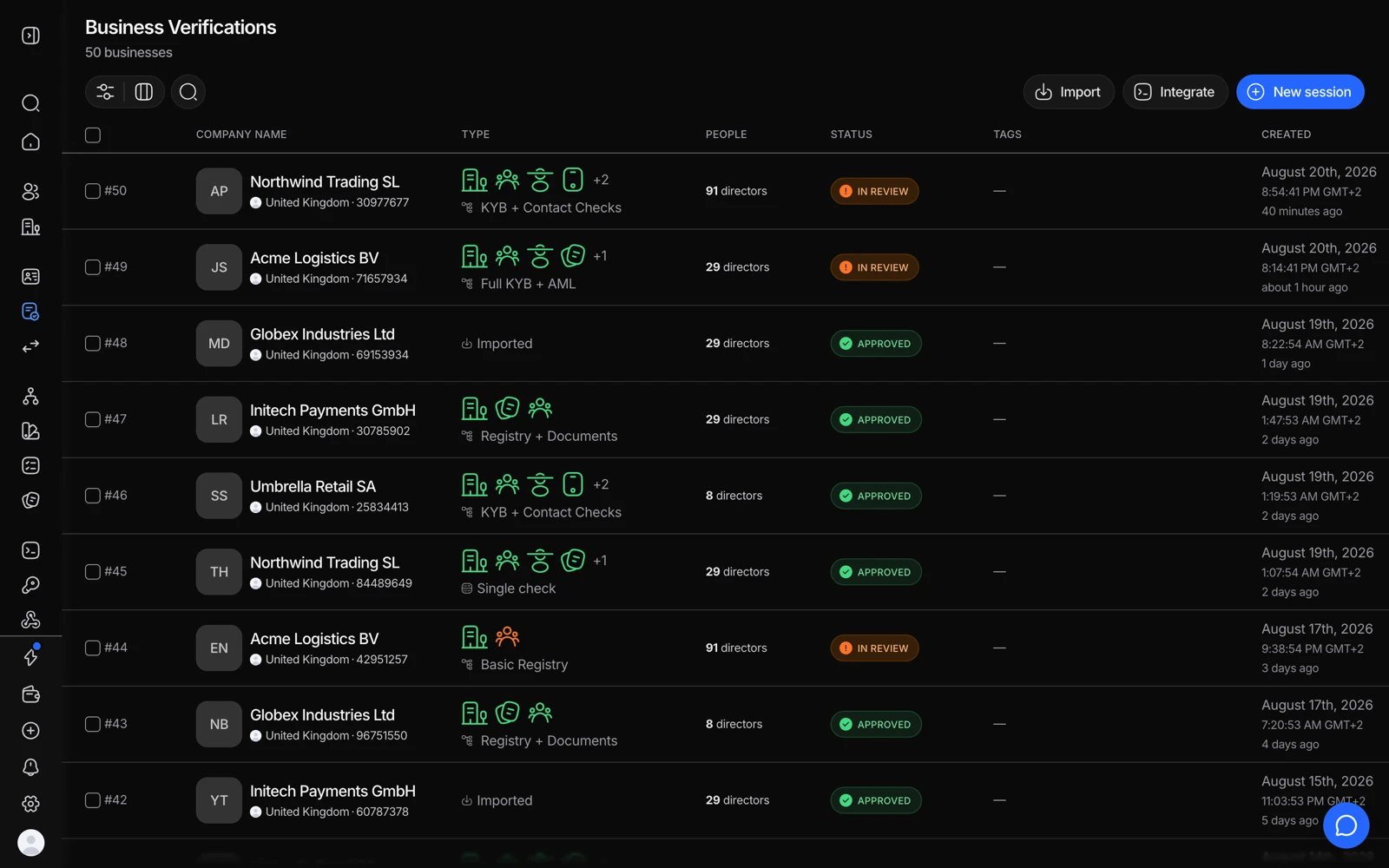
- Import starts many businesses at once from a CSV.
- One row per business, with the registry data Didit retrieved.
- People is the parties attached to that business, each verified in their own right.
- Status is the business decision, and it moves as the checks and its people resolve.
#What a KYB session checks
A KYB session runs through several checks in one flow:
- Company registry lookup - confirms the company exists, is active, and matches the details provided.
- Key people - identifies UBOs (beneficial owners), shareholders, directors, and other officers.
- AML screening - screens both the company and every identified person against sanctions, PEP, and adverse media sources.
- Documents - collects supporting paperwork, like certificates of incorporation or shareholder registers, where your workflow requires them.
Each check has its own status, and the session as a whole is only approved once every required check passes. See what each session status means.
#Looking up a company
You don't have to collect company details by hand. In a hosted KYB session, the applicant searches by company name or registration number, and Didit queries official company registries to return a short list of matches. They pick the right one, and the available fields - legal name, registration number, status, registered address, and more - are pre-filled for confirmation. If a company isn't found in the registry, the flow falls back to manual entry.
You can also run the registry search and selection as standalone API calls if you want to show the match to your users before starting a full KYB session.
The standalone registry-select endpoint returns company data. It does not return the full key-people set that a hosted KYB session collects - officers and beneficial owners come from the registry where the jurisdiction publishes them, and from the business itself where it does not. See registry coverage and ownership data.
#Ownership and officers
Once the company is confirmed, Didit surfaces its beneficial owners, shareholders, and officers where the registry discloses them. Coverage varies by country - some registries publish full ownership structures, others only list officers and directors. When ownership data isn't available from the registry, you can collect it through documents, like a shareholder register, or have the business submit it directly in the flow.
Didit's business entity model covers companies, LLCs, funds, foundations, sole proprietorships, and trusts.
#Awaiting User is normal, not stuck
This is the most common KYB support question. Once the key-people step is submitted, the parent business session moves to Awaiting User and stays there until every required person has completed their own verification. The parent has child sessions, one per party, and it re-aggregates to a final status automatically when they're all terminal.
So when a KYB session sits at Awaiting User:
- Look at the child sessions, not the parent. That's where the work is.
- If a child session is resubmitted, the parent returns to Awaiting User until it completes.
- A declined registry check takes precedence over Awaiting User - the parent will decline without waiting.
#What it costs
| Line item | Price |
|---|---|
| Business verification (registry lookup, UBO and officer identification, data cross-referencing, document collection) | $2.00 |
| Company AML screening | $0.20 |
| Person AML screening, per UBO or officer | $0.20 |
| KYC per person | Standard workflow rates |
KYB is not in the free tier, so a KYB workflow needs a credit balance from the first session. A company with four screened officers costs meaningfully more than one with one - budget per structure, not per company. See what counts as a billable check.
#Getting started
Create a KYB workflow in the Business Console, choose which checks to include, then start a session from the console or your backend. Test it in a sandbox application first - the decline_kyb_registry_mismatch and review_kyb_registry_partial scenarios let you rehearse the failure paths. See the KYB quickstart for a full walkthrough.
#Related
- Registry coverage and ownership data
- Verifying the people behind a business
- Understanding AML screening results