People and Companies keep one record per person and company you verify, with every verification, document, device, transaction, case and note about them.
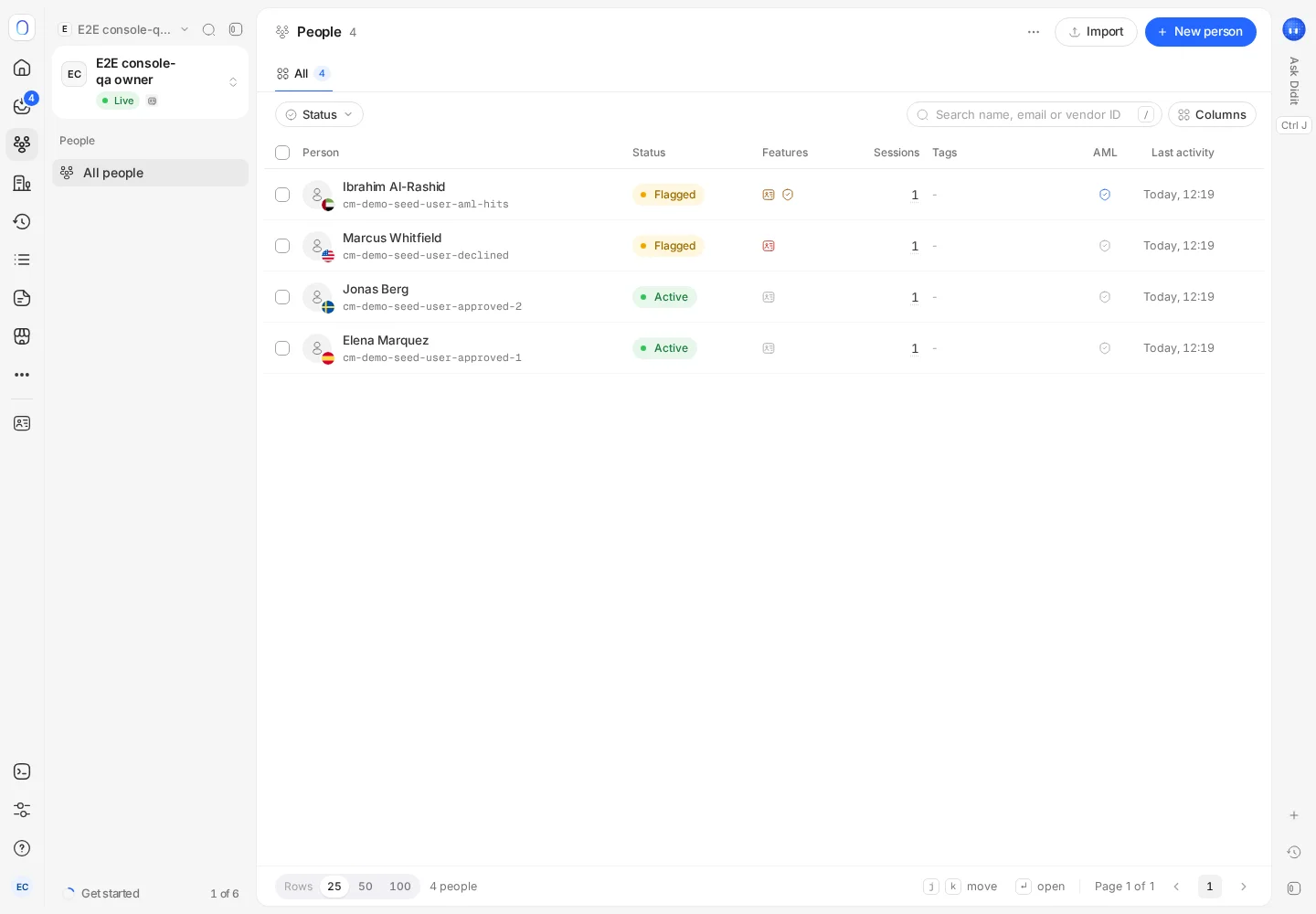
People and Companies in the sidebar list everyone you've verified, one record each, however many verifications they've done. Search by name, email, registry number or your own user ID (vendor ID). Click a row for a preview, or open the full profile for their verifications, documents, devices, transactions, cases and activity.
A verification session is one attempt. A person or a company is who the attempts belong to. The console groups sessions by the ID you send as vendor_data (your own user ID), so someone who verified three times appears once, with three verifications.
#Finding someone
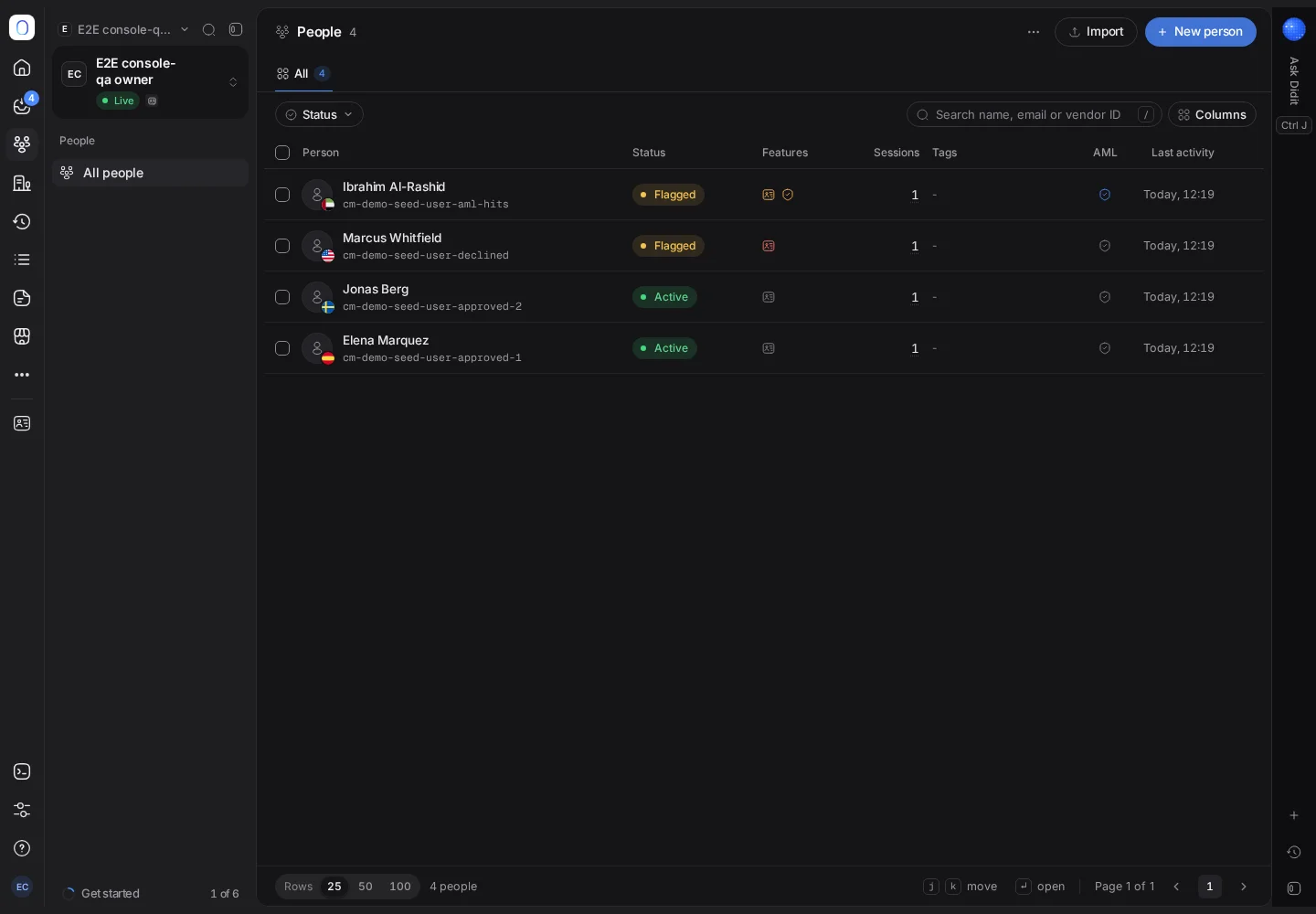
Search People by name, email or vendor ID, and Companies by name, registry number or vendor ID. Each row shows the latest verification, the features they went through, how many sessions they have, their tags, their AML monitoring and their last activity.
Click a row to open a preview with their contact details, document country, address, tags, the lists they're on and their linked records. Previous person and Next person move through the list without closing it.
#The full profile
Open a profile to see everything about one person in sections:
- Record: an overview, their networks, their profile details and every verification.
- History: messages, transactions, events and payments.
- Evidence: documents, devices and locations.
- Follow-up: their cases and the activity on the record.
A company profile also shows its ownership and AML screening.
From the profile you can edit the details, start a New verification for them, export their data, add them to the blocklist or delete them.
#Adding people
- New person creates someone by hand: name, email, phone, country and your own user ID. Switch on Send a verification link to email them a link straight away.
- Import people adds many at once, and Create people with the API shows how to do it from your own systems.
You don't have to create anyone in advance: a person appears automatically the first time a verification arrives with their vendor ID.
#Acting on several at once
Select rows to Change status, Add to list, turn AML monitoring on or off, Export or Delete them. Manage tags keeps your tag list tidy.
Deleting a person permanently deletes their profile, their verification history and their uploaded documents, and links to their media stop working immediately. It can't be undone. See deleting sessions and personal data.
#Who can do what
Viewing needs permission to list people or companies. Creating, editing, deleting, exporting and changing monitoring follow your role, and controls you can't use stay visible but disabled. See inviting team members and setting roles.
Still stuck? Talk to a human.
Include your organization ID and the session ID you are asking about.